Autopilot Operation
SkyView HDX Pilot’s User Guide – Revision B 8-27
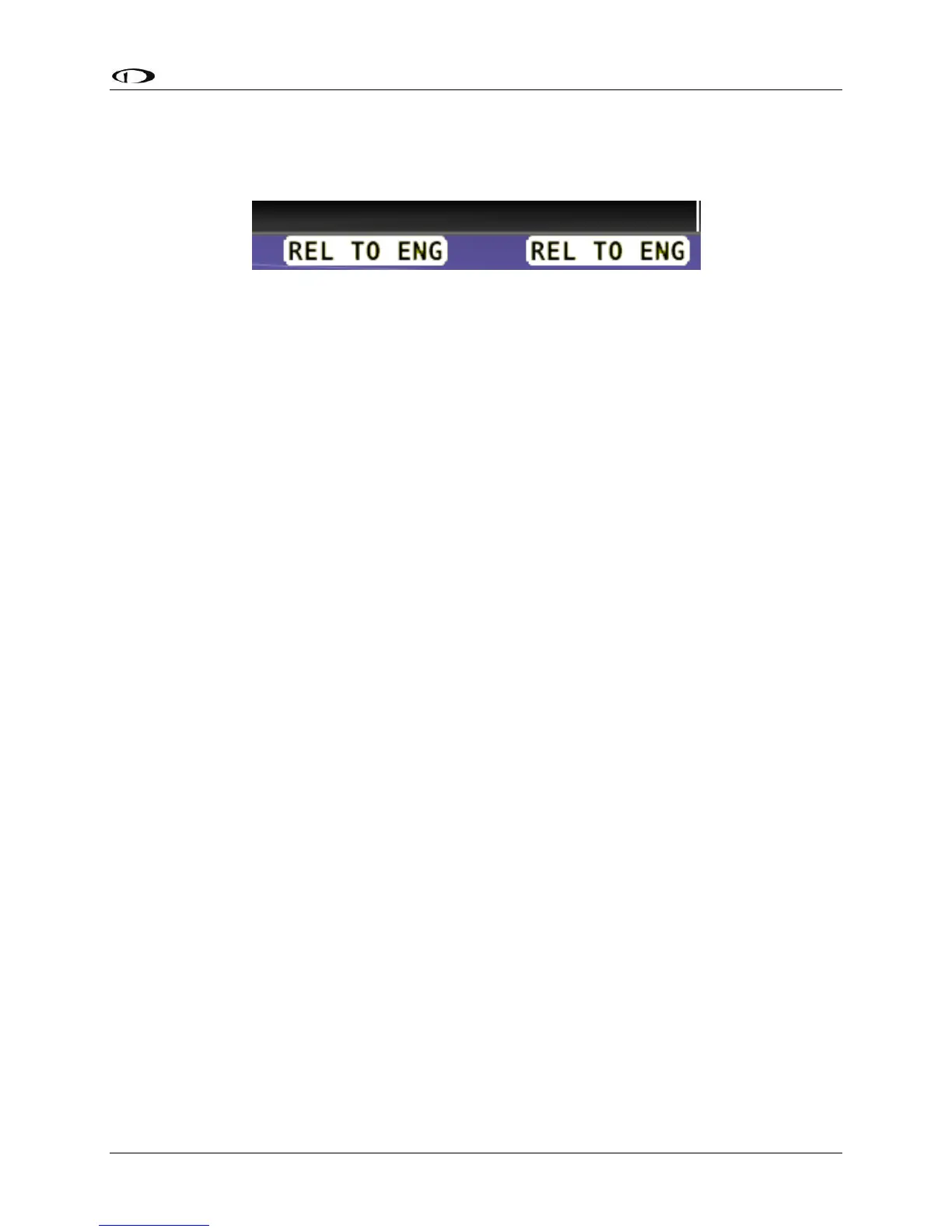
Hold To Engage
When the autopilot and flight director are not already engaged, press and hold the Autopilot
disconnect switch will place the autopilot into Hold To Engage mode.
Figure 234 – Hold to Engage Indicator
When the disconnect switch is released, the Autopilot engages in roll hold and vertical speed
modes. Effectively, this operation is the same as pressing the AP button in the Expert Autopilot
Menu.
The Hold To Engage feature can be enabled and disabled via the Autopilot Setup Menu. See the
SkyView Classic / SE / HDX System Installation Guide for details.
Single Axis Operation
Although installing both roll and pitch servos required in order to utilize the Expert Autopilot
controls, the autopilot will function with a single axis turned off or one or both servos failed.
With the autopilot on, a single axis can be turned off by pressing the button associated with the
active mode AFTER the autopilot has been engaged. The button’s green indicator will toggle to
black, the status information for the axis will be cleared from the top bar and the axis engaged
arrow will blink for 10 seconds.
Failure of an axis’ servo triggers a disconnect of the servo, a warning in the messaging system
and a PITCH or ROLL ERR annunciation on the top bar. Acknowledging the warning in the
messaging system clears the PITCH or ROLL ERR and the mode annunciation returns to normal.
The flight director continues to provide guidance in the affected axis. However, it is still your
responsibility to control the aircraft in that axis.
Common Operations
Initial Engagement
1. Enter the Autopilot Menu (MENU > AUTOPILOT)
2. Press the AP button.
3. The autopilot will turn on and engage the servos in Roll Hold mode and Vertical Speed
mode with the targets set to the current aircraft roll attitude and vertical speed.
4. Set the desired heading and altitude bugs. This can be done on the ground prior to
take-off.
5. Altitude hold mode will automatically be armed at the altitude bug value. Adjust the
rate of climb or descent with the NOSE UP / DN buttons or adjust the vertical speed
bug.
6. Select HDG or TRK to proceed in the desired direction.





 To Next Page