MAP and VFR GPS Navigator Operation
SkyView HDX Pilot’s User Guide – Revision B 5-9
Reference the SkyView Classic / SE / HDX System Installation Guide instructions on how to
change the displayed Aircraft Icon Symbol.
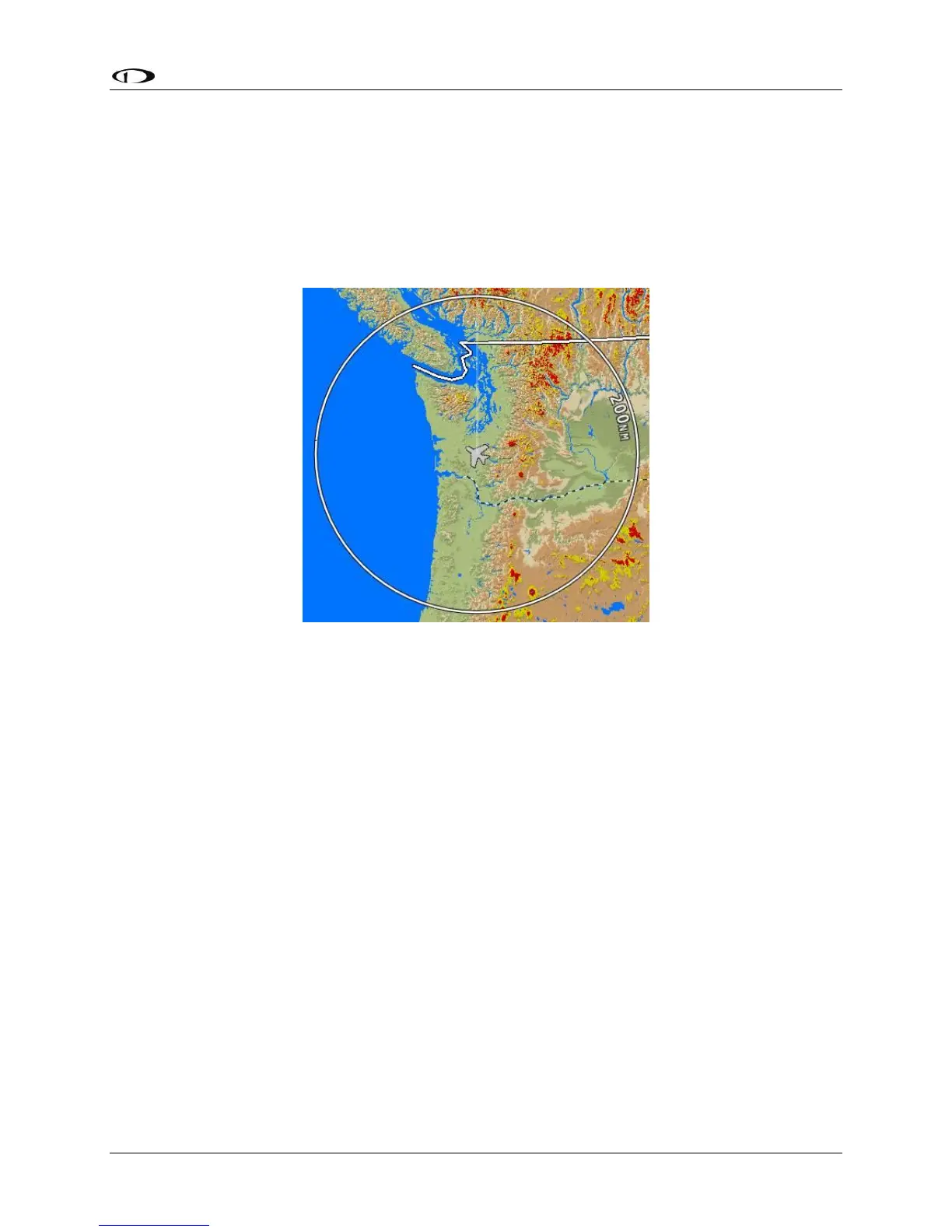
Distance Circle
The distance shown on the map between the aircraft icon and the inner circular ring is the
distance between them. The distance between the aircraft and the outer Ground Track Arc is
twice this distance.
Figure 97 – Distance Circle
This distance is displayed in the middle of the right side of the Map Page, near the Distance
Circle. Turn the (MAP) knob to adjust the range of the map (zoom in/zoom out). Whether
twisting clockwise or counterclockwise zooms in is user-adjustable.
If in flight, press-and-hold Buttons 7+8 (IN FLIGHT SETUP MENU) > MAP SETUP > MAP MODE >
INC MAP RANGE > CLOCKWISE | COUNTERCLOCKWISE. If not in flight, press-and-hold Buttons
7+8 (SETUP MENU) > MAP SETUP > MAP MODE > INC MAP RANGE > CLOCKWISE |
COUNTERCLOCKWISE.
Range level can be adjusted between 0.3 and 1200 nautical miles. Distance units can be set to
miles, nautical miles, or kilometers. Reference the SkyView Classic / SE / HDX System
Installation Guide instructions on how to change the displayed units.
Ground Track Arc, Current Ground Track and Marker, Heading Bug, North Marker,
and Course Line
The ground track arc as shown in Figure 98 is centered on the current ground track.




 To Next Page