SkyView HDX Display Operation
3-22 SkyView HDX Pilot’s User Guide – Revision B
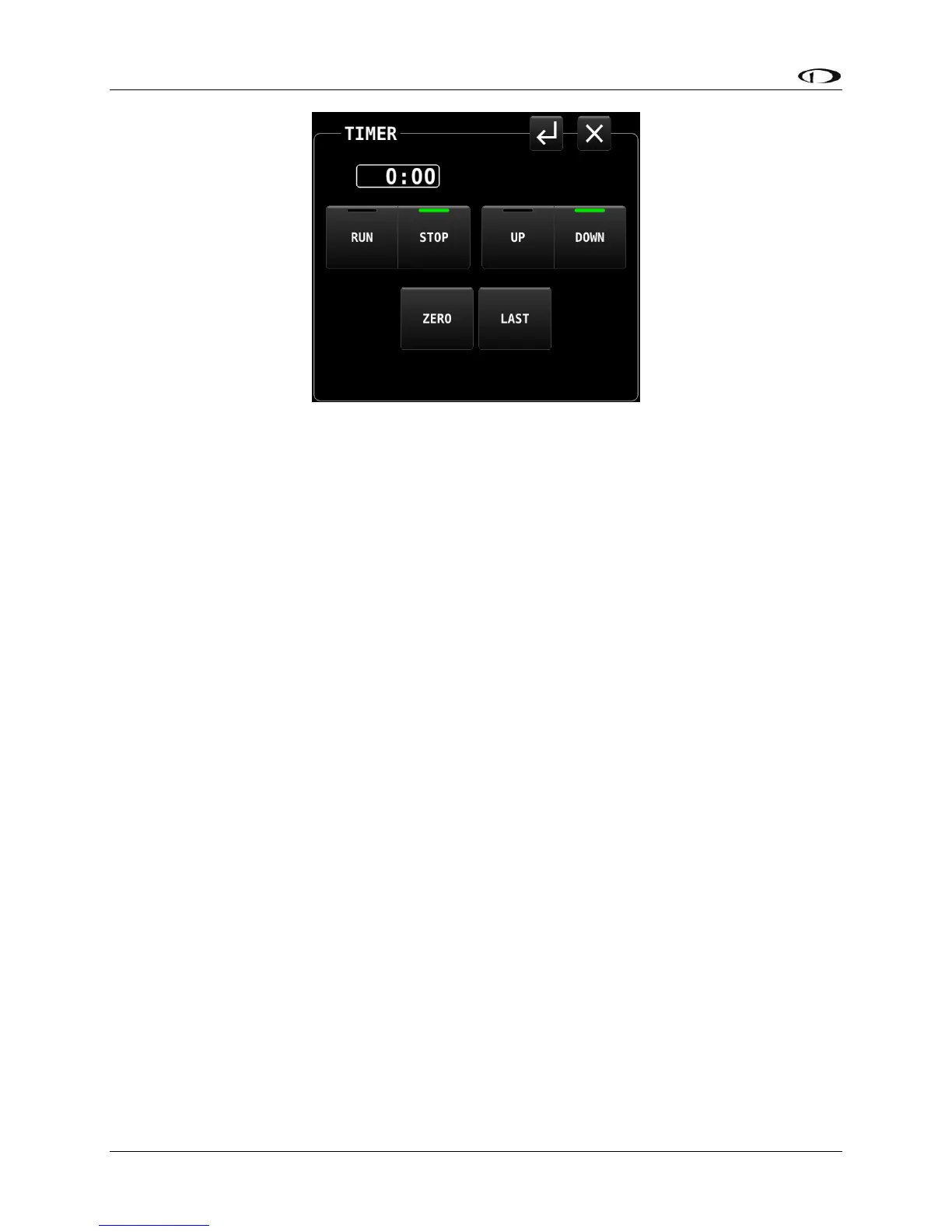
Figure 24 – TIMER control page
If the TIMER page is closed while the timer is running, the TIMER will continue to be displayed
in the TOP BAR. It will continue to be displayed until the TIMER page is opened again and the
timer is stopped. Any time the TIMER page is closed while the timer is stopped, the TOP BAR
will return to displaying the normal clock.
SETUP Menu Navigation
The SkyView HDX system relies on a series of setup menus for configuring the system for initial
use and for defining the behavior of various features and components. These setup items are
not accessed directly by any of the standard menus or pages. Rather, all setup items are
available in System Setup, which is accessed by concurrently pressing-and-holding Buttons 7+8
for approximately two seconds.
When the aircraft is stationary on the ground, this button combination will change the entire
display to present the SETUP MENU screen, shown below.




 To Next Page