MAP and VFR GPS Navigator Operation
SkyView HDX Pilot’s User Guide – Revision B 5-41
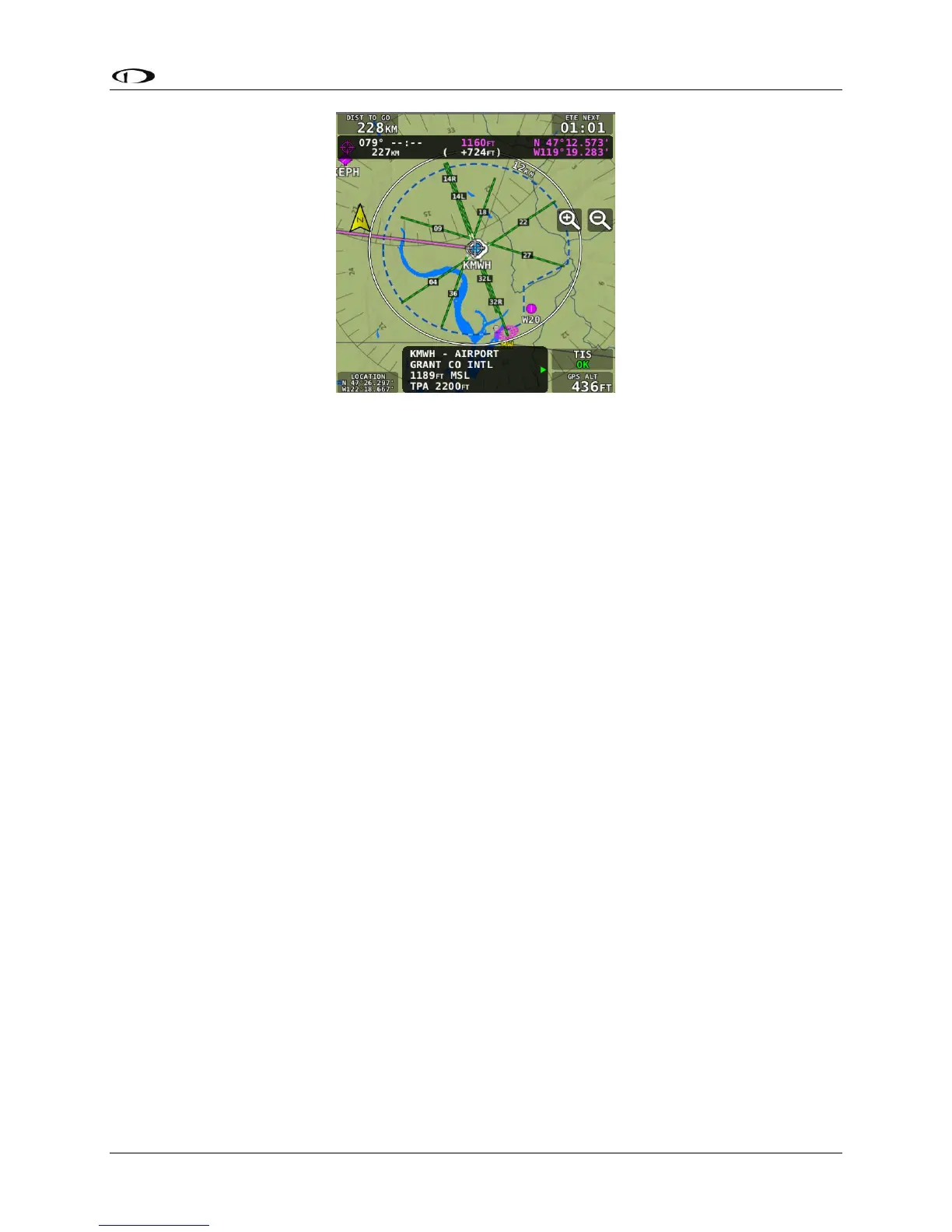
Figure 140 – Extended Runways
Creating and Working with SkyView Flight Plans
This section describes the windows and menus that are available for creating and manipulating
a SkyView Flight Plan.
Flight Plan Window
Press FPL (Button 5) on the Main Menu bottom bar to open the Flight Plan window and menu.
The Flight Plan window contains tabs of available flight plan sources: SKYVIEW and external
ARINC GPS navigators capable of providing flight plan data. Push-and-hold the the knob while
rotating it left or right to display information associated with each tab. Simply rotate the knob
or move up/down to scroll within the window.
SKYVIEW Tab
The Flight Plan window opens with the SKYVIEW tab selected and the currently active Flight
Plan displayed. Additional flight plan tabs may be available if other compatible GPS navigators
are connected to SkyView.




 To Next Page