Com Radio Operation
10-4 SkyView HDX Pilot’s User Guide – Revision B
All items displayed on the MAINTENANCE page must be entered and configured in System
Setup. Navigate to SETUP MENU > SYSTEM SETUP > AIRCRAFT INFORMATION > MAINTENANCE
LOG. There you can enter up to 10 separate maintenance items to be tracked by the system.
Refer to the SkyView Classic / SE / HDX System Installation Guide for more information
configuring the maintenance log feature.
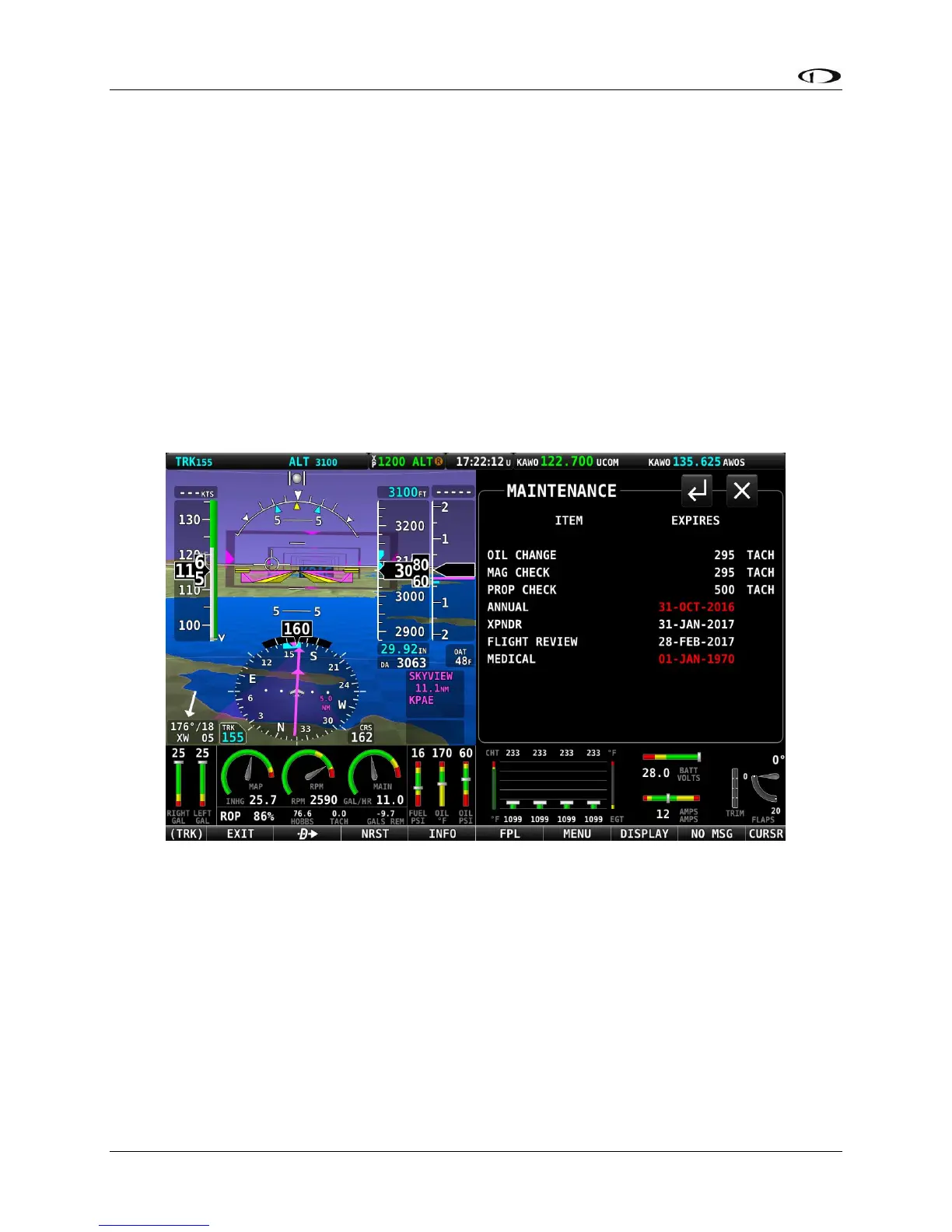
Accessing the Maintenance Log on your SkyView Display
To view the Maintenance Log on screen, Select MENU (Button 6) from the Main Menu, then
select the MAINT LOG icon in the bottom row.
The MAINTENANCE page display a list of items tracked for maintenance either in chronological
time, or in reference to TACH TIME or HOBBS TIME. Items that are past due are shown in Red.
Figure 241 – Maintenance Log




 To Next Page