MAP and VFR GPS Navigator Operation
5-8 SkyView HDX Pilot’s User Guide – Revision B
you’re within 100 ft of the altitude bug or if the arc is close enough to touch the aircraft icon, it
is not displayed.
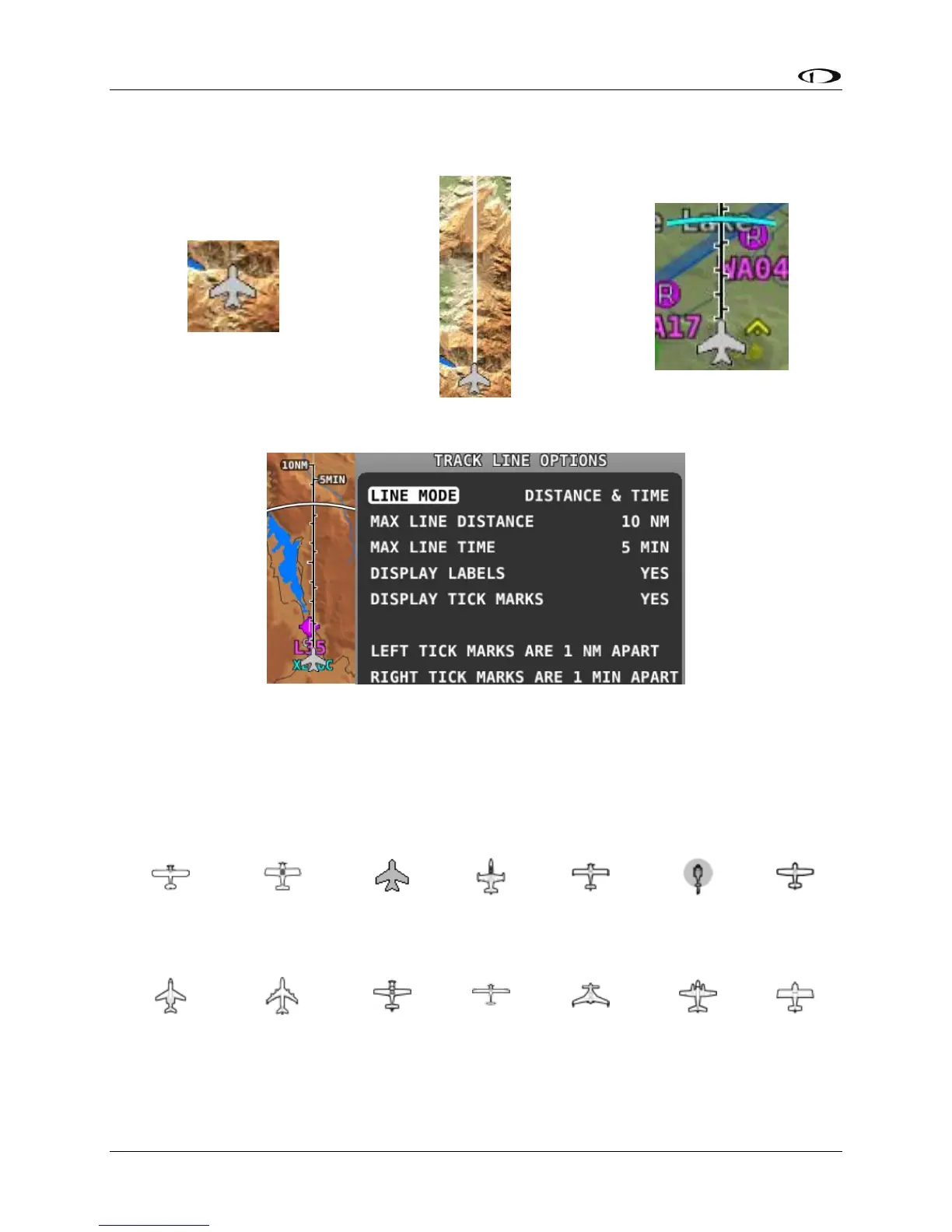
Figure 92 – Default Aircraft Icon
Figure 93 – Ground Track Line
Figure 94 – Altitude Intercept Arc
Figure 95 – Time and Distance Prediction Marks
Optional Aircraft Icon Symbols
The Aircraft Icon on SkyView HDX’s Moving Map and HSI can be changed from the default to
any of the following icons:
Figure 96 – Additional Aircraft Icons





 To Next Page