MAP and VFR GPS Navigator Operation
SkyView HDX Pilot’s User Guide – Revision B 5-25
from TIS traffic sources such as the SV-XPNDR-261/262 will not show a vertical speed
component unless it is greater than +/-500 fpm
• If available from the traffic device, an orange vector arrow that starts at the target and
points in the aircraft’s direction of travel. This length of the vector represents where the
aircraft is expected to be in one minute based on its current trajectory.
o The data received by a TIS device (such as the SV-XPNDR-261/262) does not
include the speed of aircraft since it is not sent by the ground-based TIS
equipment. Thus, SkyView assumes that all TIS targets are travelling at 150
knots.
o TIS additionally only provides the direction that individual traffic targets are
moving in to the nearest 45° increment (0 °, 45°, 90°, etc.). This limitation may be
noticed as a seemingly abrupt change in aircraft direction on the display as the
traffic direction “snaps” from one 45° increment to the next when the TIS device
updates an aircraft’s direction.
Traffic displayed on the Map Page can be configured to include just Traffic
Advisories (TA), all targets, or no targets. See the SkyView Classic / SE / HDX System
Installation Guide for information on how to configure how traffic is displayed.
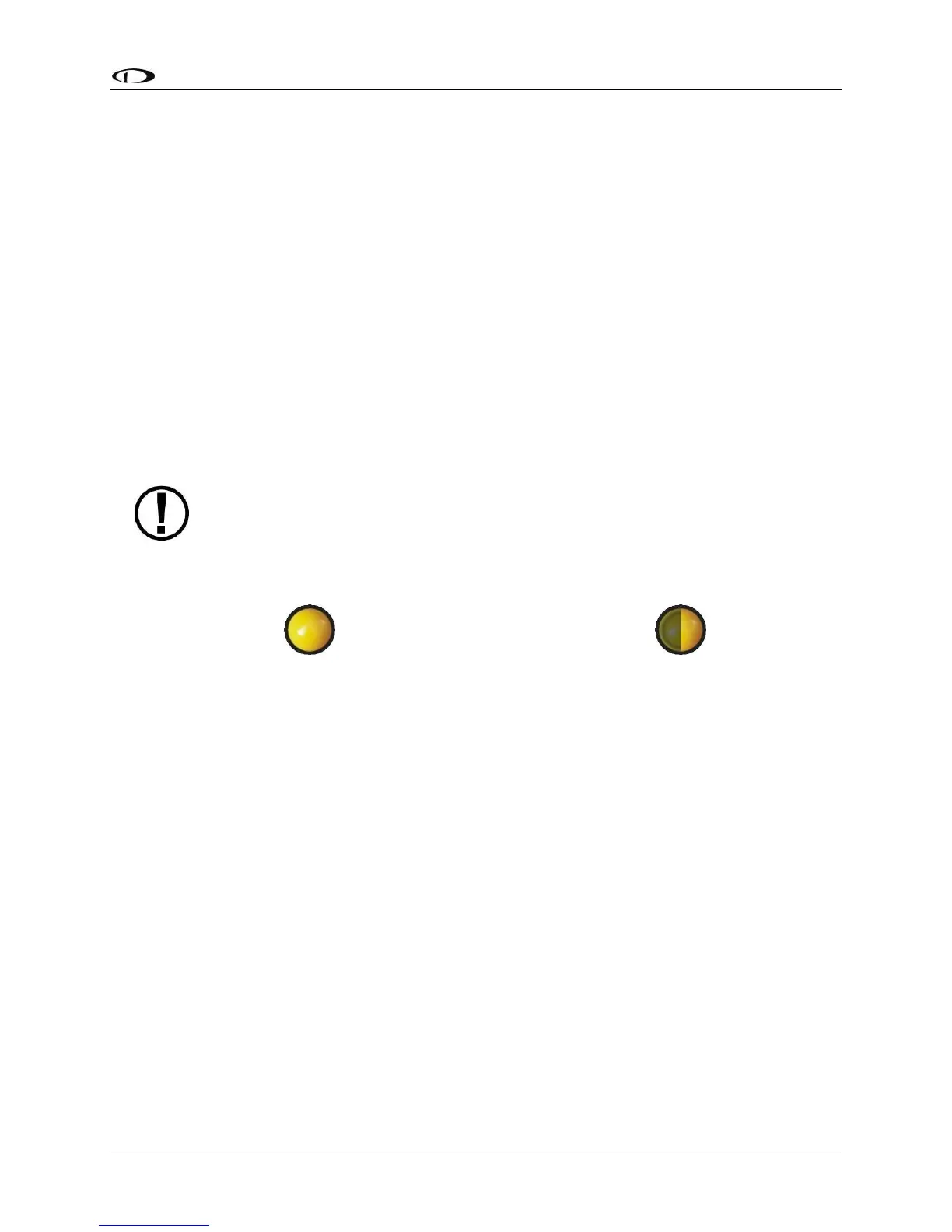
Traffic Advisory (TA) Targets
Figure 120 – Traffic Advisory (TA) Symbol
Figure 121 – TA Symbol (off-screen)
These are targets that have a high chance of ending up near the aircraft. They will often be
lower priority targets that then become higher priority targets as they approach. SkyView
considers a target a threat if the device providing traffic reports that it is a threat. TIS reports a
target to be a threat if it is calculated to be within 1/4 mile of your aircraft at its closest
approach within 30 seconds (20 seconds if the target is not reporting altitude). ADS-B, ADS-R
and TIS-B (generically ADS-B) uses 20 seconds in the calculation. This is based on a 3D
calculation of your aircraft path and the other aircraft path. It expands a bit as you climb as well
since aircraft aren't as close to one another enroute as in the terminal environment. Other
traffic devices may have different criteria for reporting traffic as threats. Refer to their
documentation for more information.
If a target is a Traffic Advisory but cannot be displayed on the screen because its location is
beyond the edge of the map at its current range (zoom) level, it will appear at the edge of the
Map Page, half shaded as seen in Figure 121 above (the darkly shaded area of the Traffic
Advisory Symbol will always point towards the edge of the screen). This ensures that you are
aware of the threat regardless of map range level. Note that the orange vector arrow may not
be visible when a Traffic Advisory is off the screen.





 To Next Page