SkyView HDX Display Operation
SkyView HDX Pilot’s User Guide – Revision B 3-21
was received. If there has never been an initial GPS time set or time has been lost due to loss of
power,”--:--:--“ is displayed. When valid GPS data is received again, time will be displayed.
Reference the SkyView Classic / SE / HDX System Installation Guide for instructions on how to
configure the Top Bar.
Count-Up/Count-Down Timer
The Top Bar clock can be temporarily repurposed to present a configurable count up/down
timer. The Timer function is selected either by touching the clock portion of the Top Bar, or by
selecting MENU (Button 6) on the Main Menu bar, then selecting the TIMER icon to present the
TIMER control page.
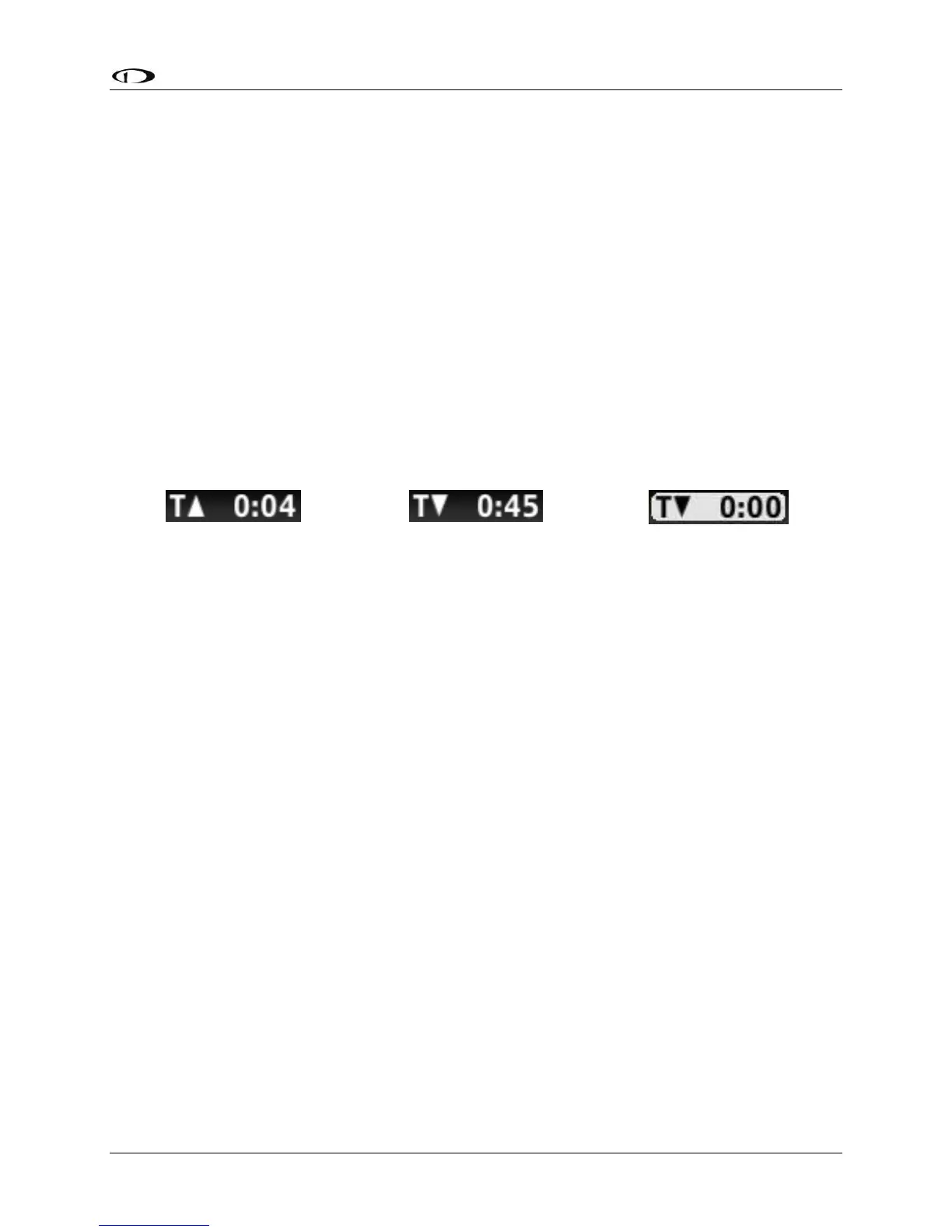
While the TIMER page is displayed, the clock in the top bar displays TIMER information instead
of the local or UTC clock that is normally shown. Leaving the timer menu will restore the clock if
a timer is not running. Examples of the timer display are shown below.
The TIMER page includes the following controls:
• RUN: Touching the RUN icon will start the timer.
• STOP: Touching the STOP icon will stop the timer.
• UP: Touch the UP icon to toggle the timer to count up.
• DOWN: Touch the DOWN icon to toggle tie timer to count down.
• ZERO: Resets the TIME field to zero.
• LAST: When DOWN is selected, the LAST icon resets the TIME field to the last value it
was set to before it was started.
• Editable TIME field: The TIME field is only editable when DOWN is selected. It
establishes the starting value for the count-down timer. Touch the Time field to begin
editing. The “minutes” character will become highlighted. Change the value by rotating
the knob labeled “CURSR”. Select the “seconds” character in the time value by pushing
the knob or touching the field again.
o When a DOWN timer reaches zero, an audible “timer expired” message is played
(if audio output is connected), the timer flashes white for a few seconds, and a
“timer expired” alert is annunciated in the message alert area. Press button 8 to
view and acknowledge this alert. If a DOWN timer is not reset, the timer will
continue to count down negatively.
o When an UP timer is running, it will stop at 99:59 minutes.





 To Next Page