SkyView HDX Display Operation
SkyView HDX Pilot’s User Guide – Revision B 3-25
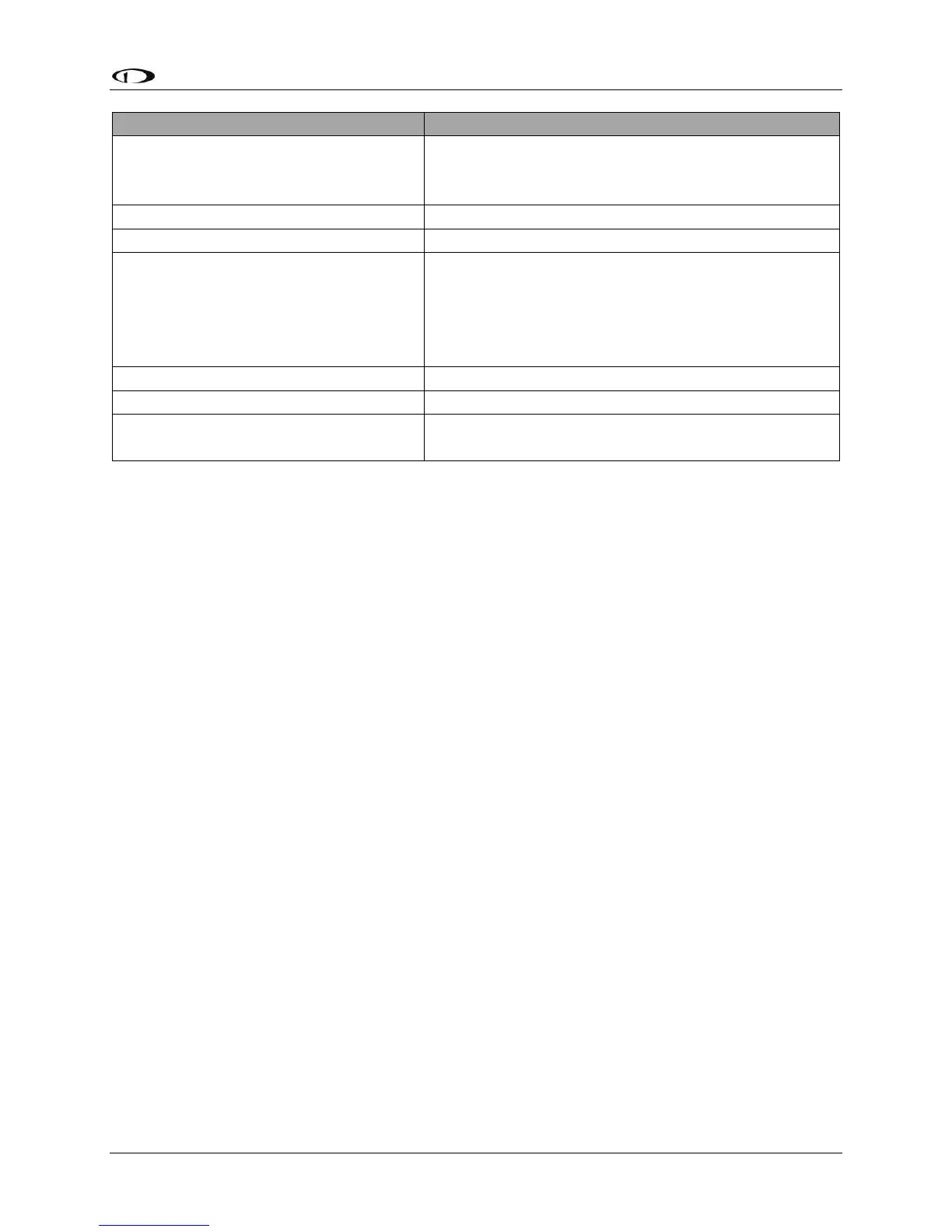
Simultaneously press and hold buttons 7 and 8
(if airspeed is greater than zero, you will enter the
In Flight Setup Menu)
Scroll through different menus
Push-hold either knob (saves settings)
OR
Press BACK (saves settings)
OR
Press CANCEL (does not save settings)
Save settings and return to Main
Menu
Table 5 – Menu Navigation Summary
Non-Menu Operations (“Hidden” Functions)
The HDX display relies on a few button operations to perform actions that are not indicated to
the pilot through on-screen labels or other markings. One of those unlabeled button
operations was described above for accessing SETUP menus.
The table below explains available non-labeled button operations.





 To Next Page