Wind Vector
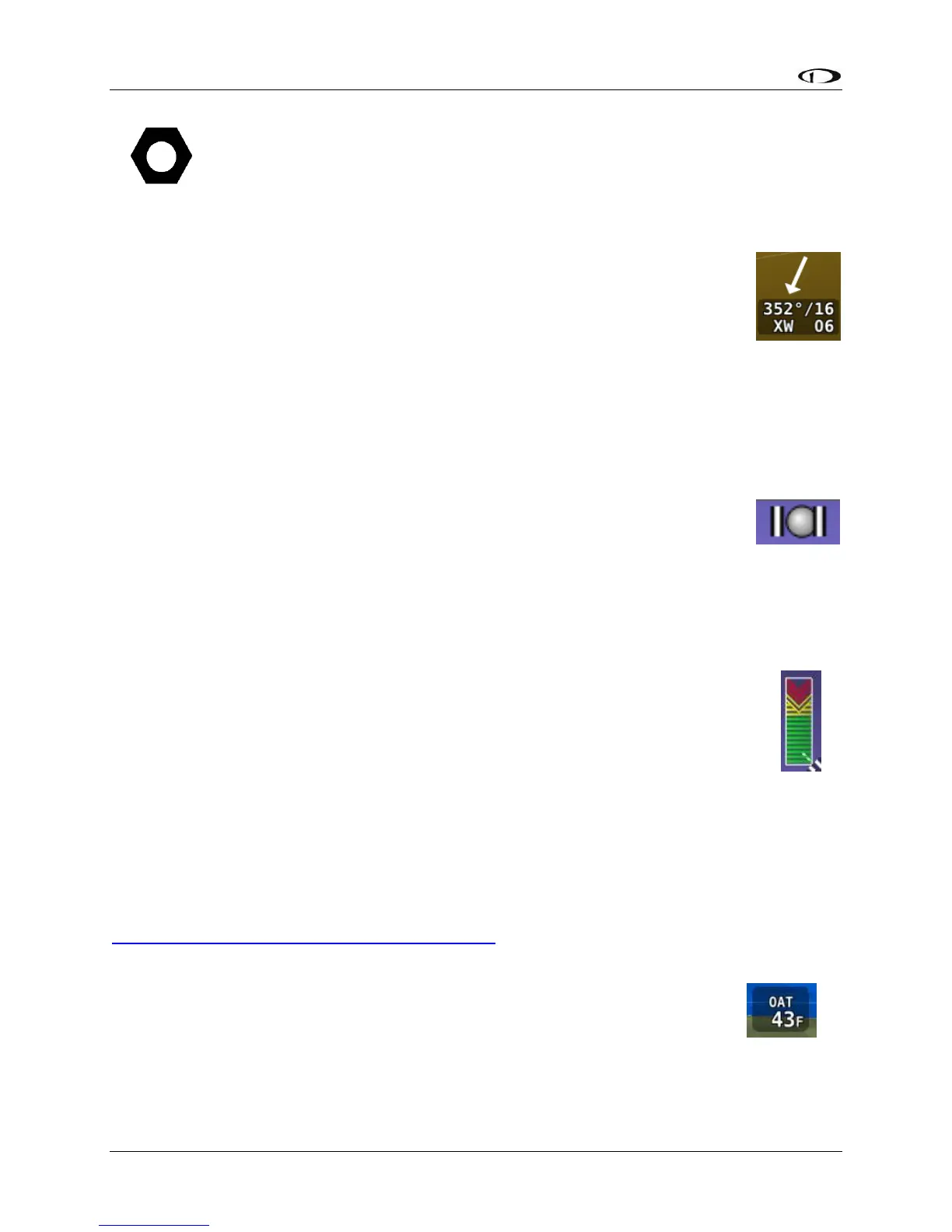
As shown in Figure 56, wind vector information is located just above the OAT
display on the PFD. The winds aloft arrow indicates the wind direction relative to
your current direction of flight. The wind strength, direction, and cross wind
component are also textually provided. If SkyView is unable to calculate winds
aloft, the arrow is not displayed and the numbers are replaced by dashes. The
display of winds aloft requires an active GPS connection and an OAT probe. In
very light winds, the wind speed number is not displayed, although the arrow is.
The Wind Vector will not appear if the SV-ADAHRS-20X, SV-MAG-236, GPS, or OAT is not
functional.
Slip/Skid Ball
The action of the Slip / Skid ball simulates an analog Slip / Skid ball and provides a
visual representation of lateral acceleration. When the ball is within the two
vertical lines, the aircraft is in coordinated flight. Figure 57 is an example
SkyView slip/skid ball.
Angle of Attack Indicator
The Angle Of Attack (AOA) Indicator will display only when a Dynon Avionics
AOA/Pitot probe has been properly installed and calibrated. If “CAL?” is displayed, the
AOA calibration procedure has not been performed – reference the SkyView Classic /
SE / HDX System Installation Guide for information about performing the AOA
calibration procedure.
During normal flight, the AOA Indicator will display green. As the AOA
approaches and then reaches critical, the green and yellow bars will disappear,
leaving only red. Figure 58 is an example SkyView HDX AOA indicator.
A thorough explanation of AOA and the principles of operation of Dynon
Avionics’ AOA Pitot probe are beyond the scope of this guide. Detailed information about AOA
and Dynon Avionics’ approach to AOA is available at
www.dynonavionics.com/docs/SkyView_AoA.html.
OAT
Outside Air Temperature (OAT) as shown in Figure 59 is displayed below the
Vertical Speed (VS) scale. Display of OAT can be set to °F or °C – reference the
SkyView Classic / SE / HDX System Installation Guide for instructions on how to
change the displayed units. If OAT is not valid (i.e., out of range, disconnected
or damaged), then “OAT – – –“ is displayed.





 To Next Page