Transponder Operation
6-4 SkyView HDX Pilot’s User Guide – Revision B
When OIL TEMP is > 190° F, the OIL TEMP gauge will display different ranges:
• 100-120 and 230-266° F in YELLOW
• 120-230° F in GREEN
• 266-280° F in RED
The alarm type for oil temperature is the “self-clearing type.
ENGINE Menu
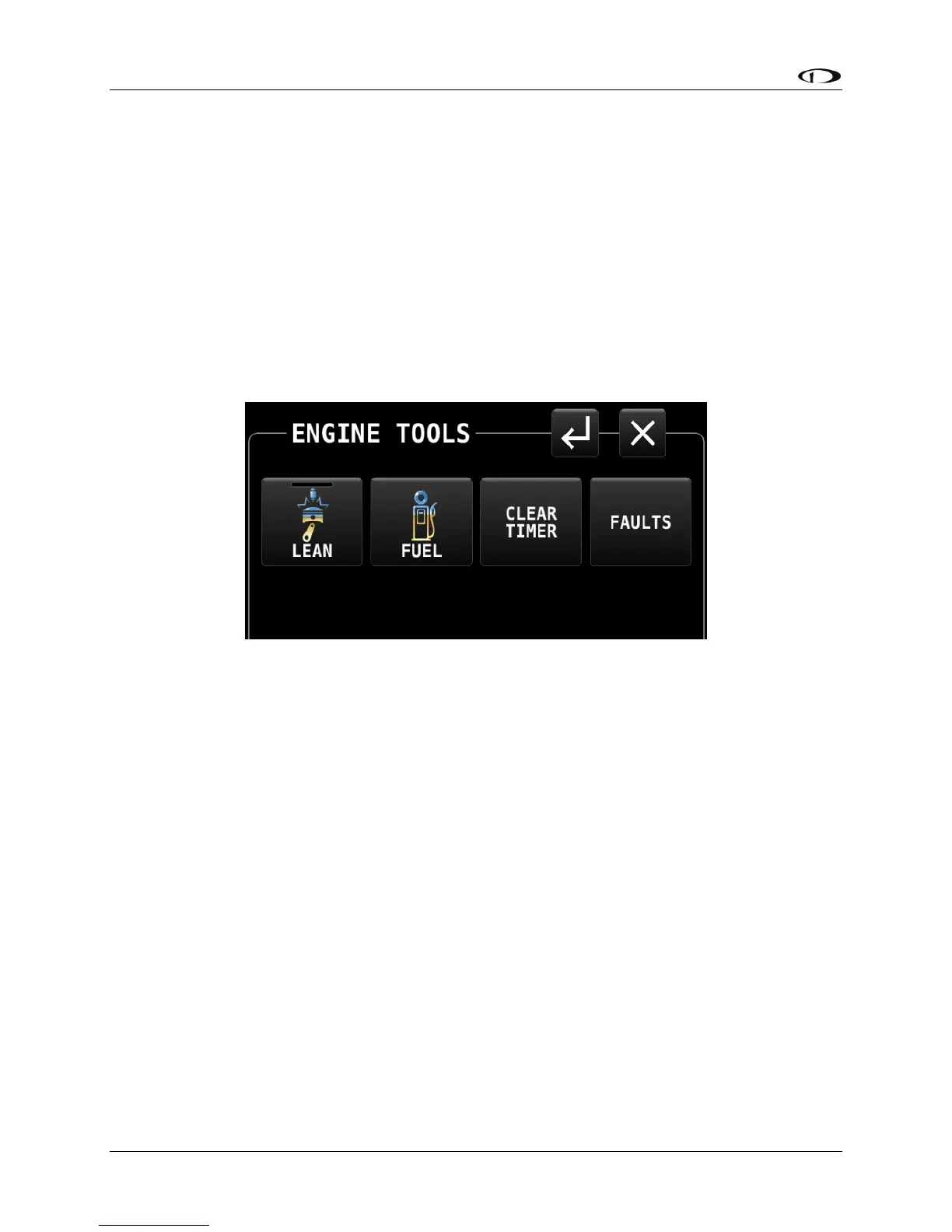
Controls for features related to the engine are available by selecting MENU (Button 6) on the
Main Menu, then selecting the ENGINE TOOLS icon. The ENGINE page will appear, as shown
below:
Figure 196 – ENGINE menu
Each control on the ENGINE menu is described below.
LEAN (Lean Assist Mode Control)
The engine monitor provides multiple methods to assist you in setting the mixture of your
engine for various functions. The first, and most basic, is to just watch the EGT display as the
engine is richened or leaned. You can watch for the EGTs to peak and then richen or lean as
desired from that point. The engine monitor also includes a leaning function to automate this
process.
To activate leaning mode, select the LEAN icon on the ENGINE menu. With this mode activated,
the LEAN shows a green bar indicating the feature is enabled. Additionally the label “LEAN” is
displayed underneath the EGT bars to clearly differentiate it from the normal operating mode.
This is depicted in Figure 197.





 To Next Page