SkyView HDX Display Operation
3-16 SkyView HDX Pilot’s User Guide – Revision B
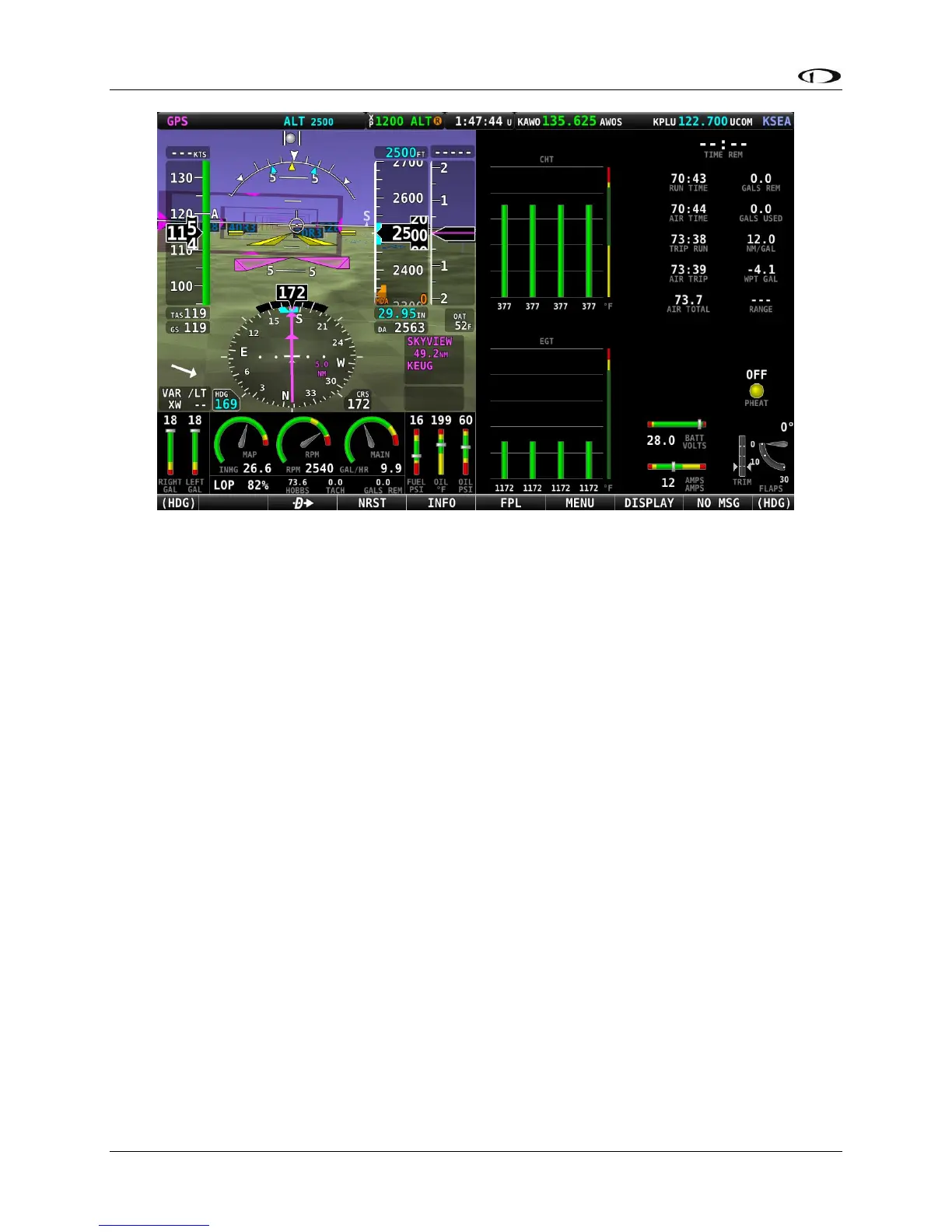
Figure 15 – 50% PFD / 50% ENGINE with ENGINE BOTTOM BAND
If you choose not to use the ENGINE BOTTOM BAND configuration, the 50% ENGINE split
content might become your primary source of engine instruments. In that case you will need to
modify the layout of that page using the EMS SETUP > SCREEN LAYOUT EDITOR in System
Setup.
Returning to Full Screen Layout
To return the display to the 100% layout, select DISPLAY (Button 7) on the Main Menu, then tap
the FULL icon at the top of the DISPLAY page.





 To Next Page