SkyView HDX Display Operation
3-14 SkyView HDX Pilot’s User Guide – Revision B
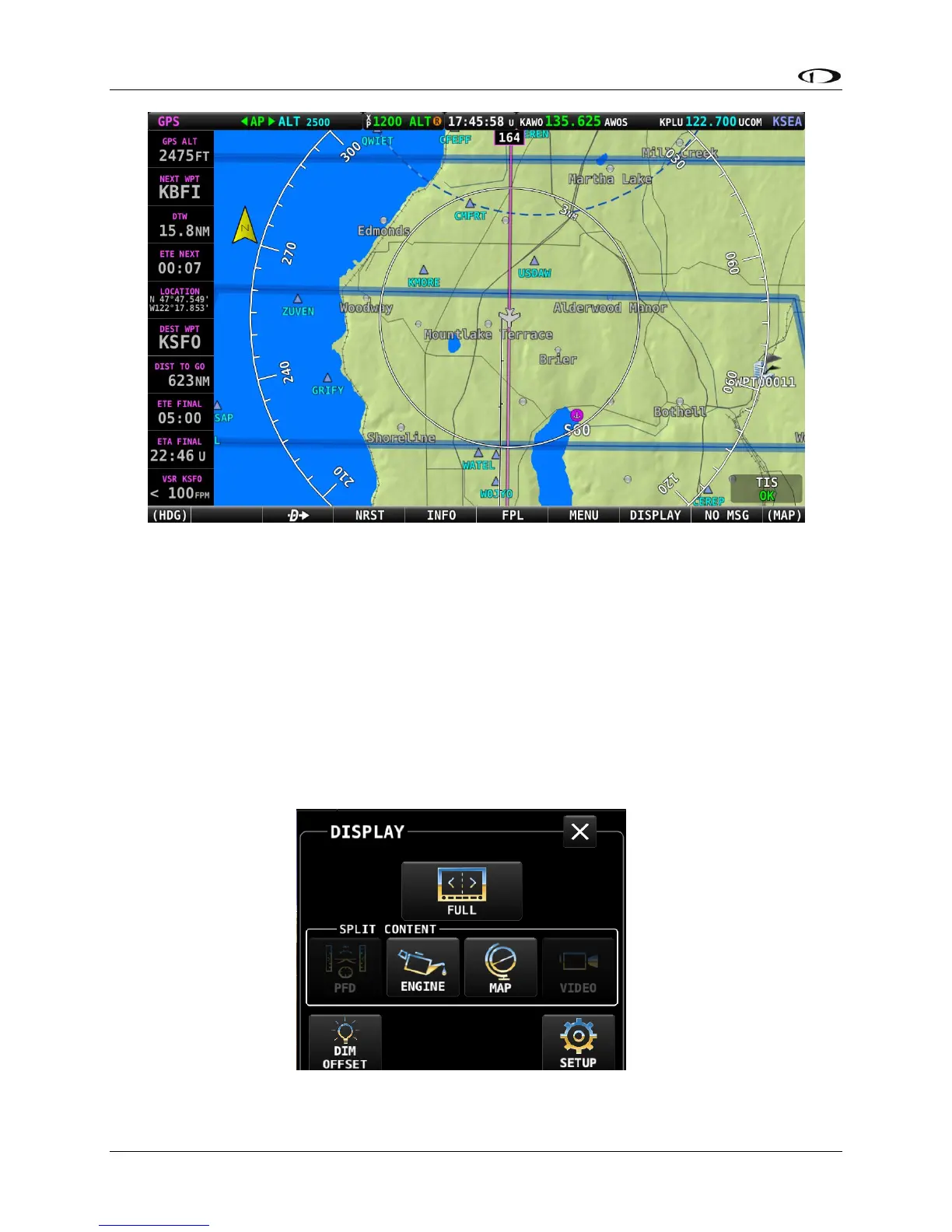
Figure 12 – Dual display layout – Copilot display (Settings shown in Figure 10)
Selecting Split Screen Layout
Once the default, or startup, display layout has been defined for each display in the aircraft, you
will choose to periodically change the display layout on the ground or in flight, perhaps
switching between the 100% window and 50%/50% split windows to provide additional
information useful in various phases of flight.
Changes to the display layout other than selecting primary content and the optional
components described previously are made using the DISPLAY page, accessed by pressing
DISPLAY (Button 7) on the Main Menu, as shown below.




 To Next Page