Com Radio Operation
SkyView HDX Pilot’s User Guide – Revision B 9-13
Figure 237 – Scrolling Cursor
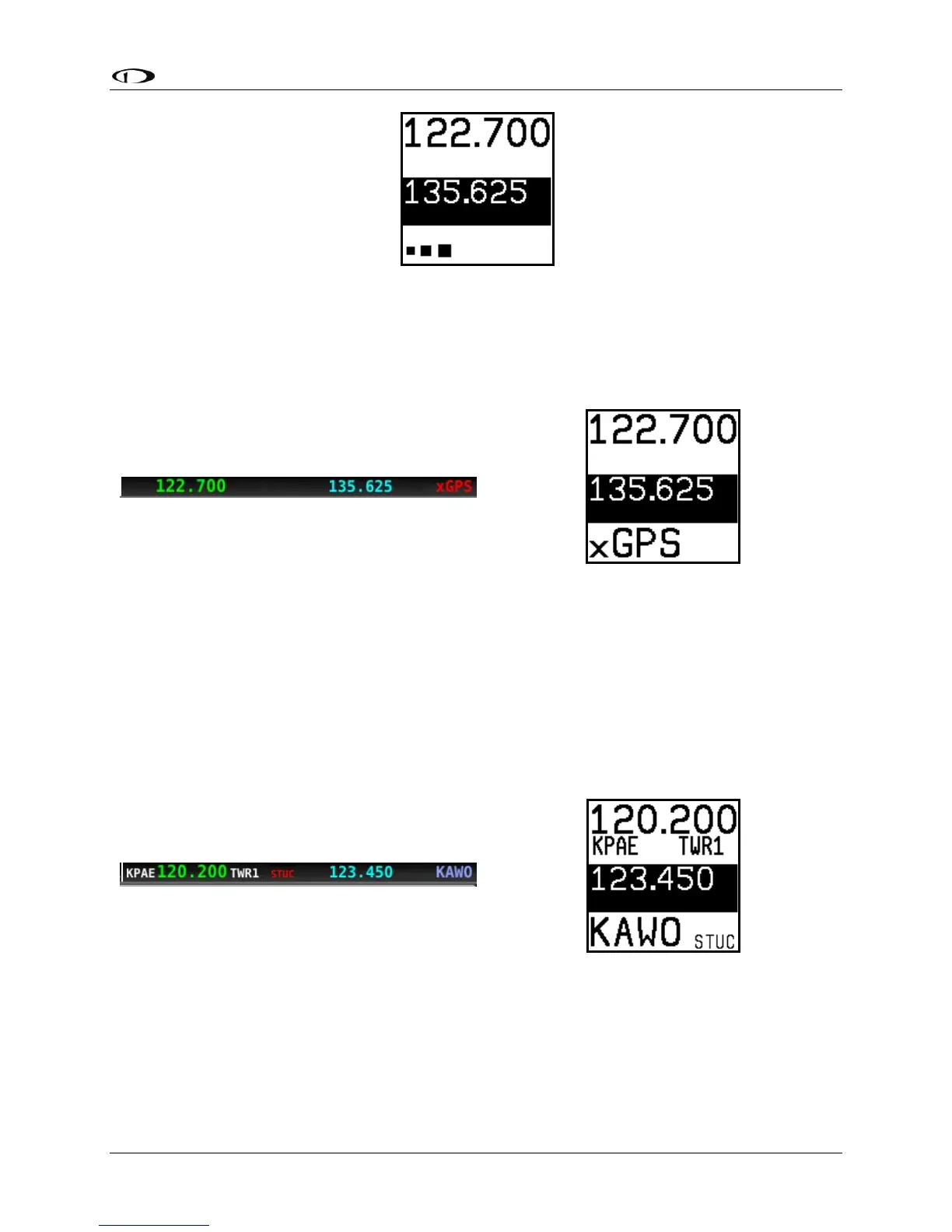
No GPS
The control panel and SkyView top bar annunciate that SkyView does not have GPS position
information in the following way:
Without GPS position, airport loading and TWR/ATIS/GND/ATC will not be available.
You may see this annunciation as SkyView starts up or when the aircraft does not have GPS
reception (for example, when inside the hangar).
Stuck Mic
If a transmission lasts more than 30 seconds, the mic is assumed to be stuck. Transmitting is
discontinued, and both the top bar and control panel annunciate “STUC” in the TX/RX
indication area.
External Flip/Flop
If you have an external flip/flop switch connected (typically to your control stick or yoke),
pressing it flip/flops the active and standby frequencies just like pressing the dual concentric
knob does. See the SkyView Classic / SE / HDX System Installation Guide for details on
connecting an external flip/flop switch.





 To Next Page