SkyView HDX Pilot’s User Guide – Revision B 12-1
12. Messages and Alerts
SkyView annunciates important notifications onscreen, in a dedicated Message Window, and
optionally via audio (if connected and configured). This section describes SkyView alert
behavior.
Loss of Information
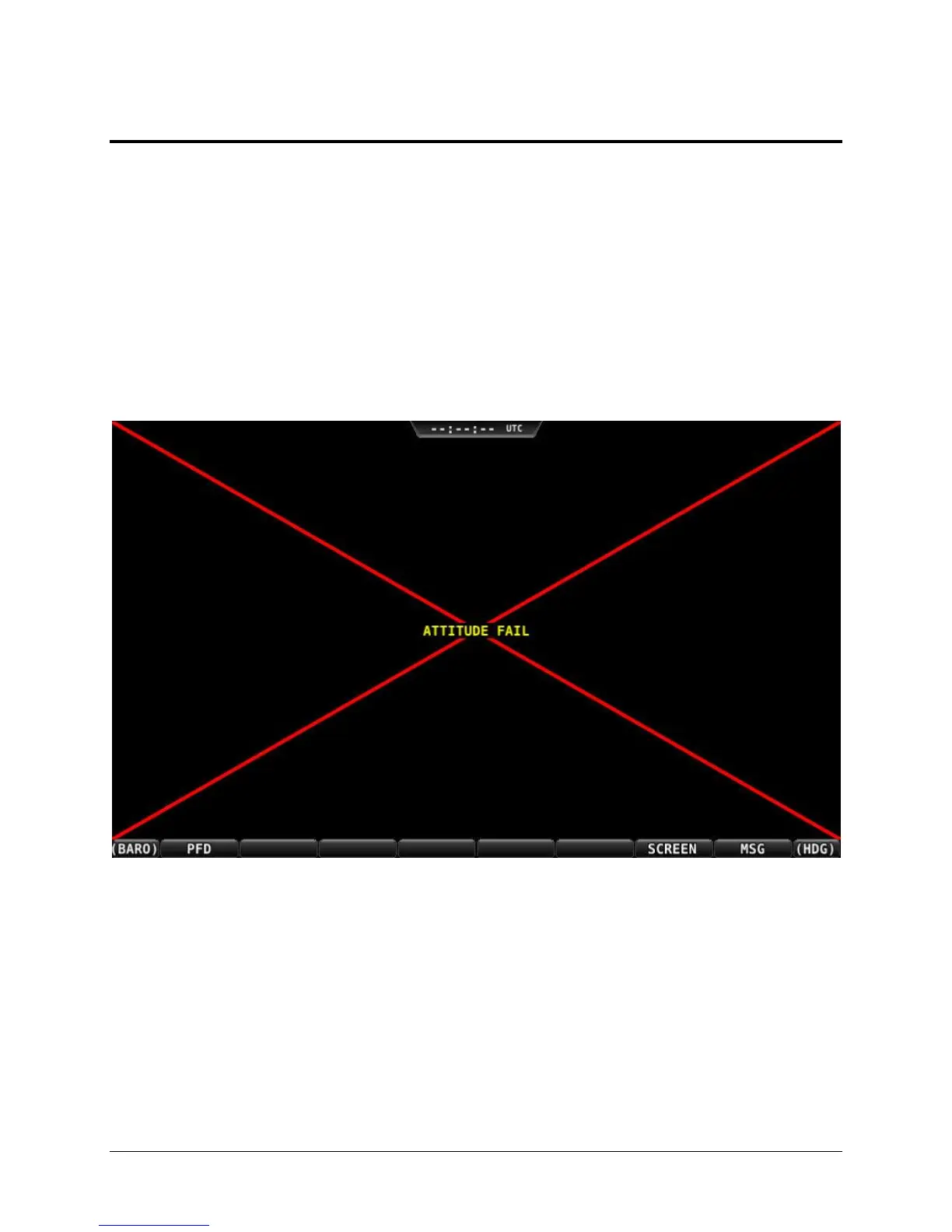
SkyView notifies users with a large red X and a descriptive label if a major failure occurs that
prevents the display of information. A red X may overlay an entire page if a data source such as
an EMS module fails or a red X may overlay a single widget if a single engine sensor fails or is
not connected.
For example, the PFD would look like Figure 244 if all ADAHRS in the system fail:
Figure 244 – Example SkyView Failure
Message, Caution, and Warning Alerting System
Message Notification Area
The area directly above the rightmost button (button 8) is the Message Notification Area. This
area is reserved to notify you of various messages and alerts that SkyView can present. All
messages and alerts are categorized by severity into one of three categories. These include
advisory “messages”, “caution” alerts, and “warning” alerts.




 To Next Page