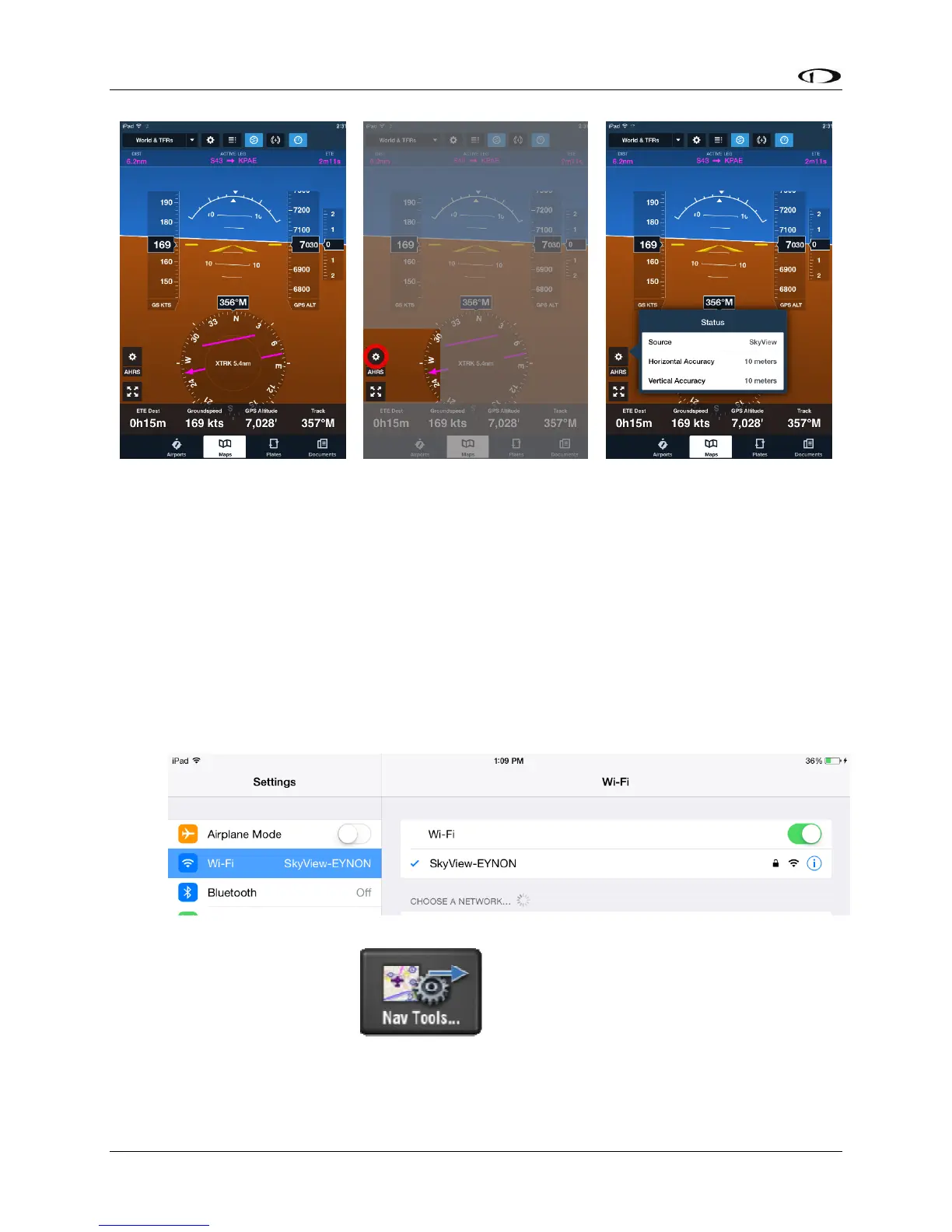
Figure 152 – SkyView Attitude on ForeFlight
PocketFMS Flight Plans
SkyView HDX and PocketFMS EasyVFR customers can send and receive flight plans between
SkyView and their EasyVFR Mobile app on iOS, Android, Windows Phone 8, OS X and Windows
7 & 8. See specific model and version requirements by PocketFMS. This feature requires one
Wi-Fi Adapter for SkyView for each display in the aircraft.
Connecting SkyView to PocketFMS EasyVFR
• Set up the Wi-Fi network on SkyView; see the SkyView Installation Guide for details.
• In the Wi-Fi menu on your iOS device, select your SkyView system. You’ll need the
password you chose when you set up your SkyView Wi-Fi connection.
• Once your device is connected to your SkyView HDX’s Wi-Fi network open the EasyVFR
app and select Nav Tools




 To Next Page