SkyView HDX Display Operation
SkyView HDX Pilot’s User Guide – Revision B 3-17
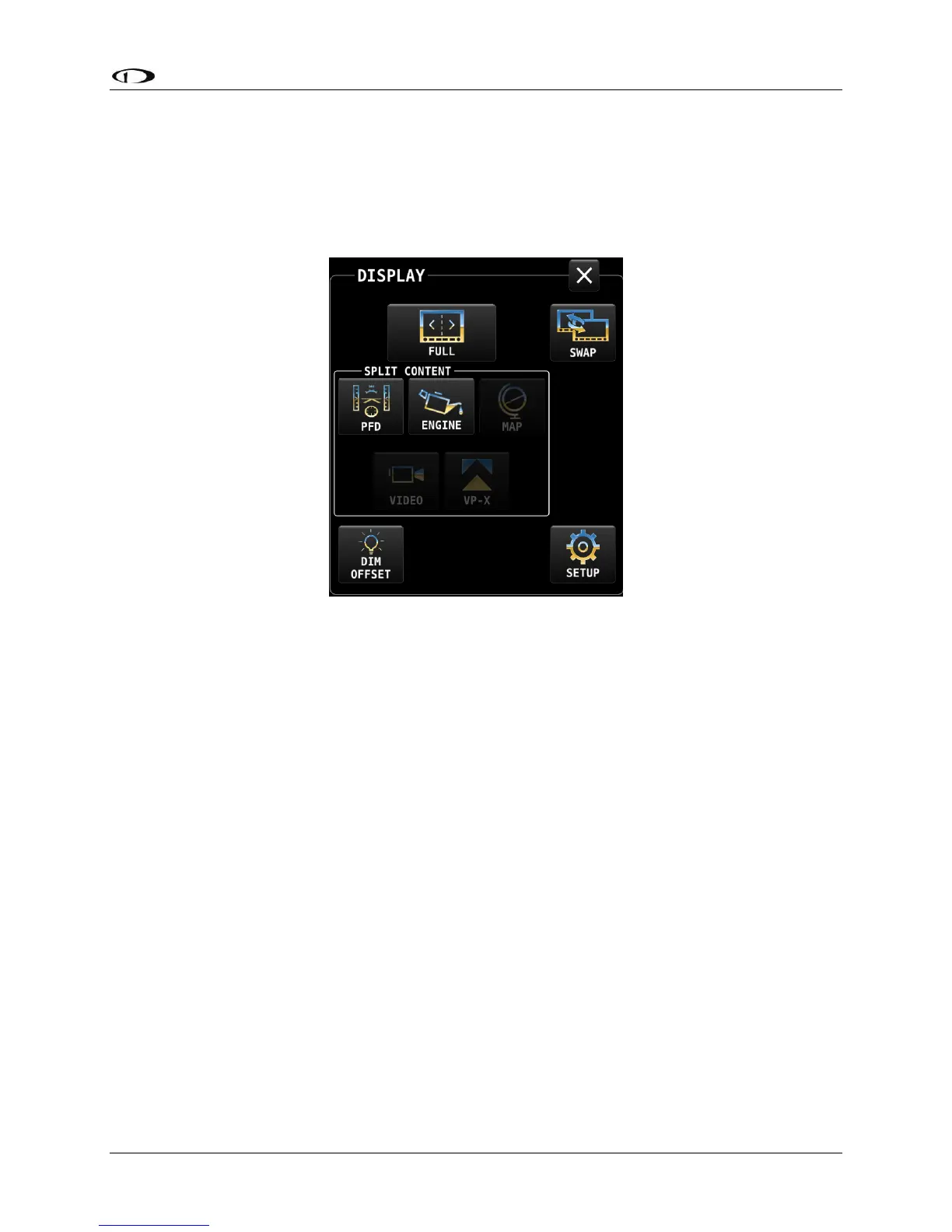
Swap Between Two Screens
A swap function typically used to transfer roles of pilots between two screens was added in
SkyView Software version 15.1. If the system has exactly two displays, then the layout of each
display can be swapped back and forth between the two displays.
Figure 16 – DISPLAY menu showing the SWAP button
Reversion Mode
In multi-display SkyView systems, you can specify a reversion mode that automatically changes
the screen configuration to a specific layout when only one display remains powered on.
If reversion mode is enabled and active (other display(s) offline), the following display layout
settings to be displayed can be selected in Setup. This behavior applies equally whether all but
one display in your system has failed, or if you turn on one SkyView display before all others (as
some customers do to see engine instruments before engine start):
• Primary Pane
• Split Content
• Engine Bottom Band
• Primary Side
• Map Info Column




 To Next Page