SkyView HDX Display Operation
SkyView HDX Pilot’s User Guide – Revision B 3-5
Button Behaviors
Buttons generally require a single action, that is, to momentarily press and release the button.
Pressing the button will provide a distinct tactile click feedback to the pilot. The click occurs
when the button is fully depressed, but the commanded action does not occur until the button
is released.
When a button is pressed in this manner, a function or action denoted by the label above the
button is invoked. Button labels are contextual and may change dependent on menus and
feature control pages the pilot selects.
A button has a function if there is a label above it. If there is no label, there is no function.
Some buttons have an additional behavior when the button is pressed and held down for 2
seconds. This action is called press-and-hold. An example is Button 1. Press-and-hold action
on Button 1 will power a SkyView HDX display either on or off, depending on its current state.
Additional press-and-hold behaviors for other buttons are described elsewhere in this manual.
Typically press-and-hold behaviors have no on-screen label denoting the action to be
performed. Rather, they are called upon for infrequently used special-purpose actions.
Button labels are called out in all capital letters such as BACK, EXIT, FINISH, and
CLEAR. This guide directs users to press a button by using its label. For example,
when this guide asks you to press FINISH, it is asking you to press the button with
the FINISH label above it.
Knob Behaviors
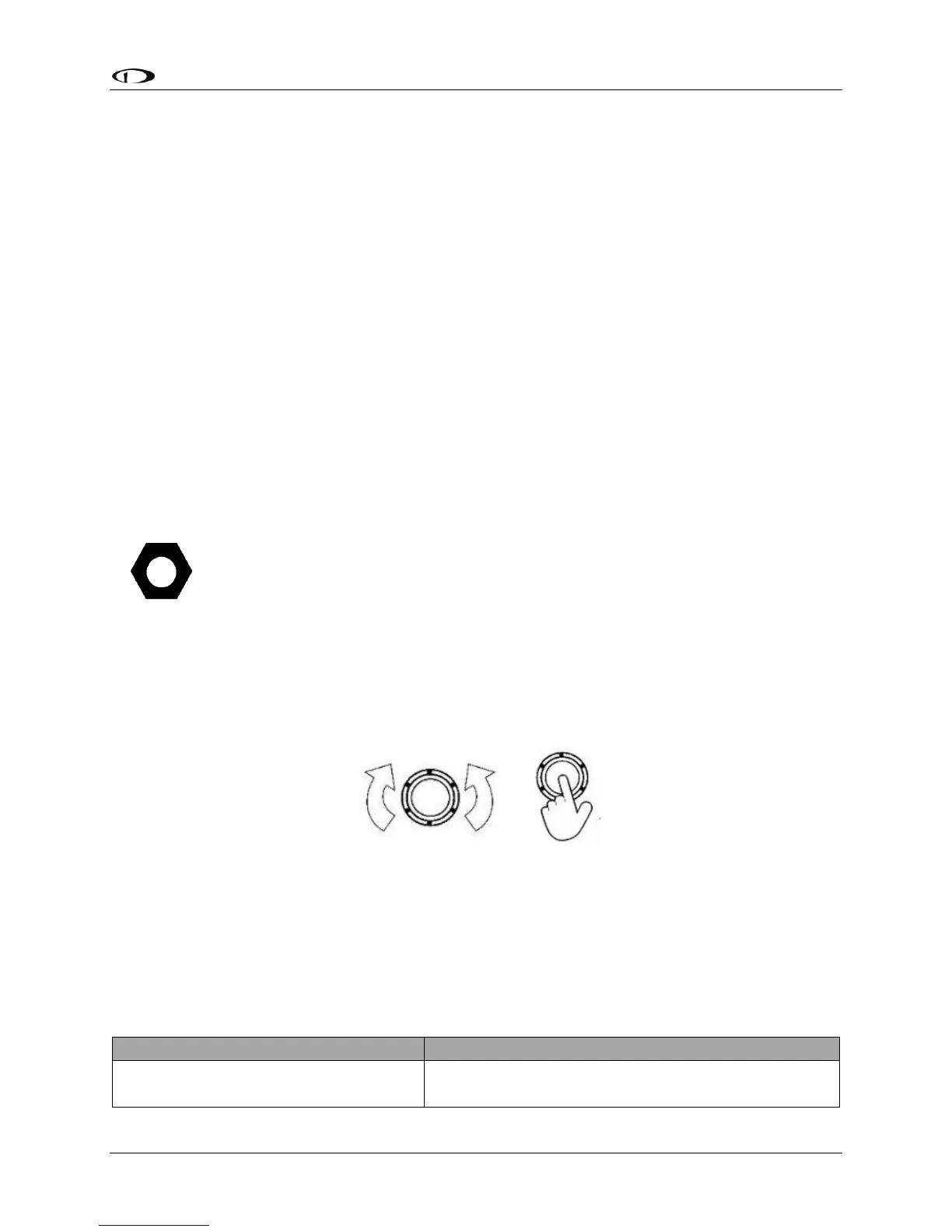
Knobs can be rotated both directions and pushed. The current knob function is indicated by the
label above the knob. Knob function is contextual and can change when the contents of the
screen is changed by the pilot.
Figure 3 – Knob Rotation and Pushbutton Actions
On some screen pages with both vertical lists and a horizontal group of tabs, one or both knobs
can exhibit a push-hold-and-rotate behavior which controls horizontal scrolling of the cursor
across tabs on some feature pages.
The following table summarizes knob behavior is various contexts:





 To Next Page