Autopilot Operation
8-30 SkyView HDX Pilot’s User Guide – Revision B
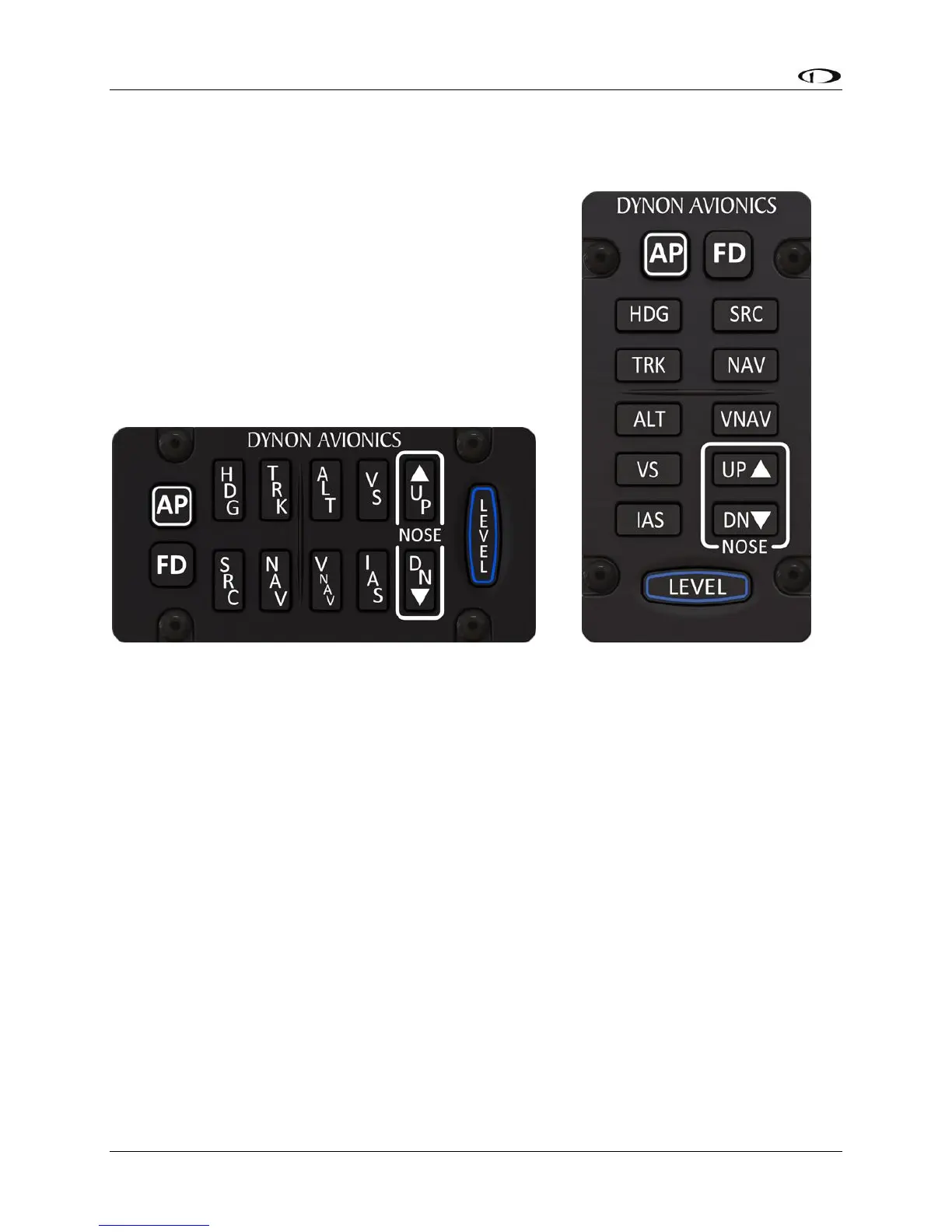
SkyView Autopilot Control Panel Operation
The optional SkyView Autopilot Control Panel provides dedicated controls for all Autopilot
modes. It’s buttons are identical to the buttons available on the touchable AUTOPILOT control
page, with the exception that the external panel includes a dedicate button for the LEVEL
mode.
This dedicated external button panel for autopilot allows you to navigate other menus on the
SkyView HDX display while retaining direct access to the autopilot. Autopilot status appears on
the Top Bar as normal to show active and armed modes as well as current bug values. The
buttons on the control panel perform the same functions as their counterpart buttons on the
on-screen AUTOPILOT control page (which remain available and usable). As the Autopilot
Control Panel provides controls for all Autopilot modes, including VNAV, IAS hold, Flight
director, etc., it can only be used when the system is configured to use the Expert Autopilot
control scheme. When SkyView HDX is set for Simplified Controls, the buttons on the AP
module are inactive; however, it continues to function as an auto-trim controller if properly
configured for that function. See the following section about Integrated Trim Control for more
details.





 To Next Page