Autopilot Operation
8-22 SkyView HDX Pilot’s User Guide – Revision B
The TRK bug value is not synchronized unless you manually synchronize the TRK bug or utilize
Control Wheel Steering (see section below for detail). This allows you to pre-select headings in
an IFR environment before you want to actually fly to them.
NAV
In this mode, the roll axis will track the selected HSI source from a GPS, VOR, localizer (LOC) or
GPS roll steering (GPSS).
If the HSI CDI is not already near-centered, NAV mode will be armed, not immediately
activated. You then manipulate the autopilot via TRK, HDG, or Roll Hold mode to command an
intercept of the HSI course guidance. As the CDI centers, the autopilot will automatically
sequence and activate NAV mode.
When the autopilot mode sequences, the autopilot annunciation in the top bar will blink for 10
seconds.
When your HSI source is a radio-based VOR or LOC, SkyView uses GPS position
information to help the autopilot correct for wind effects. If no GPS is available to
SkyView, VOR and LOC sources can still be flown by the autopilot, but the
autopilot’s ability to perfectly track the course guidance may be reduced.
Roll Hold
In this mode the roll axis will fly the target aircraft roll angle. The roll target is the current roll
angle of the aircraft at the time roll hold is activated. The roll target can be adjusted with
Control Wheel Steering (see section below for detail).
Expert Autopilot Pitch Modes
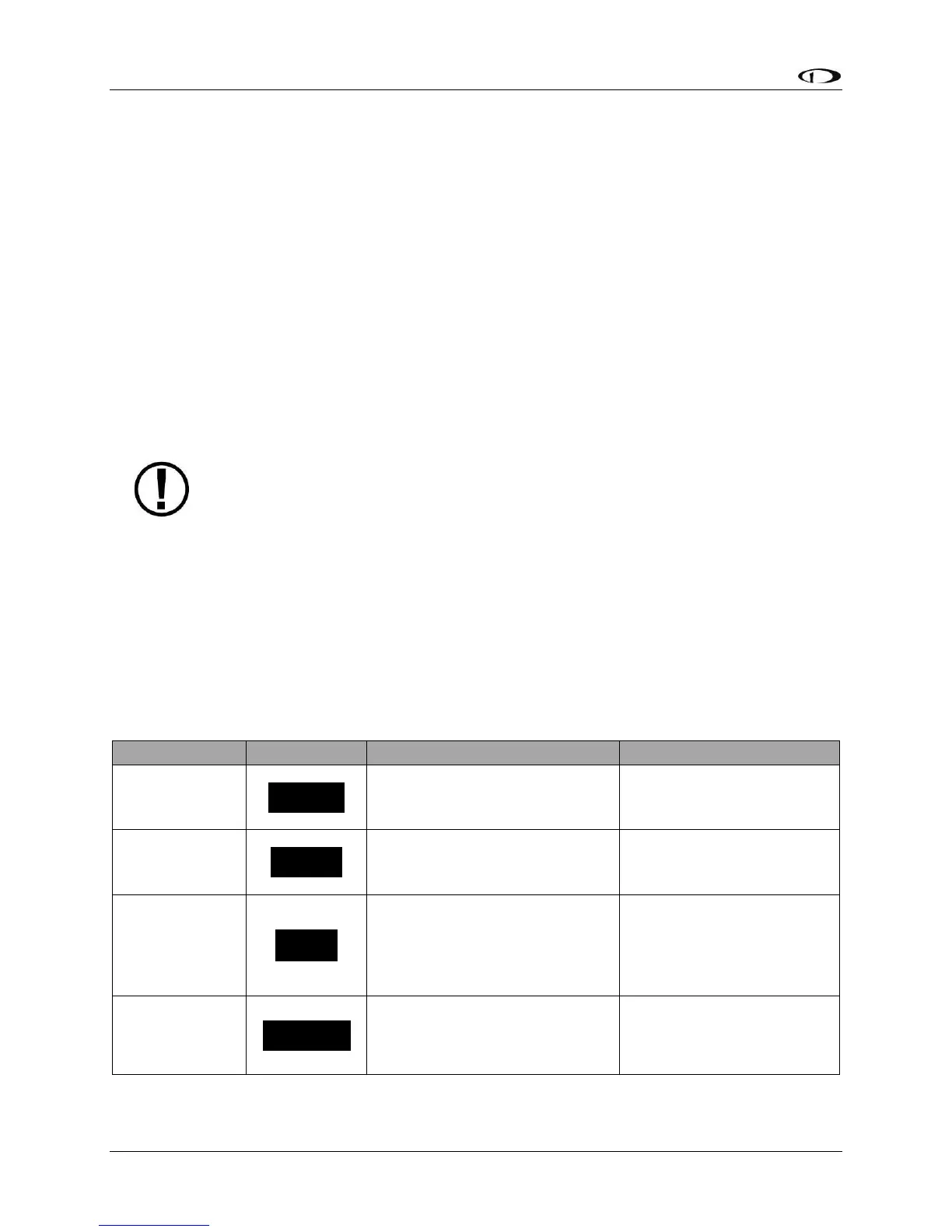
The following table summarizes the different autopilot modes of operation for the pitch axis.
Holds the aircraft selected
vertical speed target.
Default mode or VS
button
Holds the aircraft selected
airspeed target.
Captures the selected altitude
target.
Automatically armed
when VS or IAS is active
and the selected altitude
target is set.
Holds the current altitude
target.
ALT HOLD button or
automatically sequenced
from the ALT armed mode





 To Next Page