MAP and VFR GPS Navigator Operation
5-52 SkyView HDX Pilot’s User Guide – Revision B
FPL MENU Overview
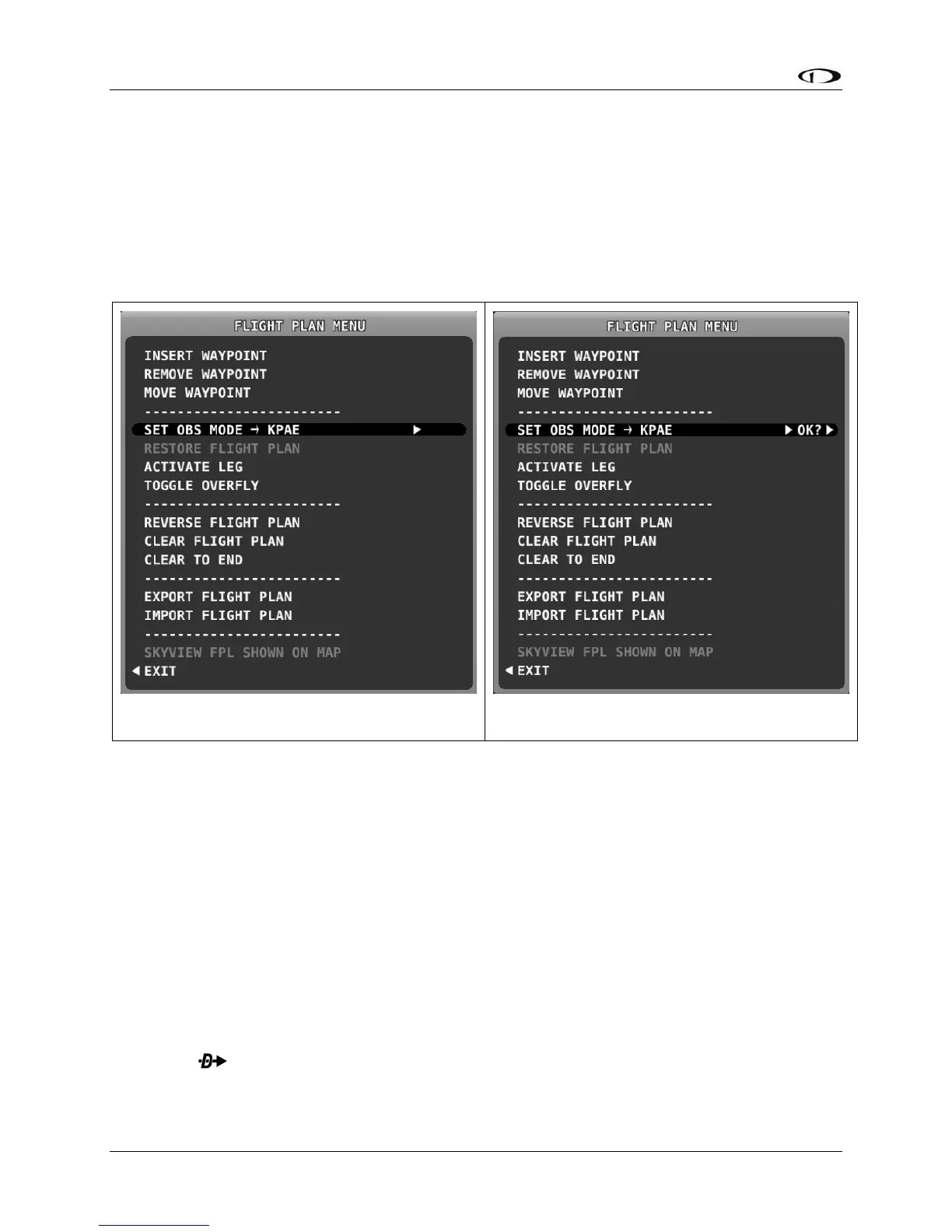
The following figures show the FPL MENU. To select an operation from the menu, scroll up and
down by rotating the knob. Push the knob to select the intended operation.
Some operations require confirmation when selected. In those cases, push the knob twice –
once to select, then again to confirm – to select the intended operation. This confirmation
prompt is depicted in Figure 154.
FPL MENU Actions
The following actions can be initiated from the FPL MENU:
• EXIT: Select to close the Flight Plan Menu.
• INSERT WAYPOINT: Select to bring up the Insert Waypoint pop-up menu.
• REMOVE WAYPOINT: Select to remove the currently selected waypoint and adjust the
remaining legs and totals.
• MOVE WAYPOINT: Select to move the currently selected waypoint to another place in
the flight plan.
• SET OBS MODE: Select to turn on OBS mode using the selected waypoint. When OBS
Mode is active, you can then adjust the inbound course to the waypoint using the CRS
function of the PFD knob.
• RESTORE FLIGHT PLAN: Restores a flight plan that was temporarily overwritten by using
the function from elsewhere in the map.
• ACTIVATE LEG: Select to make the leg that ends at the selected waypoint the current
leg.





 To Next Page