PFD Operation
4-32 SkyView HDX Pilot’s User Guide – Revision B
The Minimum and Maximum Gs displayed on the G Meter can be manually reset at any time.
As shown in Figure 80, select MENU (Button 6) on the Main Menu, then select the
PFD TOOLS icon, then the RESET G icon.
The G Meter can also be configured with a number settings, including:
• Automatically display the G meter at a particular G.
• Restore the HSI / Compass Rose at a particular G (when the G Meter is displayed)
• Displayed range of Gs
• Ranges (colors) of Gs
• Automatically reset the Minimum and Maximum Gs displayed on the G Meter when
SkyView HDX boots up
Reference the SkyView Classic / SE / HDX System Installation Guide for details about configuring
the G Meter to your preferences.
SV-KNOB-PANEL – Panel Operation
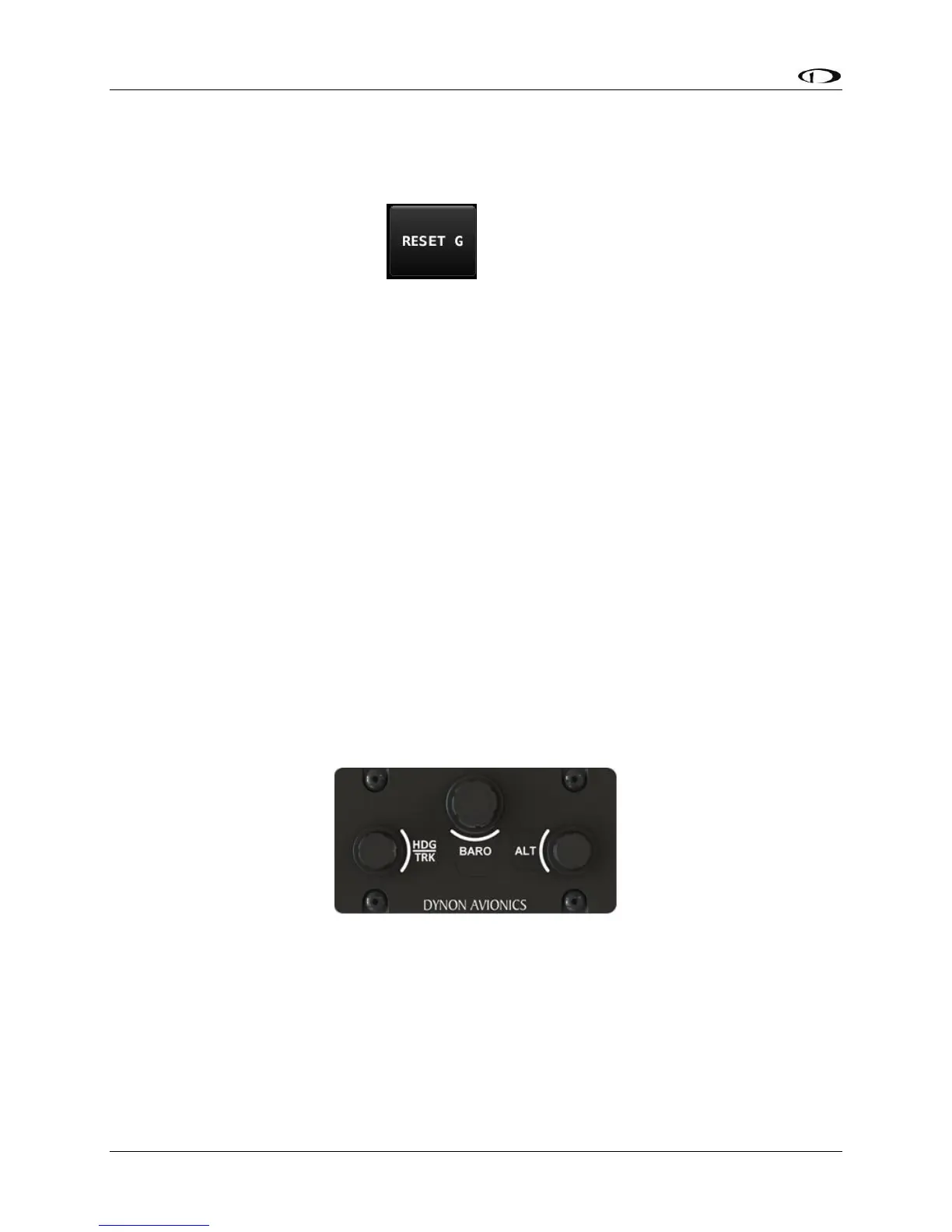
The SV-KNOB-PANEL, available in both Horizontal and Vertical versions (shown below) is an
optional control panel that add dedicated knobs for the most commonly used BUGS. The three
knobs on the SV-KNOB-PANEL are the most frequently adjusted BUGS - Altitude Bug (ALT),
Barometer (BARO), and Heading/Track Bug (HDG/TRK).
Figure 82 – SV-KNOB-PANEL – Horizontal version





 To Next Page