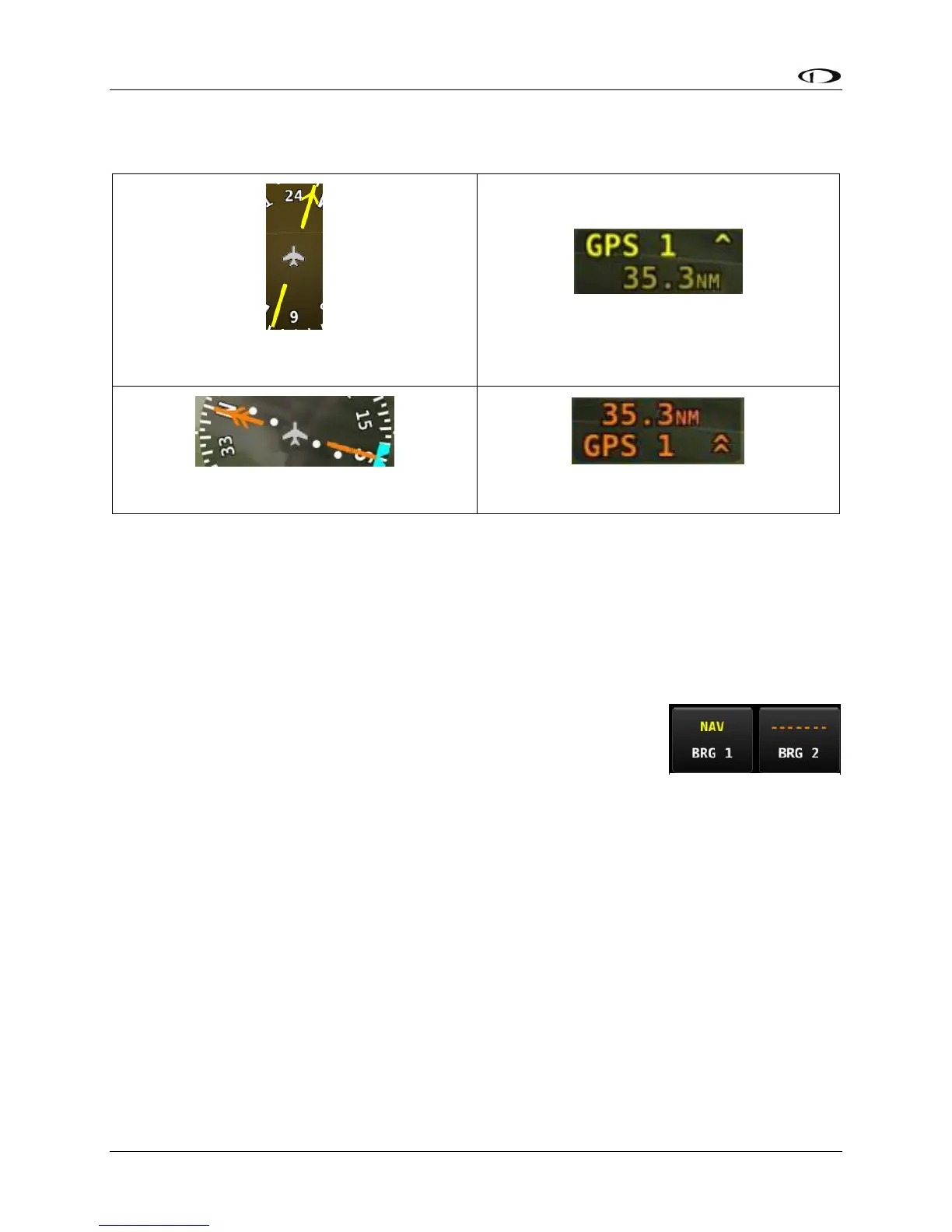
Bearing Pointer arrows show you the bearing directly to a radio station or waypoint–in other
words, the track that you would need to fly to go directly to it. BRG 1 is Yellow in color and is
depicted with a single arrow head when displayed on the HSI display. BRG 2 is Orange in color
and has a double arrow head. There is also a textual information item for each bearing pointer
that describes its source (eg. SKYVIEW, NAV1, etc.) and the distance from that source in
available. Distance is shown only when a single bearing source is selected and the bearing
source does not match the HSI source. Each of the bearing pointers can
be cycled between all available bearing sources by pressing BRG 1 or
BRG2 in the PFD Menu. As shown in Figure 50 at right, press the MENU
button in the Main Menu, then tap the PFD TOOLS icon, then tap the
BRG 1 or BRG 2 icons to select Bearing 1 or Bearing 2 respectively.
Repeated taps on the BRG 1 or BRG 2 icons will select (appears on the
HSI) or de-select (does not appear on the HSI) each bearing.




 To Next Page