MAP and VFR GPS Navigator Operation
SkyView HDX Pilot’s User Guide – Revision B 5-49
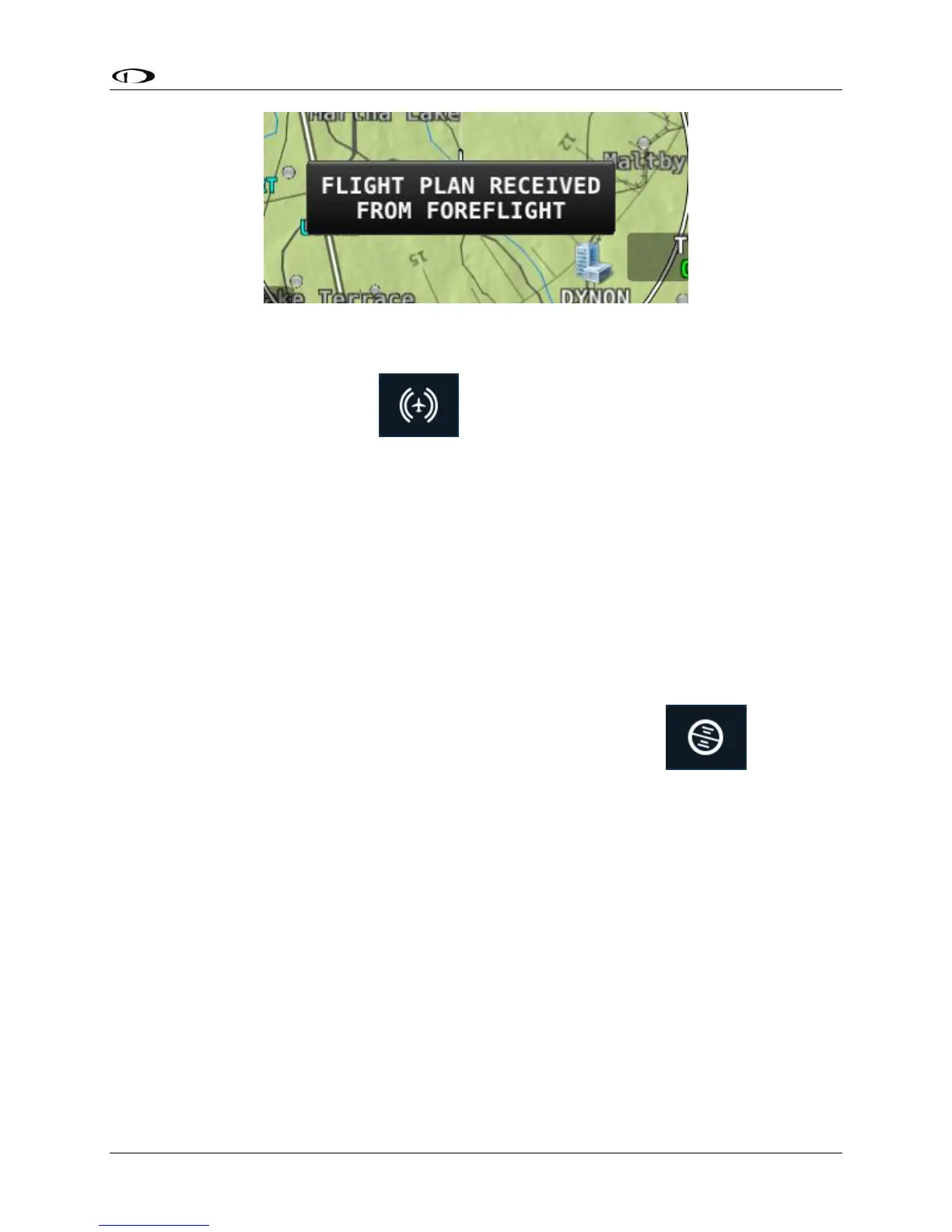
Figure 151 – ForeFlight Flight Plan Received
• To have ForeFlight retrieve SkyView HDX’s flight plan, simply touch the Panel button at
the top of the app window.
Note that flight plans are only updated when you explicitly send or receive them from the
ForeFlight app. This ensures that no flight plan changes are made to either ForeFlight or
SkyView HDX’s flight plan without explicit action by you.
GPS and Attitude on ForeFlight
Once the SkyView is connected to ForeFlight, SkyView will also send its GPS position to the app.
The GPS position sent by SkyView is only usable within the ForeFlight app and cannot be used
by other apps on the device.
SkyView also continuously send primary flight instrument data for ForeFlight to display in the
app. To view, touch the Attitude Indicator button at the top of the menu . Note that
as of the initial ForeFlight Mobile release, speed, altitude, and other information is GPS-based.
See the ForeFlight documentation for a full description of how flight instrumentation is
displayed within the app. You can confirm that SkyView is ForeFlight’s source of attitude
information by touching the AHRS Status button.




 To Next Page