SkyView HDX Display Operation
SkyView HDX Pilot’s User Guide – Revision B 3-19
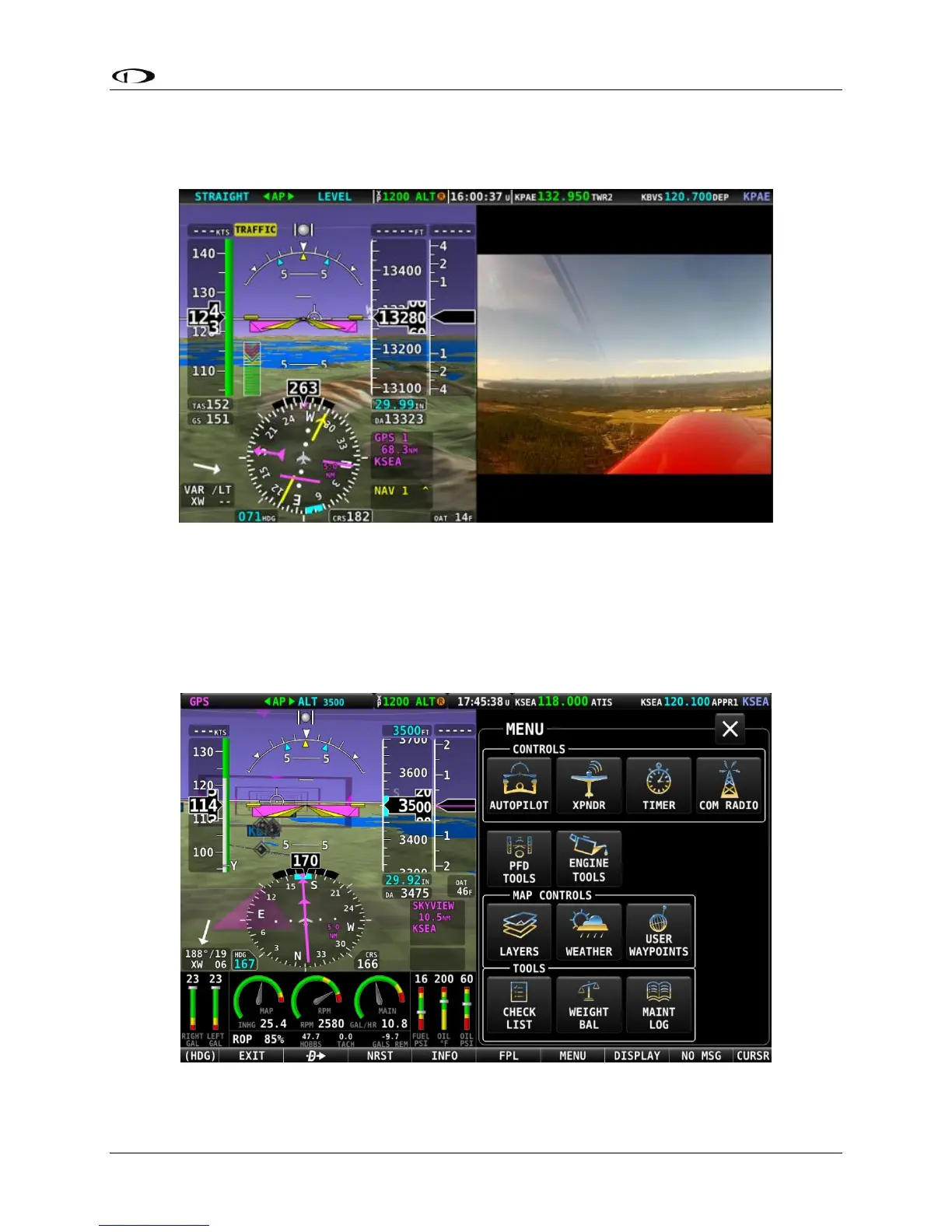
If the ENGINE BOTTOM BAND is active when video is selected, the video page will over-write
the unprotected have of the bottom band. The figure below shows a display with the video
page active.
Figure 18 – optional VIDEO shown in Split Content pane
MENU Page
Button 6 on the Main Menu bar at the bottom of the screen is labeled MENU. Selecting this
item will open an icon-based MENU page for accessing various system controls, sub-menus, and
other tools.
Figure 19 – MENU page





 To Next Page