MAP and VFR GPS Navigator Operation
5-2 SkyView HDX Pilot’s User Guide – Revision B
• Terrain data: High, low, and very low resolution terrain database data is used to display
the topographic map and Synthetic Vision.
• Base-map: Additional cultural features such as cities, railroads, etc. when such
information is available (not every city, railroad, etc. is shown).
• Stadium TFR (Temporary Flight Restrictions): US Temporary Flight Restrictions for
Stadiums.
• Language Databases: (Not supported in SkyView HDX as of firmware v15.0)
• Instrument Procedure Charts (requires optional data).
• Airport Taxi Diagrams (requires optional data).
• Enroute Charts (requires optional data).
For information on SkyView HDX databases / updates, including other providers’
database and chart / diagrams products, see http://dynonavionics.com/downloads.
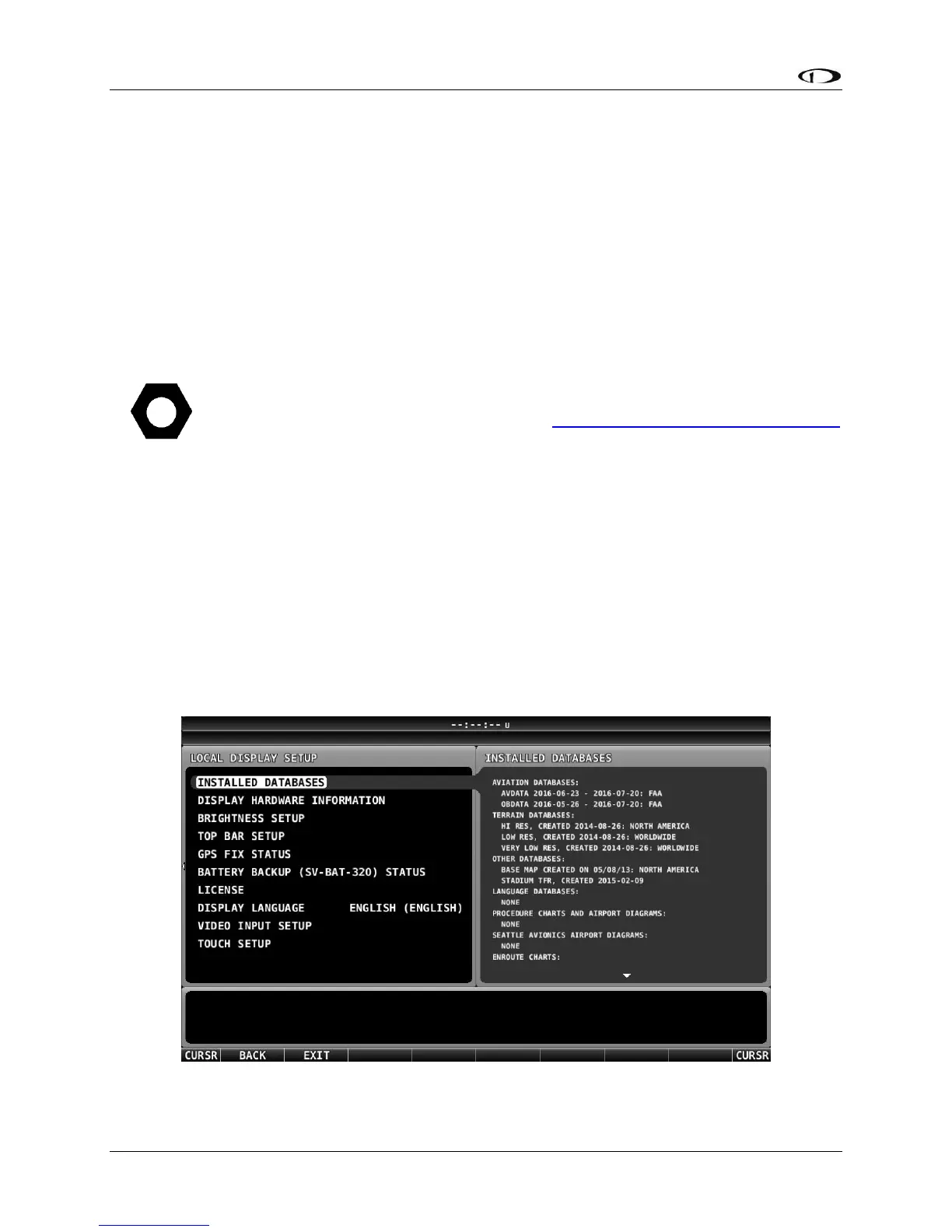
Viewing Information about Installed Databases
If a database is expired, a message will be displayed upon bootup. To check the status of
databases:
• Press-and-hold Buttons 7+8 (SETUP MENU) > LOCAL DISPLAY SETUP > INSTALLED
DATABASES.
This page lists all databases installed on that SkyView HDX display, with respective versions and
expiration dates.
Figure 89 – INSTALLED DATABASES Page




 To Next Page