Com Radio Operation
SkyView HDX Pilot’s User Guide – Revision B 9-9
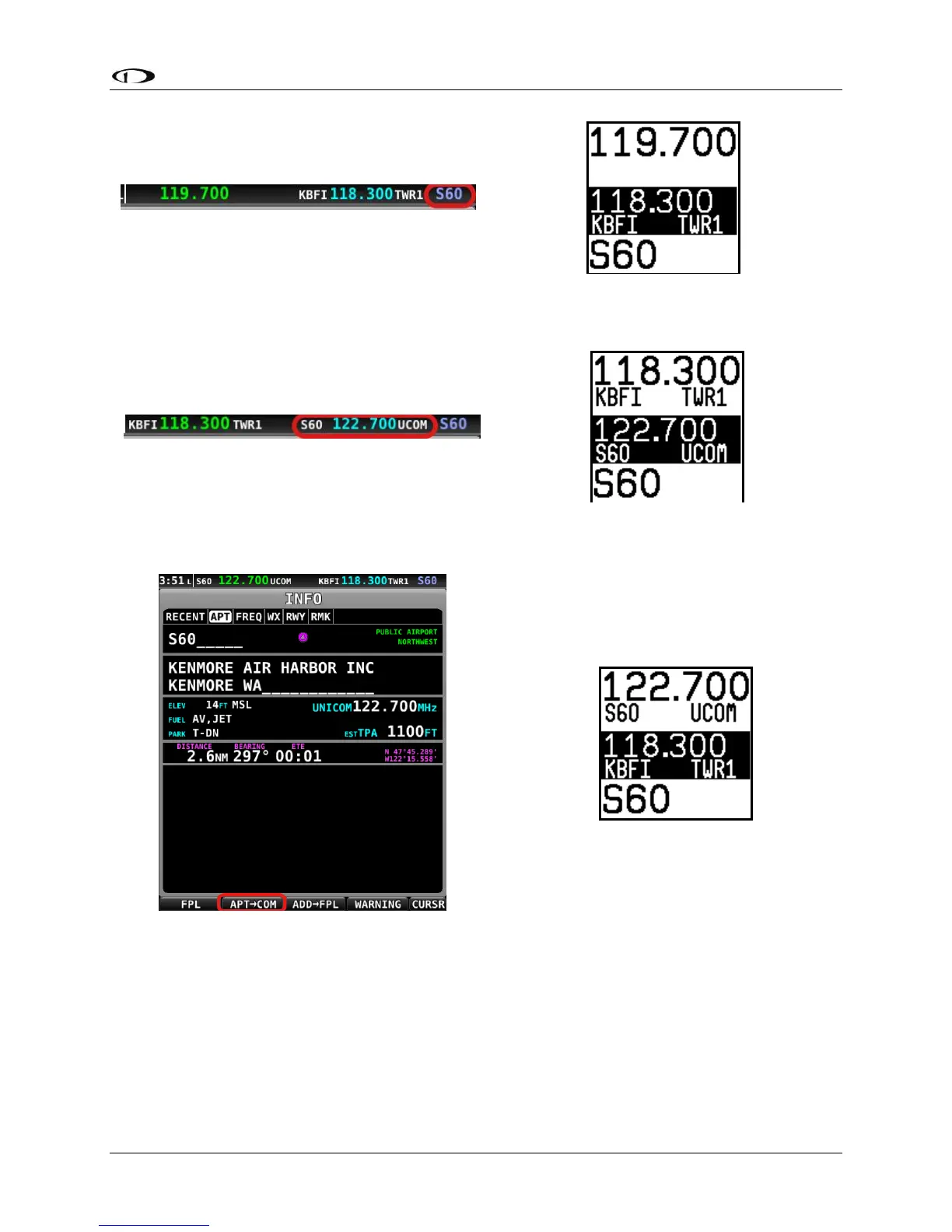
Use the TWR, ATIS, GND, and ATC buttons on the control panel to send the associated airport
frequencies to the standby frequency location.
By Airport Lookup
• From SkyView HDX’s MAP page, look up an airport via SkyView HDX’s INFO page.
• Press the APT>COM button to load the airport to the control panel
o Note this button is only available if SkyView has frequencies for the selected
airport.
• Use the TWR, ATIS, GND, and ATC buttons to send the associated airport frequencies to
the standby frequency location





 To Next Page