Color Change and Thermal Sensitive Resin Example 233
User Guide v 2.0 — March 2023 Color Change
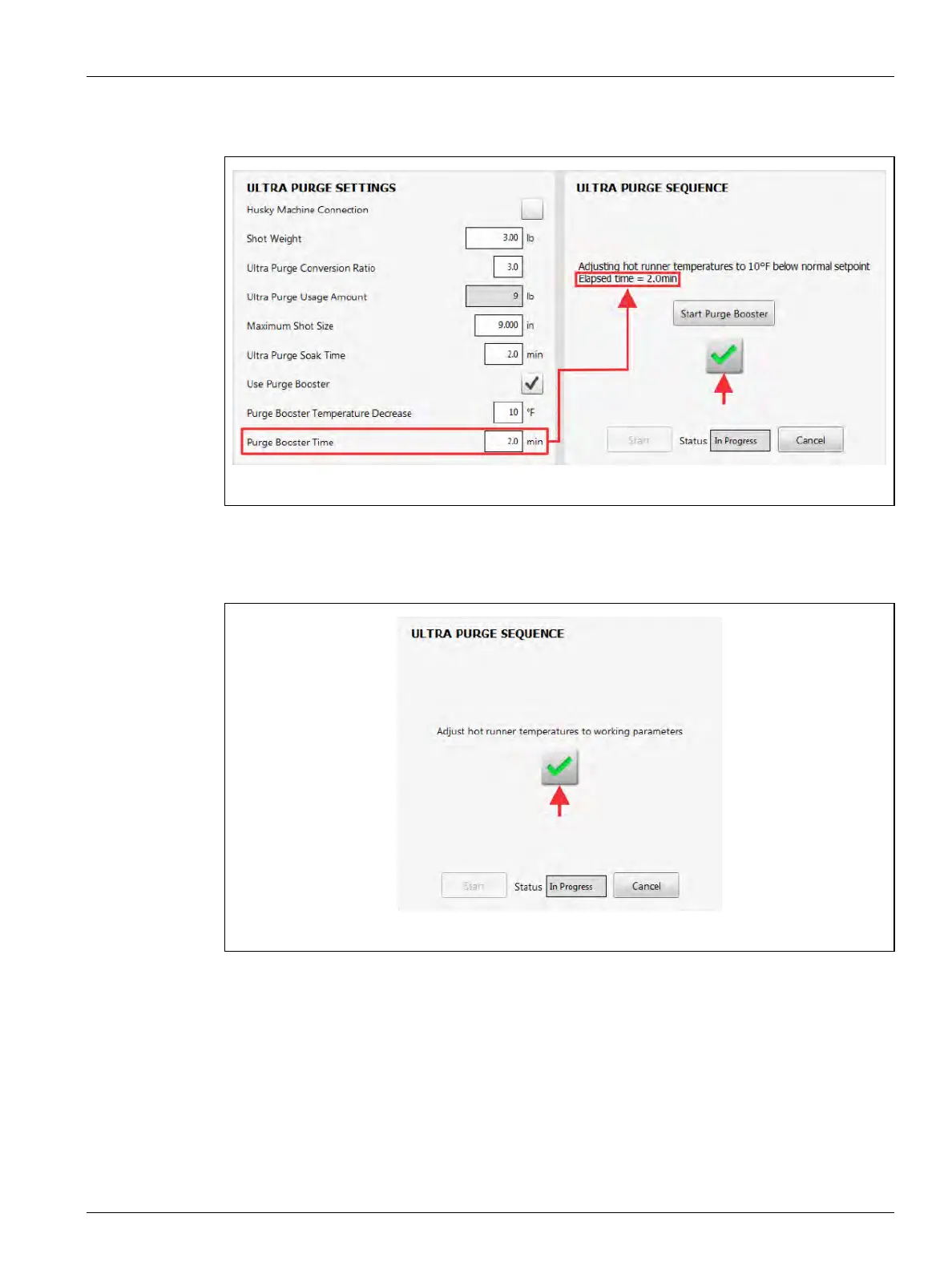
23. When the Purge Booster Time completes, touch the green check mark button to
continue (refer to Figure 13-35.)
24. Adjust the hot runners’ temperatures to their operational parameters.
25. When the temperatures are at their parameter settings, touch the green check mark
button to continue (refer to Figure 13-36).
Figure 13-35 Purge Booster Time Completes
Figure 13-36 Ultra Purge Process Completed



 To Next Page