Servo Digital Outputs 249
User Guide v 2.0 — March 2023 System Options
NOTE: The Invert override is not related to the force High or Low settings, so the checkbox
does not have an effect on the signal. The Invert override operates when Force is set
to None.
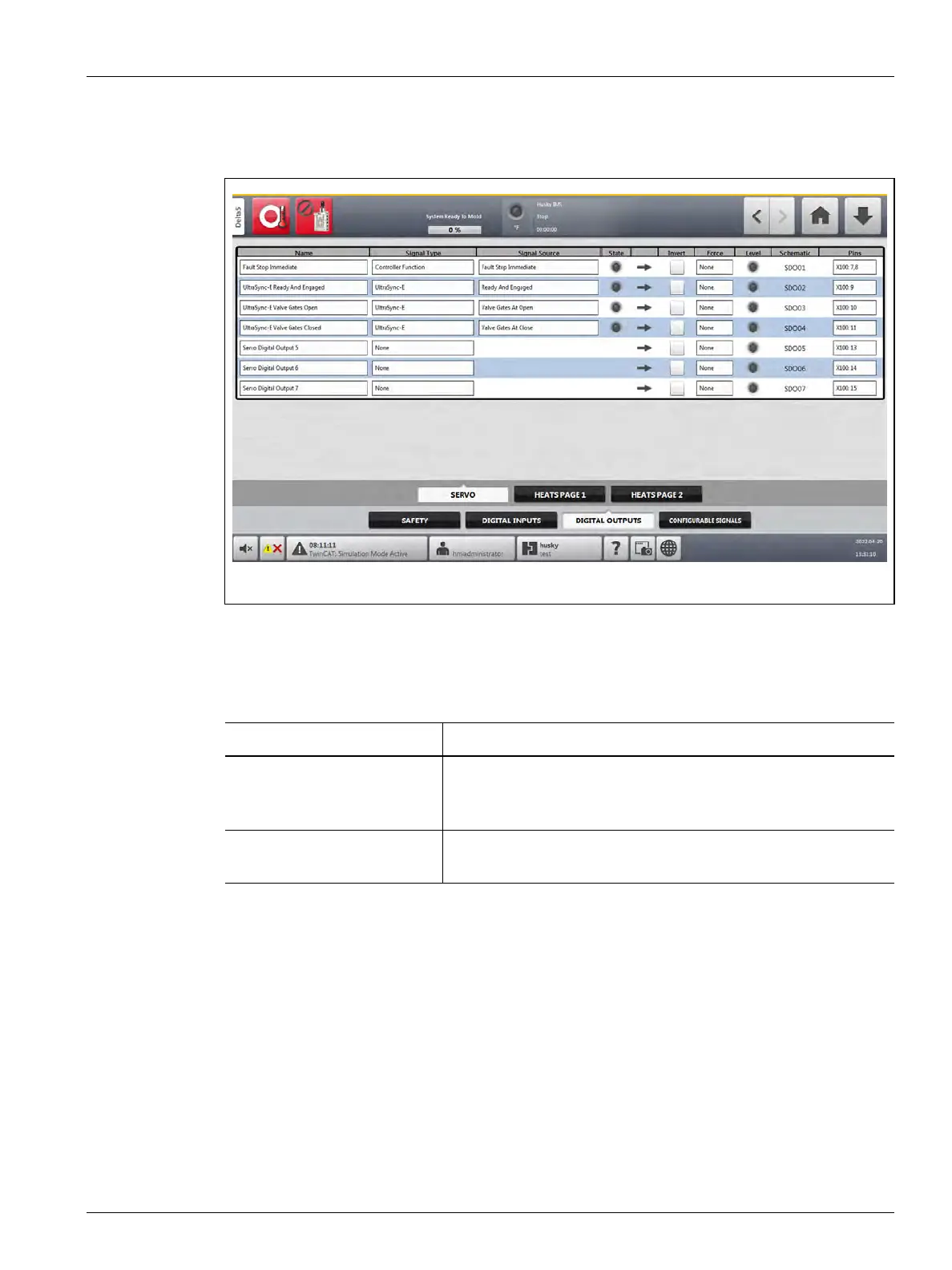
A list of the usual output signals to the IMM is shown in Table 14-6. For Delta5 with UltraSync-
E systems, Husky sets these output signals to digital outputs 1-4. These output signals can be
changed to agree with customer IMM configurations and operations.
Figure 14-3 Servo Digital Outputs Signals Screen
Table 14-6 Output Signals to the IMM (with UltraSync-E)
Signal Description
Fault Stop Immediate These contacts are closed when the IMM must stop immediately,
because of a fault or alarm on the controller. This signal can be
used to tell the IMM when clamp movement is permitted.
UltraSync-E Ready and
Engaged
This signal is ON when the controller is in automatic/Engaged
mode with no faults.



 To Next Page