Install the Remote Operator Interface 295
User Guide v 2.0 — March 2023 Maintenance
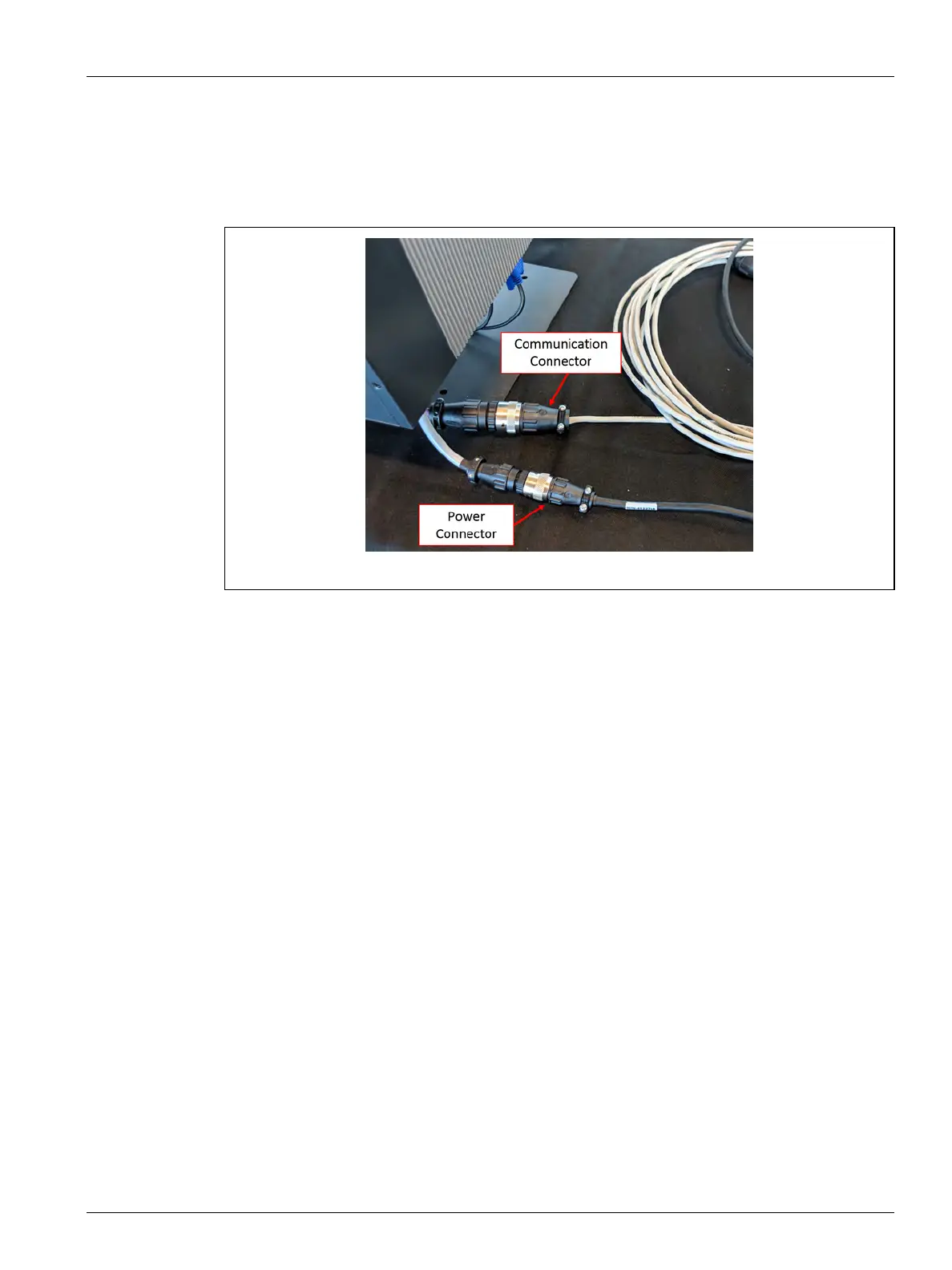
8. Connect the male end of the 7.6 m (25 ft) communication cable to the female
communication connector on the bottom of the operator interface MCU. Refer to
Figure 16-30.
9. Connect the female end of the 7.6 m (25 ft) power cable to the male power connector
on the bottom of the operator interface MCU. Refer to Figure 16-30.
10. If necessary, remove the lock out equipment and tag from the main power switch.
11. Energize the system at the main power switch.
Figure 16-30 Remote Operator Interface - MCU Cable Connection



 To Next Page