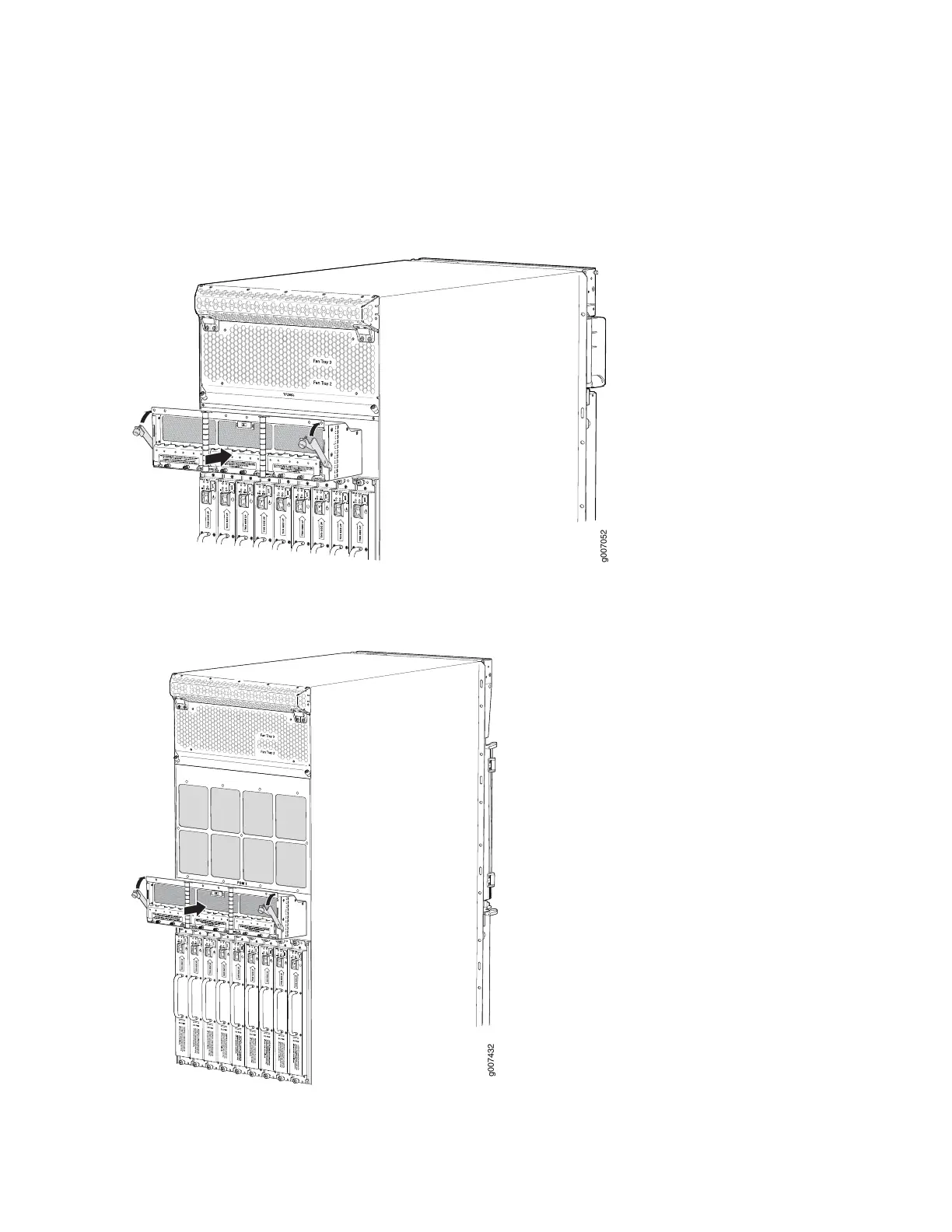
7. While holding both handles, guide the PDM until the locking levers are inserted into the chassis. With
both hands push the locking levers simultaneously until the PDM is fully seated into the chassis (see
Figure 190 on page 395(MX2020), Figure 191 on page 395(MX2010), or Figure 192 on page 396 (MX2008).
Figure 190: Installing an MX2020 Router DC Power Distribution Module
Figure 191: Installing an MX2010 Router DC Power Distribution Module
395



 To Next Page