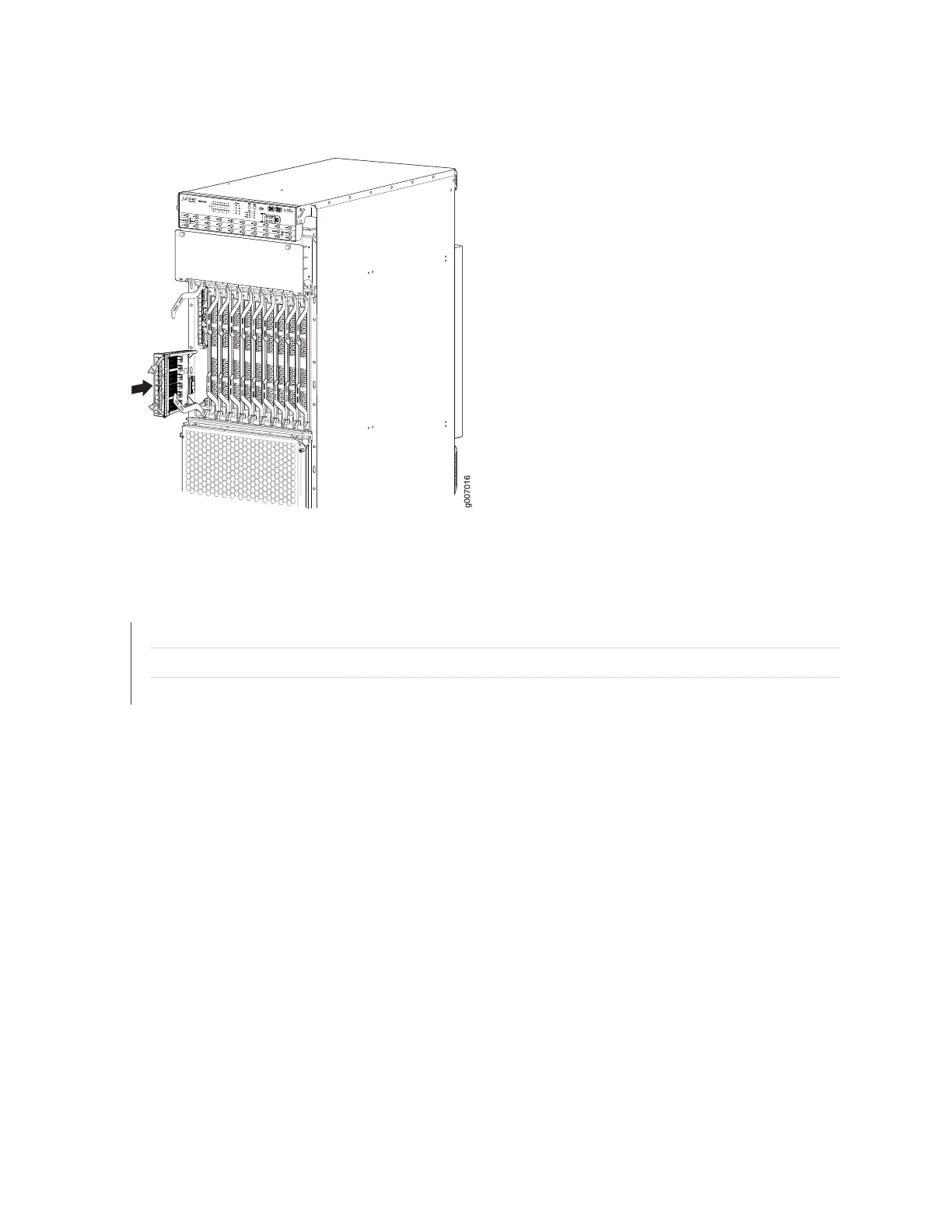
Figure 243: Installing a MIC
SEE ALSO
Prevention of Electrostatic Discharge Damage | 770
Removing an MX2020 MIC | 553
Installing an MX2020 Dual-Wide MIC | 558
Installing an MX2020 Dual-Wide MIC
To install a dual-wide MIC:
1. Attach an electrostatic discharge (ESD) grounding strap to your bare wrist, and connect the strap to
one of the ESD points on the chassis.
2. Remove the septum, if necessary (see Figure 244 on page 559):
a. Place the MPC on a flat surface. If necessary, remove the MPC from the ADC as described in
“Removing an MX2020 MPC from the Adapter Card” on page 539.
b. Remove the four screws labeled S on the bottom of the MPC.
c. Remove the two screws labeled S on the top of the MPC.
d. Slide the septum toward you and out of the MPC.
558



 To Next Page