2N8/2N7
1-3-57
U070 Adjustment: [Main Scan]
1. Change the setting value using the +/- keys or numeric keys.
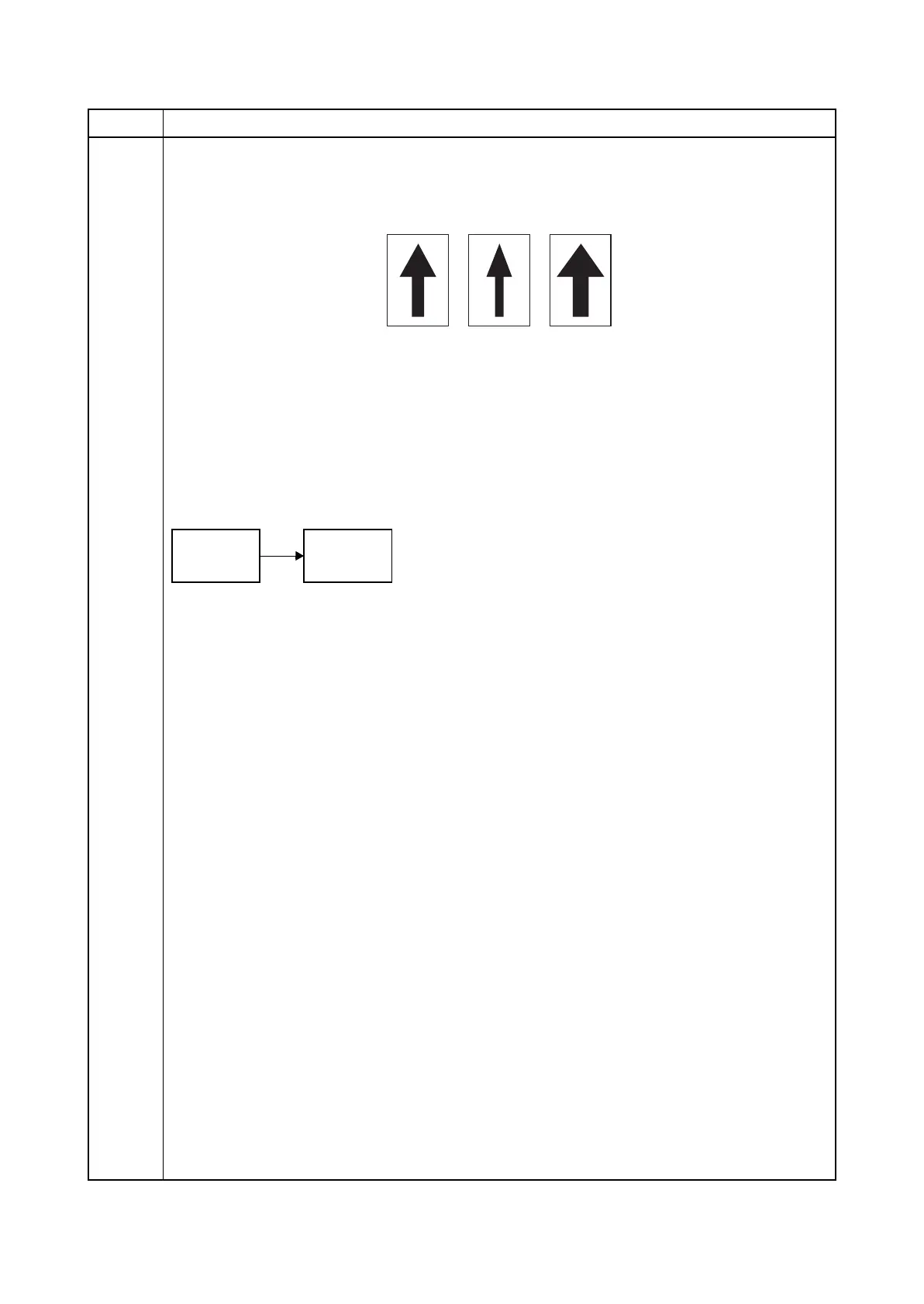
For copy example 1, increase the value. For copy example 2, decrease the value.
Increasing the setting enlarges the image and decreasing it narrows the image.
Figure 1-3-12
2. Press the start key. The value is set.
Caution
If the above adjustment does not optimize the magnification, perform the following maintenance
modes.
Completion
Press the stop key. The screen for selecting a maintenance item No. is displayed.
Item No. Description
Original Copy
example 1
Copy
example 2











 To Next Page