2N8/2N7
1-3-181
U470 Setting: [System]
1. Select the item to be set.
2. Change the setting value using the +/- keys or numeric keys.
3. Press the start key. The value is set.
Supplement
While this maintenance item is being executed, copying from an original is available in interrupt
copying mode (which is activated by pressing the system menu key).
Completion
Press the stop key.
* : The screen for selecting a maintenance item No. is displayed.
U485 Setting the image processing mode
Description
Sets the detection level for scanning printed matter outputted with the confidential document
guard function. Also, sets the process PDF images are rotated.
Purpose
To change the detection level when the confidential document guard is not printed well for detec-
tion in scanning. Also, changes the process of how PDF images are rotated.
Method
1. Press the start key.
2. Select the item.
Setting: [Conf. Doc. Detection]
1. Change the setting value using +/- keys or numeric keys.
A smaller value raises the detection sensitivity but increases the possibility of false detection.
A larger value lowers the detection sensitivity but decreases the possibility of false detection.
2. Press the start key. The value is set.
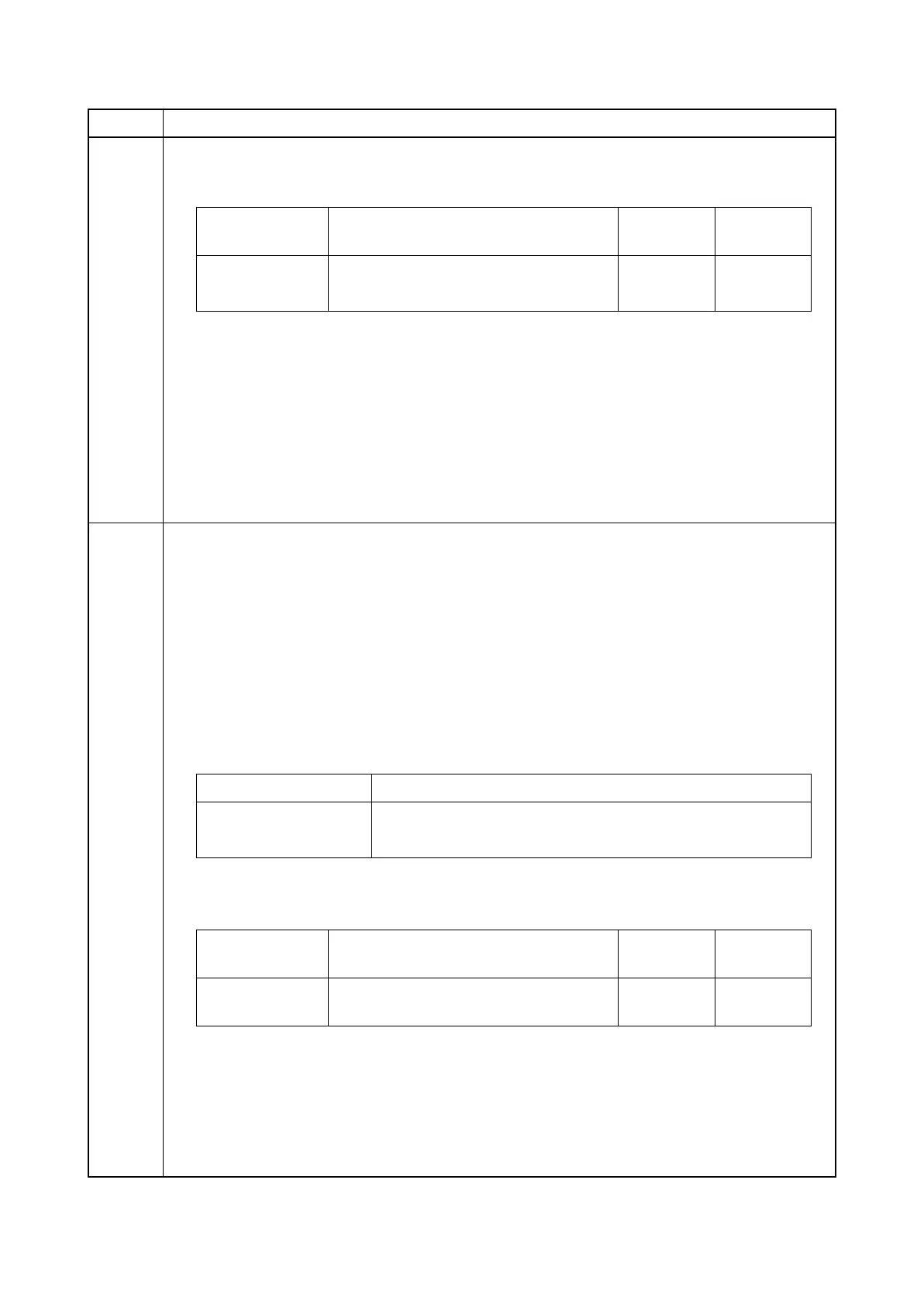
Item No. Description
Display Description
Setting
range
Initial
setting
Y Compression ratio of brightness 1 to 100 90
CbCr Compression ratio of color differential 1 to 100 90
Display Description
Conf. Doc. Detection Confidential document guard detection level
PDF Rotation Processing the rotation of PDF images
Display Description
Setting
range
Initial
setting
Conf. Doc.
Detection
Confidential document guard detection
level
1 to 5 1







 To Next Page