2N8/2N7
1-3-108
U206 3. Change the setting value using the +/- keys.
In 10-yen increments
Value of 0 allows non-restricted copying. (At a periodic maintenance, etc.)
Setting: [Apl]
1. Select the item to be set.
2. Change the setting value using the +/- keys.
3. Press the start key. The value is set.
4. Turn the main power switch off and on. Allow more than 5 seconds between Off and On.
Setting: [Boot Mode]
1. Select the item.
Initial setting: Copy Service
2. Press the start key. The setting is set.
Setting: [Apl Charge Mode]
1. Select the item.
Initial setting: Off
2. Press the start key. The setting is set.
Completion
Press the stop key. The screen for selecting a maintenance item No. is displayed.
Item No. Description
Display Description Setting range Initial setting
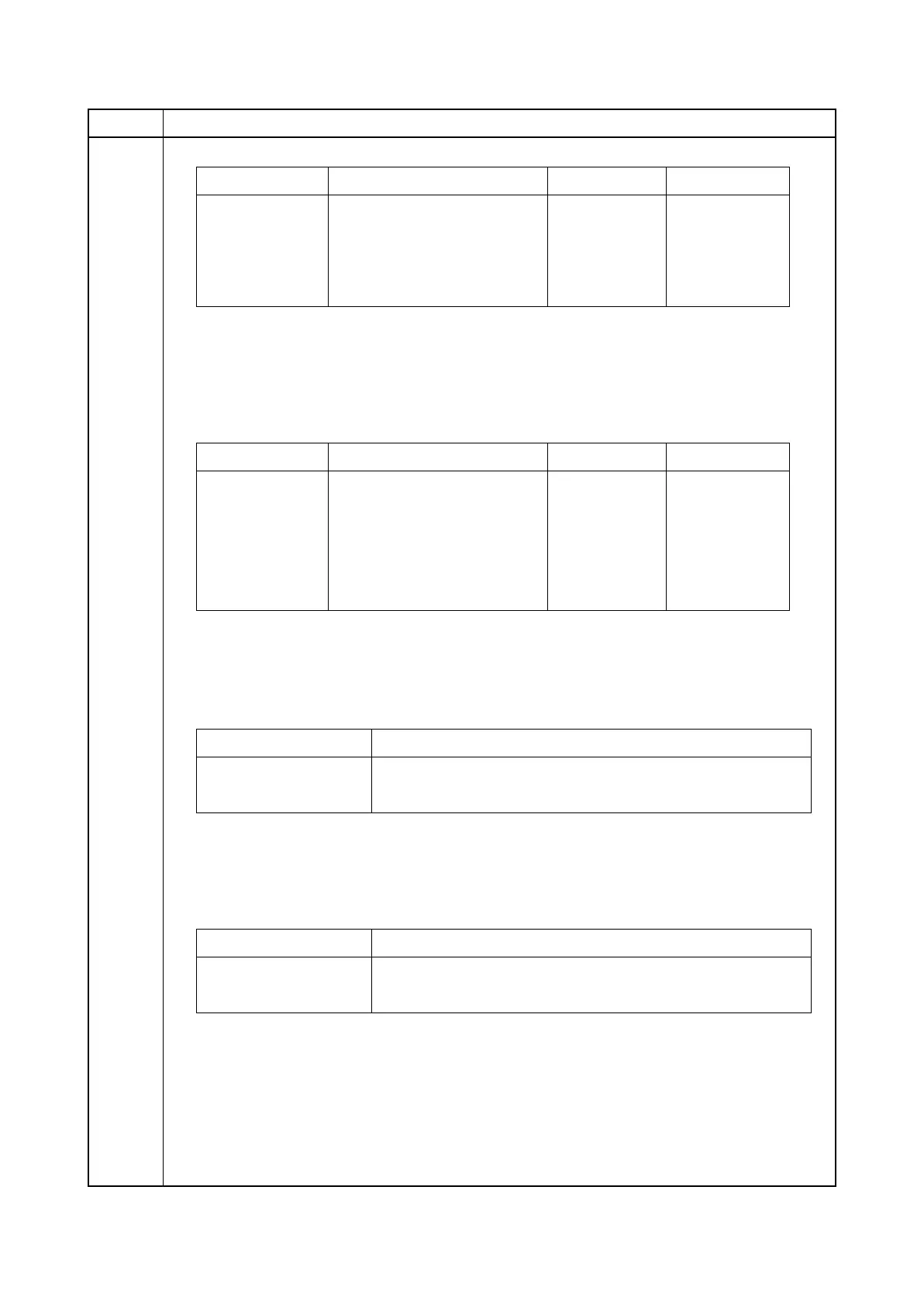
A3-Ledger A3/Ledger size 0 to 300 10
B4 B4 size 0 to 300 10
Card Post card 0 to 300 10
Other Other 0 to 300 10
Display Description Setting range Initial setting
Apl1 Expanded charging unit 1 0 to 300 10
Apl2 Expanded charging unit 2 0 to 300 10
Apl3 Expanded charging unit 3 0 to 300 10
Apl4 Expanded charging unit 4 0 to 300 10
Apl5 Expanded charging unit 5 0 to 300 10
Display Description
Normal Assign activation to normal mode.
Copy Service Assign activation to copy service display.
Display Description
On The extended charge unit is used.
Off The extended charge unit is not used.











 To Next Page