2N8/2N7
1-4-181
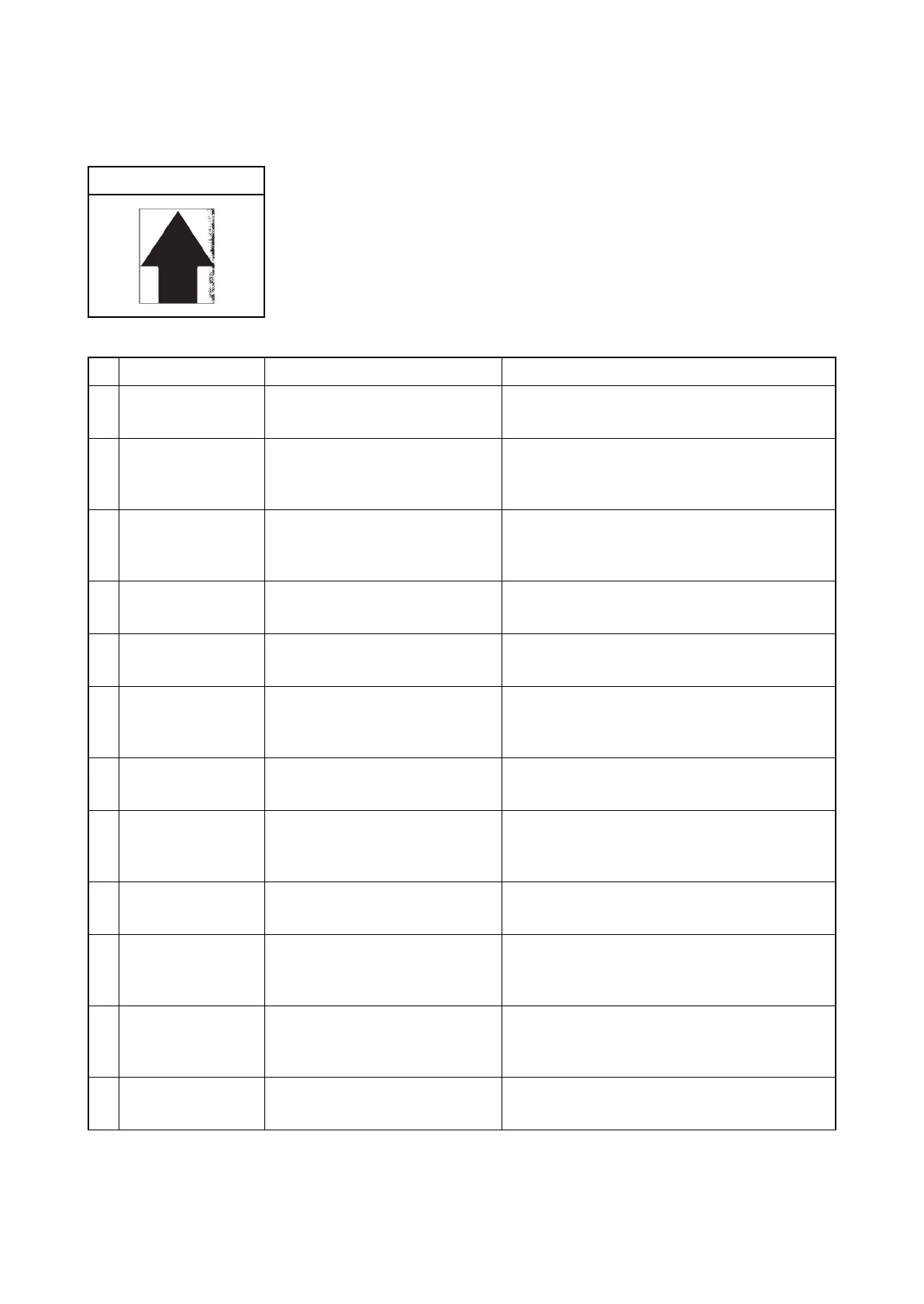
(8) One side of the print image is darker or brighter than the other.
1. Table scanning
Print example
Defective part Check description Corrective Action
1
Original document Check whether the original
document is dirty.
If the original document is dirty, replace.
2
Original document Check if the original document
has creases or foldings or wrin-
kles.
If the original document has foldings or
creases, remove them.
3
Position of the mat
of the platen
Check whether the position of
the mat of the DP or the platen is
wrong.
If the position of the mat of the DP or the platen
is shifted, re-mount.
4
Contact glass Check whether the contact glass
is dirty.
If the contact glass is dirty, clean the contact
glass, and the bottom part of the shading plate.
5
Contact glass assy
Check the location the contact
glass is mounted.
If the light guide panel has been fallen off of the
mounting position, fix it properly.
6
Lamp unit Check the position at which the
light guide panel is mounted.
If the contact part of the lamp unit and the rail is
distorted, replace the lamp unit.
7
Mirror Check whether the mirrors are
dirty.
If the mirrors are dirty, clean the three mirrors.
8
ISU Check the location the ISU unit
is mounted.
Insert a spacer between the scanner unit and
the ISU to change the height.
(see page 1-5-44)
9
LED PWB Check that the LED is lit. If the LED is not lit, replace the LED PWB and
perform U411.(see page 1-3-152)
10
LED Assy Check the mounting position of
the refelector board or if it is dis-
torted.
If the LED assy is hanged off of the mounting
position of the reflector or it is deformed,
replace the LED assy.
11
Lamp unit Check that the contact part of
the lamp unit and the rail is dis-
torted.
If the contact part of the lamp unit and the rail is
distorted, replace the lamp unit.
12
Mirror unit Check the location the mirror is
mounted.
Re-mount the mirror if it is hanged off. Or, if the
mirror is damaged, replace.












 To Next Page