2N8/2N7-1
1-2-3
1-2-2 Unpacking and installation
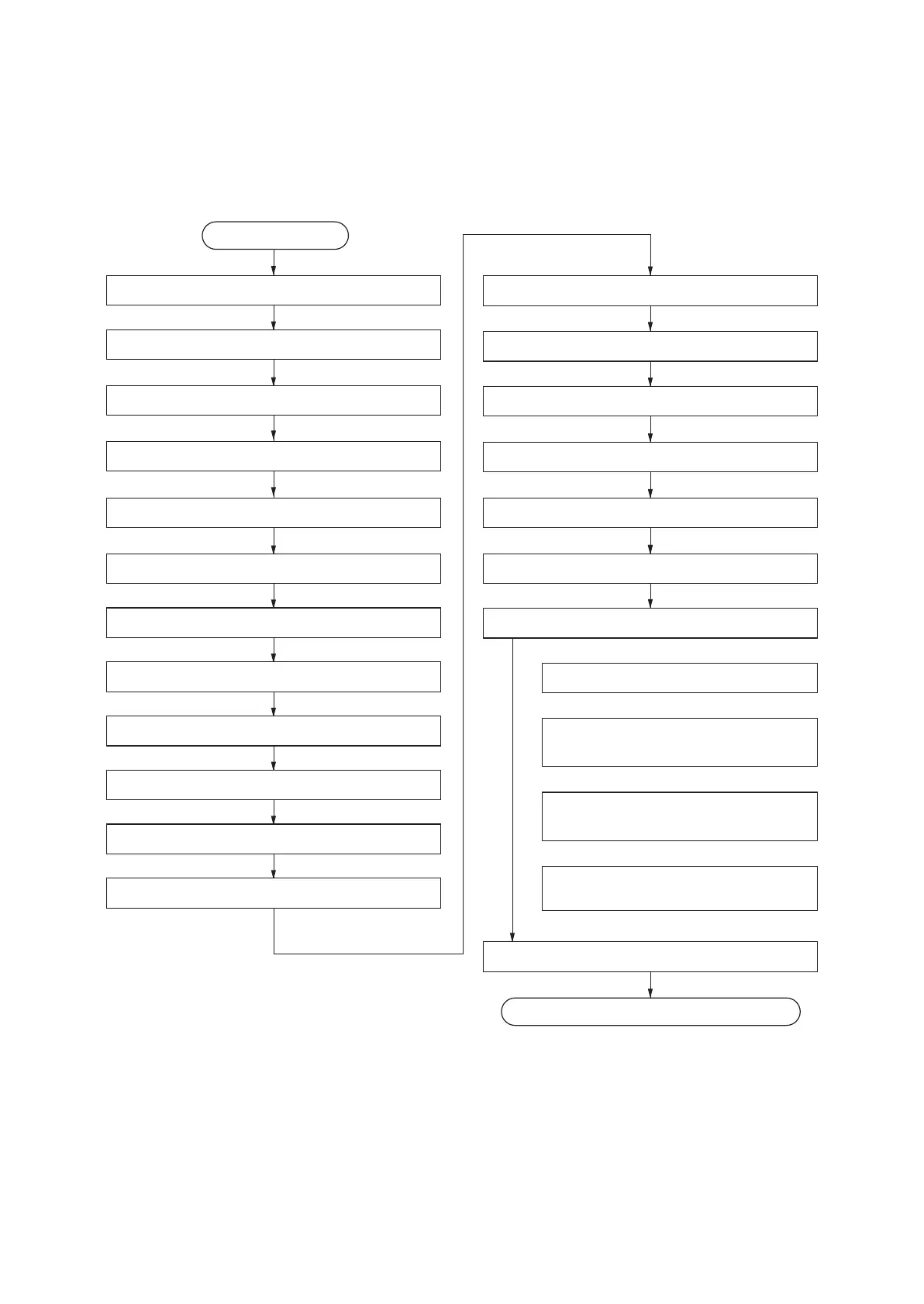
(1) Installation procedure
Unpacking
Removing the tapes and spacers
Taking out the machine
Installing the operation arm
Release the lock of the scanner mirror frame
Start
Release of lift plate stopper (cassette 1 and 2)
Loading paper (cassette 1 and 2)
Release of lift plate stopper (cassette 3 and 4)
Loading paper (cassette 3 and 4)
Installing the toner container
Unlocking the developer waste exit
Installing the toner disposal box
Connect the power cord
Installing the stoppers
Installing other optional devices
Replacing operation panel sheet
Installing the cassette heater (option)
Completion of the machine installation.
Exit maintenance mode
Setting the maintenance item U952
Adjusting the image
Setting the delivery date
(maintenance item U278)
Output an own-status report
(maintenance item U000)
Clearing the all copy counts and
machine life counts (one time only)
Setup for adjusting images












 To Next Page