2N8/2N7
1-2-59
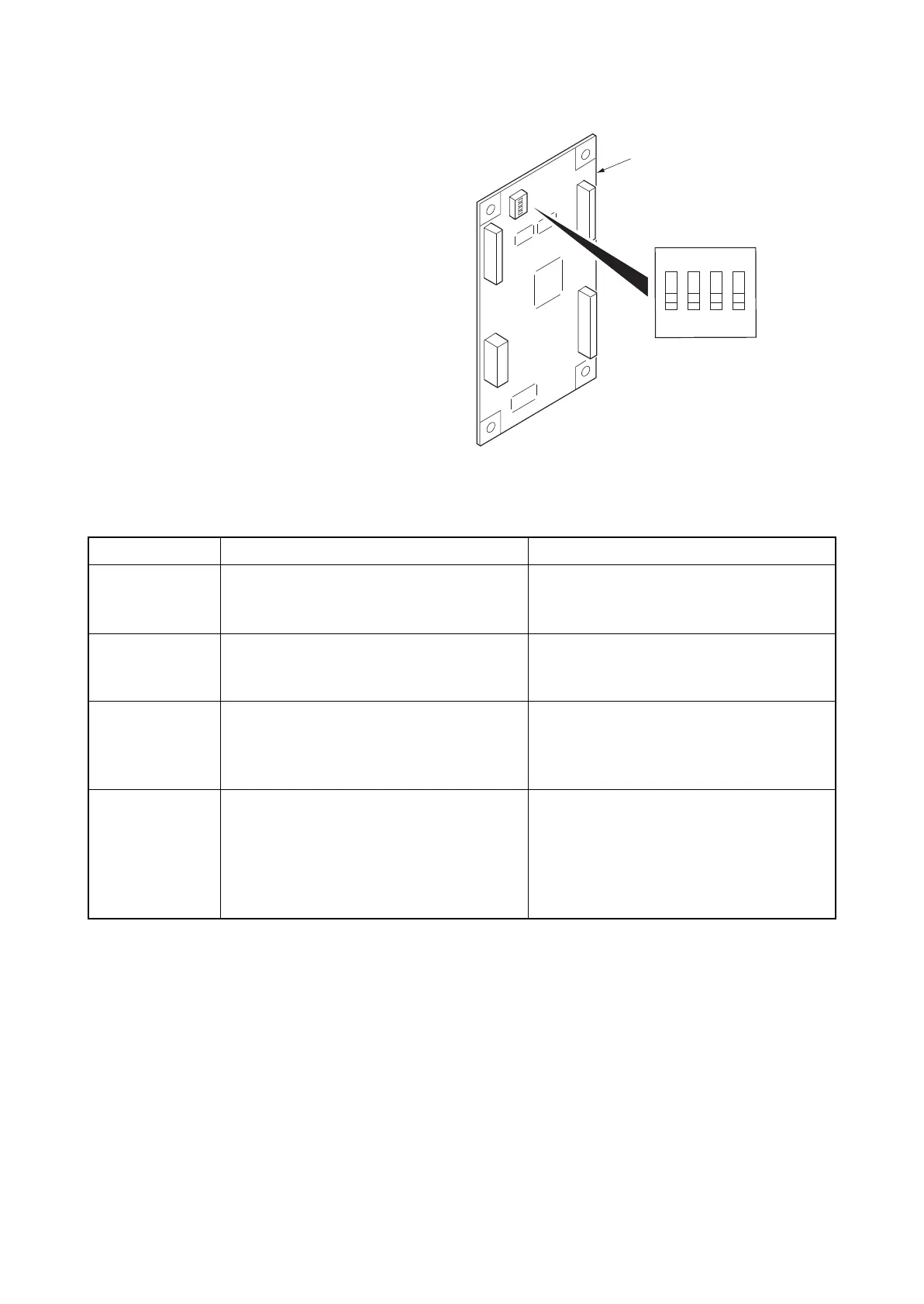
Setting the DIP switch
1. Configure DIP switches 1 to 4 on the
KMAS interface board as follows:
Figure 1-2-88
DIP SW No. Description Remarks
1 PHS module/modem switching
ON: Use modem
OFF: Use PHS module
2 Modem outgoing switching
ON: Pulse
OFF: Tone
This is required when modem is used.
3 Communication speed switching with the
device
ON: 9600bps
OFF: 19200bps
Set to OFF.
4 Communication log when automatically
notifying service calls
Switching messages
ON: Message is fixed
OFF: Normal message is used
When ON, the message is “Call a service
representative.”
When OFF, the message will vary depend-
ing on communication status. To setup the
system with automatic accounting only, ON
may be set.
1
2
3
4
ON
DIP switch
KMAS interface PWB











 To Next Page