2N8/2N7
1-3-68
U099 Setting: [B/W Level1]
1. Select an item to be set.
2. Change the setting value using the +/- keys or numeric keys.l
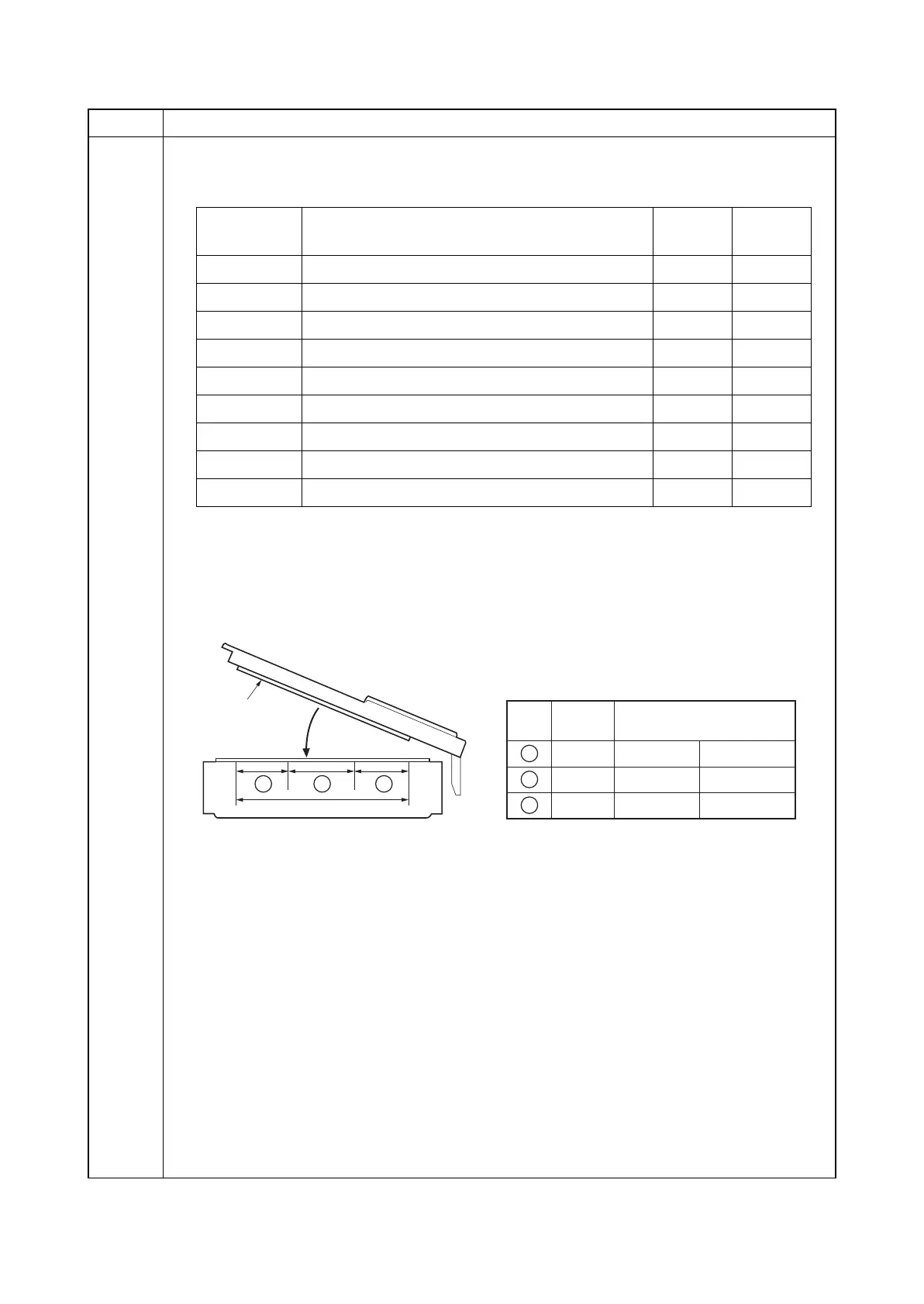
3. Reducing the value increases the sensitivity of the sensor allowing a document with more
density to be detected, however, the document mat could be detected as an original docu-
ment.
If the values vary excessively, mal-detection could occur depending on how a document is
placed.
Figure 1-3-16
4. Press the start key. The value is set.
Completion
Press the stop key. The screen for maintenance item No. is displayed.
Item No. Description
Display Description
Setting
range
Initial
setting*
Original R1 Original threshold value for color R (near side) 0 to 255 50
Original R2 Original threshold value for color R (center) 0 to 255 50
Original R3 Original threshold value for color R (far side) 0 to 255 50
Original G1 Original threshold value for color G (near side) 0 to 255 50
Original G2 Original threshold value for color G (center) 0 to 255 50
Original G3 Original threshold value for color G (far side) 0 to 255 50
Original B1 Original threshold value for color B (near side) 0 to 255 50
Original B2 Original threshold value for color B (center) 0 to 255 50
Original B3 Original threshold value for color B (far side) 0 to 255 50
297 mm
Original mat
Original
R/G/B
Original width size rangeFig.
1
1
2
3
1
2
3
A4R to A3
B6R to A4R
to B6R
8.5" to 11"
5.5" to 8.5"
to 5.5"
23











 To Next Page