2N8/2N7
1-3-74
U106 [2nd Half]
4. Press the start key. The value is set.
Setting: [OHP]
1. Select the item to be set.
2. Change the value using the +/- or numeric keys.
3. Press the start key. The value is set.
Setting: [Bias]
1. Select the item to be set.
2. Change the value using the +/- or numeric keys.
3. Press the start key. The value is set.
Supplement
While this maintenance item is being executed, copying from an original is available in interrupt
copying mode (which is activated by pressing the system menu key).
Completion
Press the stop key. The screen for selecting a maintenance item No. is displayed.
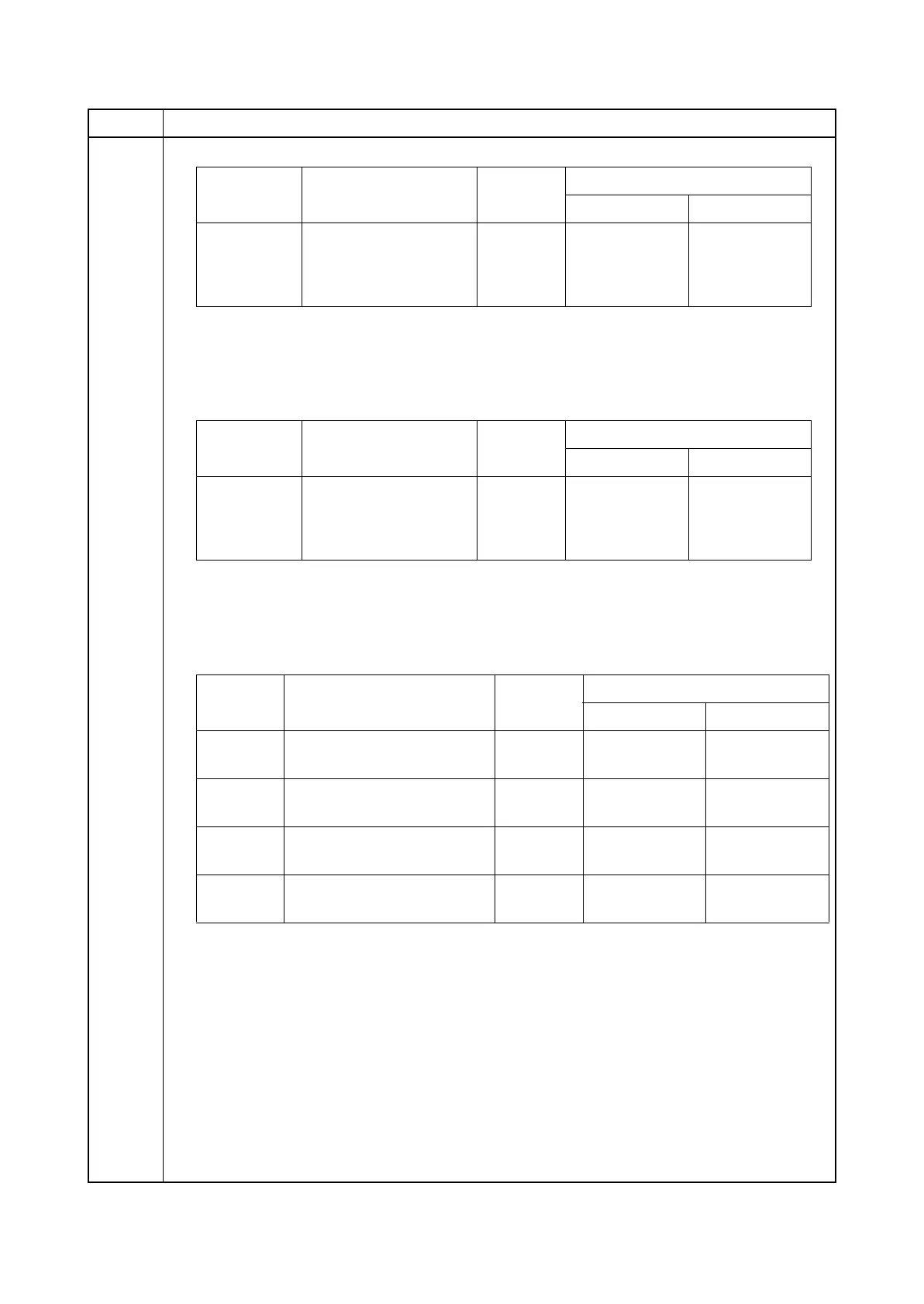
Item No. Description
Display Description
Setting
range
Initial setting
65ppm 80ppm
Width=105 105 mm wide 0 to 255 114 117
Width=210 210 mm wide 0 to 255 114 117
Width=297 297 mm wide 0 to 255 105 106
Display Description
Setting
range
Initial setting
65ppm 80ppm
Width=105 105 mm wide 0 to 255 107 110
Width=210 210 mm wide 0 to 255 107 110
Width=297 297 mm wide 0 to 255 101 103
Display Description
Setting
range
Initial setting
65ppm 80ppm
Reverse Transfer reverse bias
(full speed)
0 to 255 164 164
Reverse
Half
Transfer reverse bias
(half speed)
0 to 255 164 164
Cleaning Cleaning control value
(full speed)
0 to 255 123 131
Cleaning
Half
Cleaning control value
(half speed)
0 to 255 108 112











 To Next Page