2N8/2N7
1-4-209
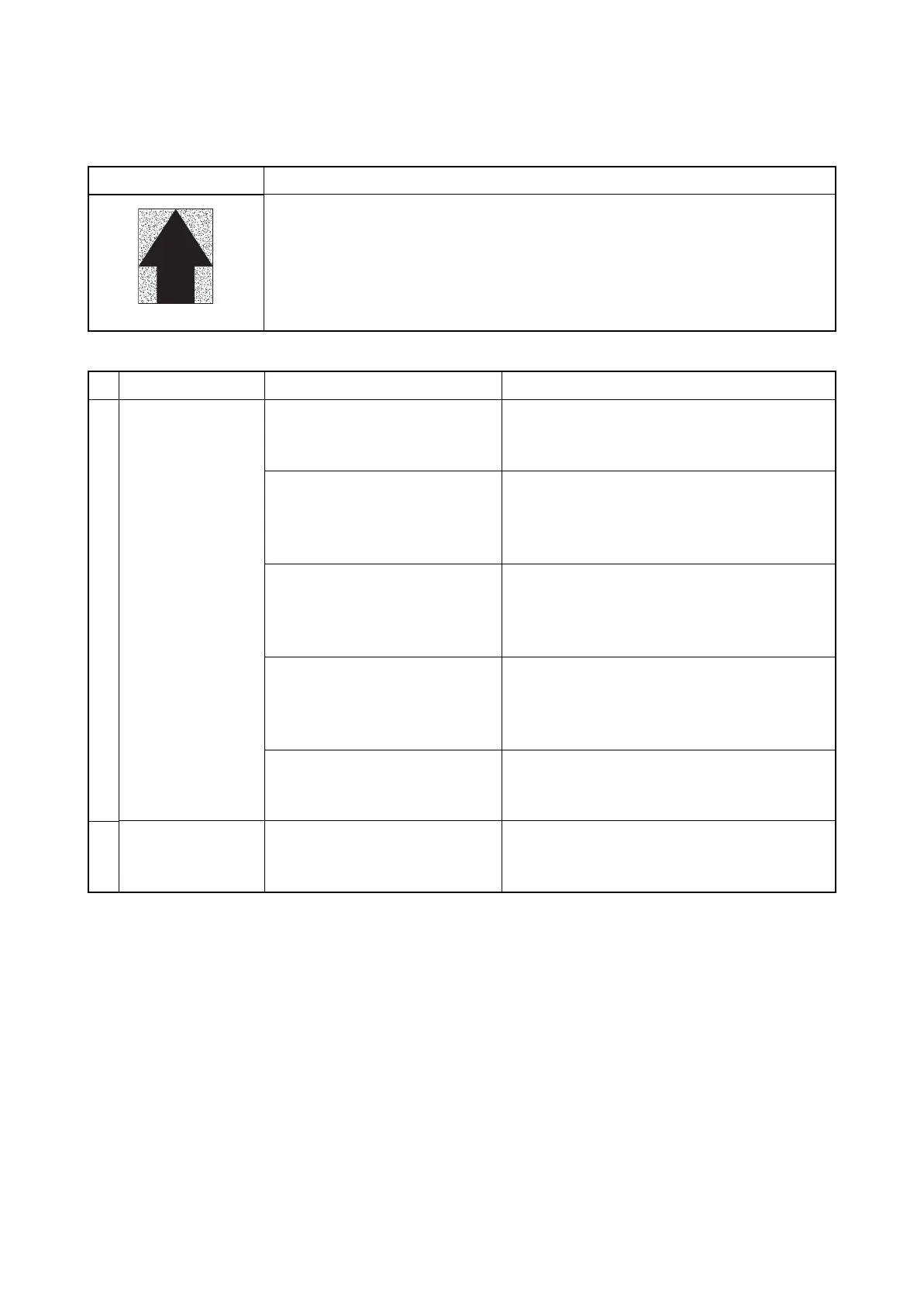
(4) The background is colored.
Print example
要因
1. Toner is deteriorated in quality (under-charged).
2. Toner is over-supplied.
3. Developing bias is too high.
4. The layer of toner is too thick on the developing roller (too much toner).
5. The surface potential of the drum is too low (under low temperature
environment).
Defective part Check description Corrective Action
1
Developer unit Executing U089 to generate PGs
and check the following:
(see page 1-3-64)
1. Check whether the device
was being continuously
operated with high density,
under a hot environment.
If the device was being continuously operated
with high density under a hot environment,
perform developing refreshing. (System Menu
>Adjustment / Maintenance)
2. Check the value of the U140
developer bias. (see page 1-
3-83)
If the density ID is too low at calibration,
execute maintenance modes U464 Calibration
and U410 Grascale Adjustment. (see page 1-
3-175,1-3-151)
3. Check contamination and
deformation on the
connecting terminals for
developer bias.
If the connecting terminals for developer bias
are dirty, clean.If the connecting terminals are
deformed, correct for a proper conduction.
4. Check the toner sensor
output by U155.
(see page 1-3-89)
If the toner sensor output obtained by U155 is
100 or less, replace the developer unit. (see
page 1-5-56)
2
Toner supply motor Check the toner supply motor is
continuously rotating.Check
wires for short-circuiting.
If the harnesses are short-circuited and the
toner motor is continuously rotating,
replace the toner supply motor.











 To Next Page