2N8/2N7
1-4-226
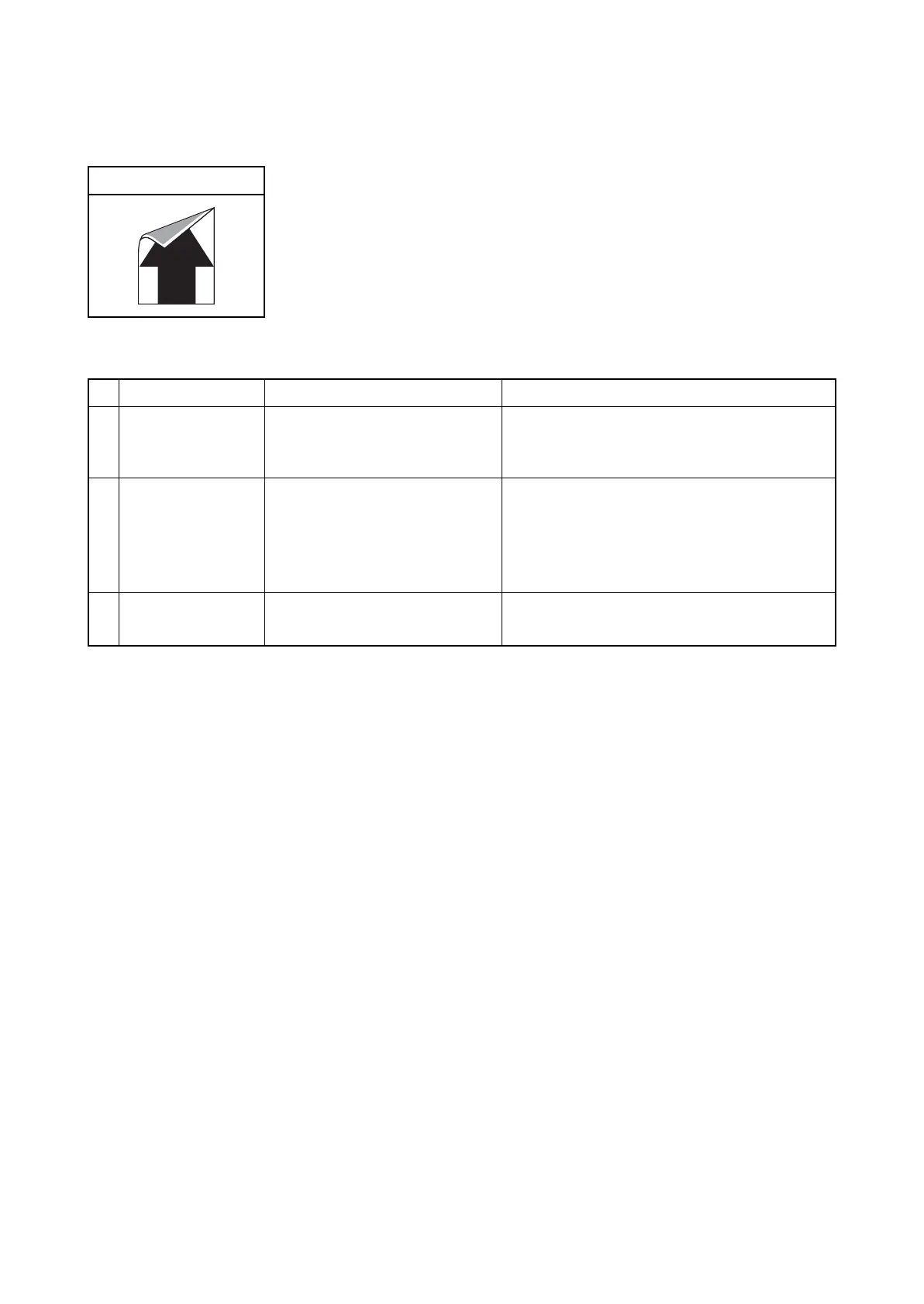
(23) Dirty reverse side of paper.
Print example
Defective part Check description Corrective Action
1
Conveying guide Check if the conveying guide is
dirty with toner.
If the conveying guide is dirty with toner, clean
the conveying guide, the developer unit and
the cooling ducts.
2
Fuser pressure
roller
Check that a foreign object is
stuck on the fuser pressure
roller.
1. If a foreign object exists, clean the fuser
pressure roller.
2. If the paper and the paper weight setting do
not match, choose the proper paper weight
setting.
3
Transfer belt unit Check if the transfer belt is dirty
with toner on its surface.
1. Clean the transfer belt.
2. Reset U106 Bias settings to its default.











 To Next Page