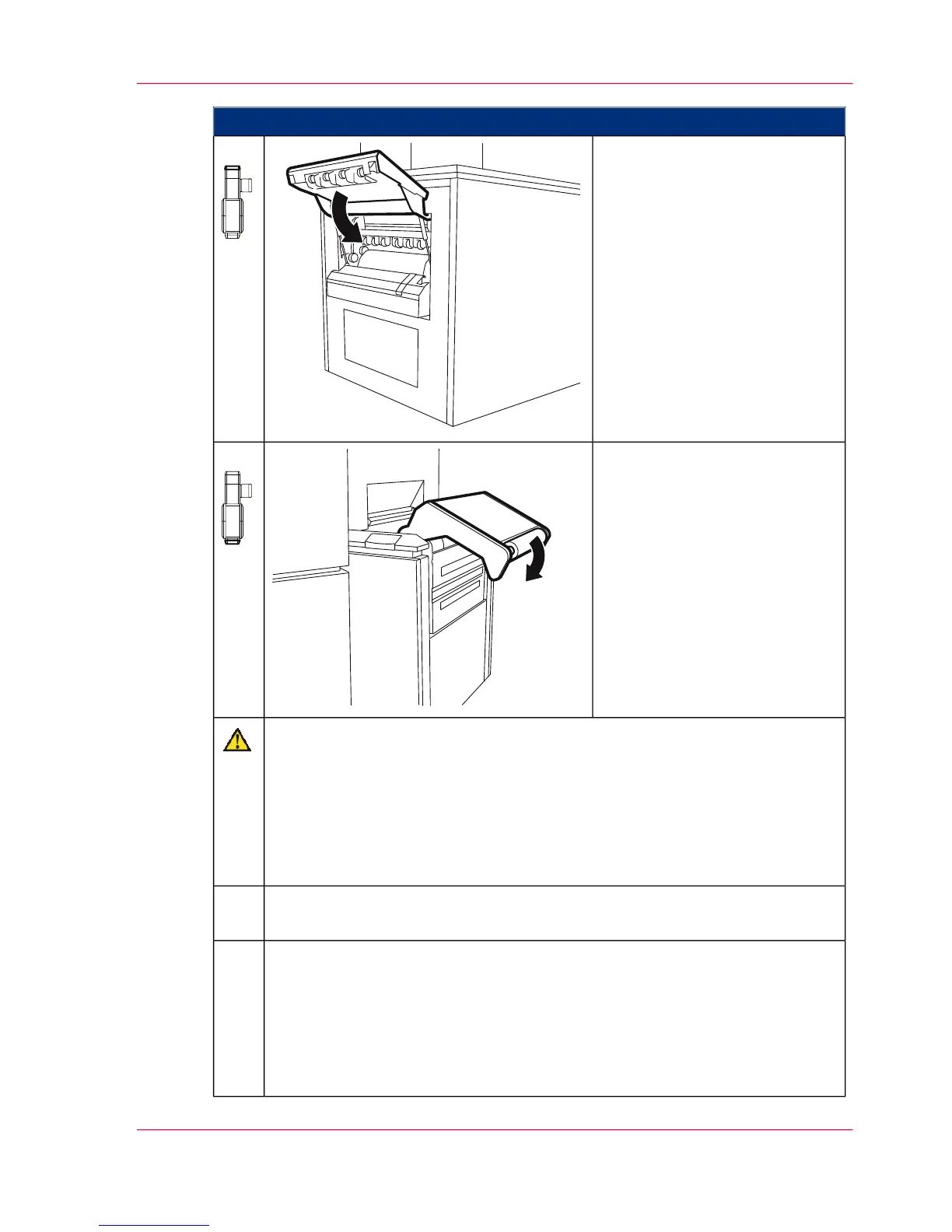
Proceed as follows:
Close the paper output flap.13.
Push the paper input rocker
down until it latches.
14.
Caution
If the adhesive joint is moved too quickly, the paper web may be damaged or
torn
Only move the affixed paper web with the 'ADVF' button and monitor the
paper transport. If you use the 'Eject' button to move the paper, you might
overlook damage to the paper web and not be able to prevent this damage in
time.
Move the affixed paper web with the 'ADVF' button until the splice has
completely passed through the paper post-processing unit.
15.
Enter on the operator panel whether new smoothing rollers were installed:
■
When you click the 'Yes' button:
Replacement of the smoothing rollers is documented in the 'Consumable
history' menu.
■
When you click the 'No' button:
No replacement is recorded in the 'Consumable history' menu.
16.
Chapter 9 - Replacing Expendables 467
Installing smoothing rollers



 To Next Page