10 Monitoring NBP
207
During Measurements
The cuff pressure is displayed instead of the units and the repeat time. An early systolic value gives you
a preliminary indication of the systolic blood pressure during measurement.
When Unexpected Values are Measured
When values measured are higher or lower than expected, check the following potential causes:
Starting and Stopping Measurements
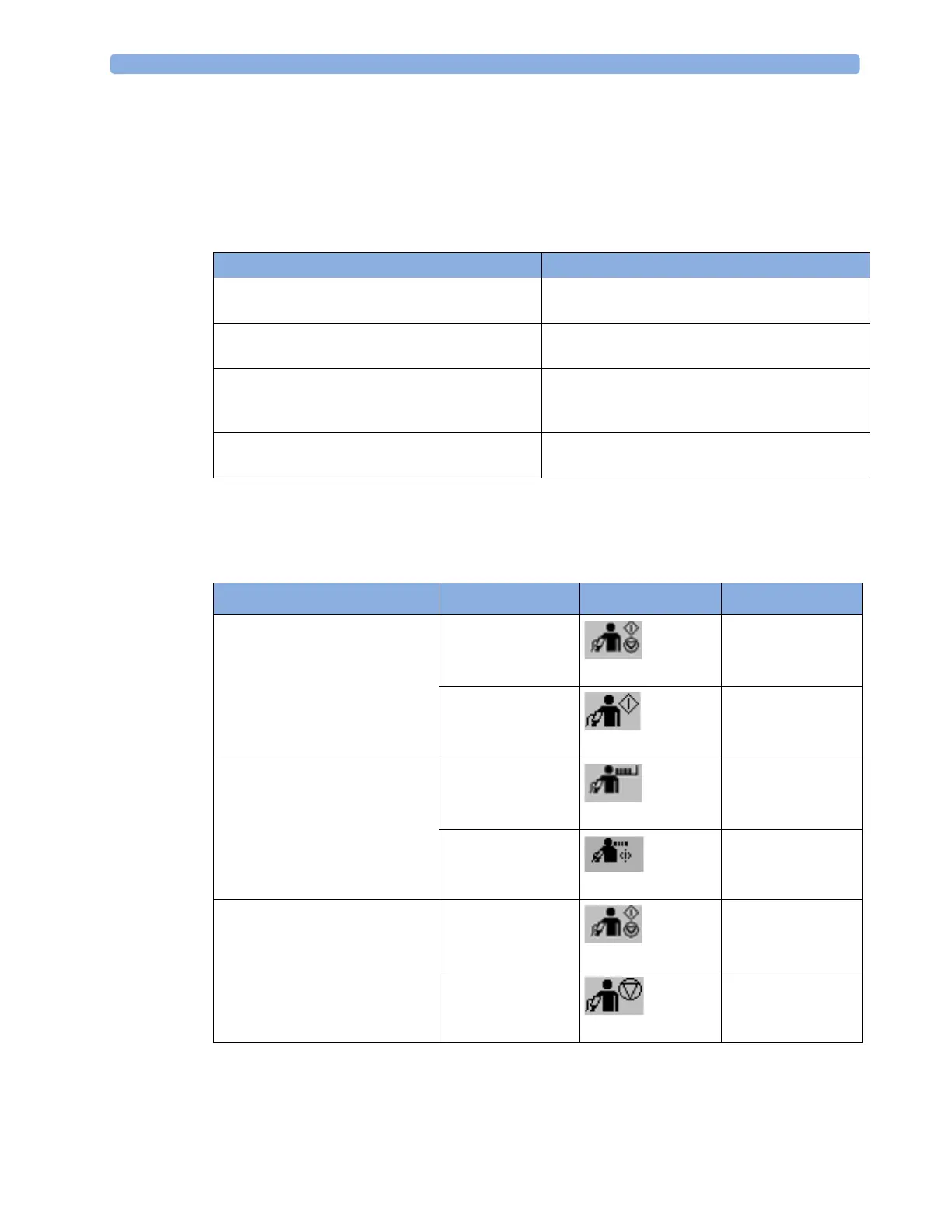
Use the Setup menu, SmartKeys or the MMS hardkey to start and stop measurements.
Possible Cause Solution
The patient was talking or moving before or
during the measurement.
Allow the patient to rest quietly, then try again
after three to five minutes.
The incorrect cuff size was used or the cuff was
not at heart level
Check the cuff size, level, and position then repeat
the measurement.
The noninvasive blood pressure reference method
is set incorrectly.
Check the reference method (auscultation or intra-
arterial) in the
Setup NBP menu. If it is incorrect,
have it changed in Configuration Mode.
Measurement limitations have not been taken into
account.
Check the list in “Measurement Limitations” on
page 204.
Action to be performed NBP Setup menu SmartKeys MMS hardkey
Start manual measurement
Start Auto series
Start/Stop
Start/ Stop
Start/Stop
Start NBP
---
Start STAT measurement
NBP STAT
NBP STAT
STAT (for MMS
without Pressure/
Temp measurement)
Start STAT
Stop Manual measurements
Start/Stop
Start/ Stop
Start/Stop
Stop NBP



 To Next Page