36 Using Batteries
407
Monitoring Time Available: While the monitor is running on battery power, a time is displayed
below the battery power gauge. No time is displayed when the monitor is running on external power.
This is the estimated monitoring time available with the current battery power. Note that this time
fluctuates depending on the system load (the display brightness and how many measurements you
carry out).
Battery Status Window
To access the Battery Status window and its associated pop-up keys, select the battery status
information on the Screen, or select
Main Setup then Battery.
•
Capacity, remaining tells you how much power is left in the battery.
•
TimeToEmpty tells you approximately how long you can continue to use the monitor with this
battery. Note that this time fluctuates depending on the system load (the display brightness and
how many measurements and recordings you carry out).
•
TimeToFull is shown in place of TimeToEmpty if the monitor is connected to mains power, and
tells you how much time is left until the battery is charged to 90%. If >10 hrs is shown here, the
battery may not charge completely when the monitor is in use. You can use the 865432 Smart
Battery Conditioner (previously M8043A) to charge the batteries externally.
Checking Battery Charge
To check the charge status of a battery, refer to the battery power gauge on the screen, or open the
Battery Status window.
When Battery Lifetime is Expired
When the battery is aged, either after 3 years from manufacturing date or after 500 charge/discharge
cycles, it is recommended to replace the battery. To remind you of this, a message will appear in the
Battery Status window. This message will only be displayed at the appropriate time when the date and
time on the monitor is correct.
Replacing a Battery
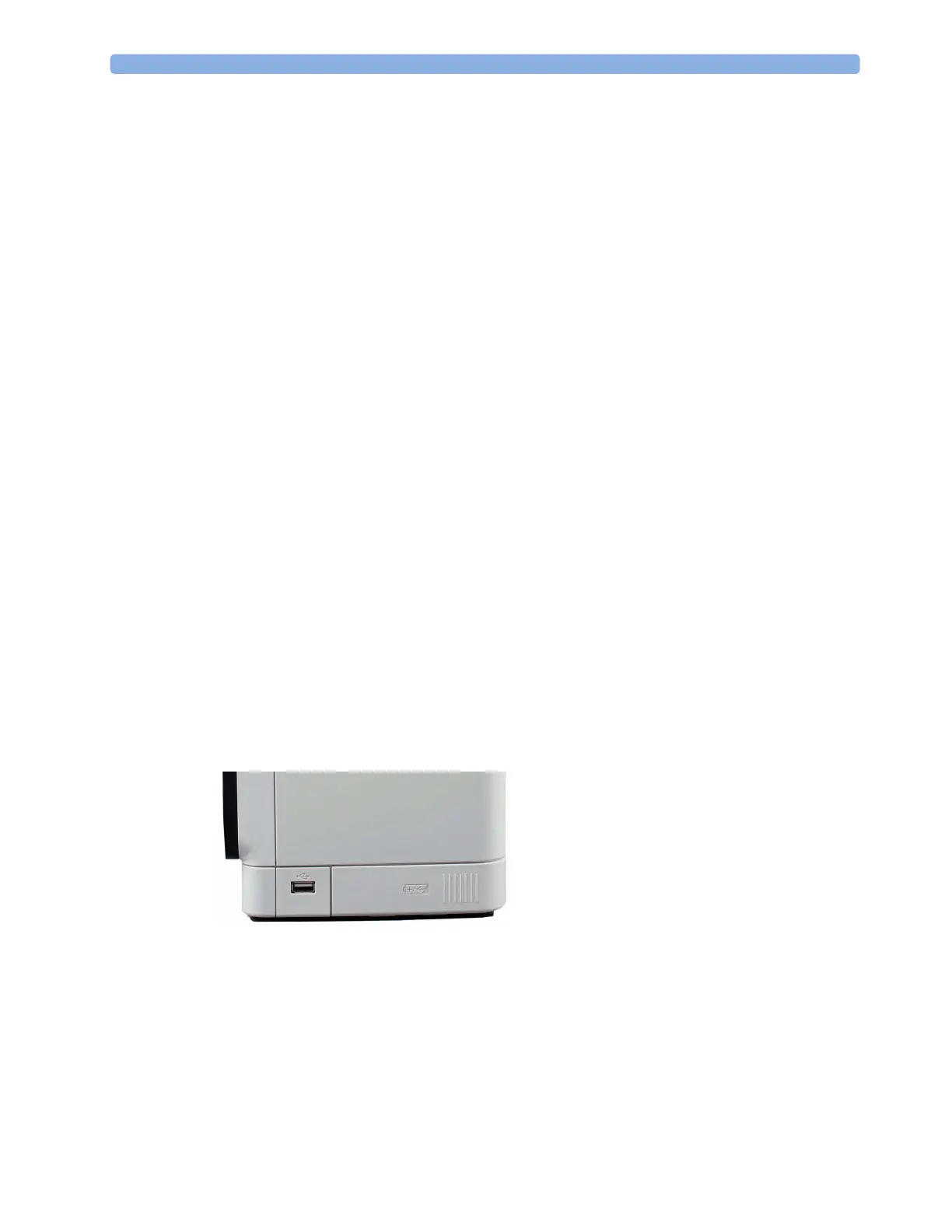
To replace the battery,
1 Press on the battery compartment door and slide it to the right to open it.
2 Pull gently on the canvas strap to move the battery towards you, then grasp the battery and pull it
out fully.
3 Slide the new battery into position, making sure that the battery contacts are facing in the correct
direction, as outlined on the inside of the battery compartment door.
4 Close the battery compartment door.



 To Next Page