29 Printing Patient Reports
377
The monitor may be configured to leave a space on the top left or right of the report printout to enable
you to stick a patient address label on it. This setting is called the
Addressograph and it can only be
changed in the monitor's Configuration Mode.
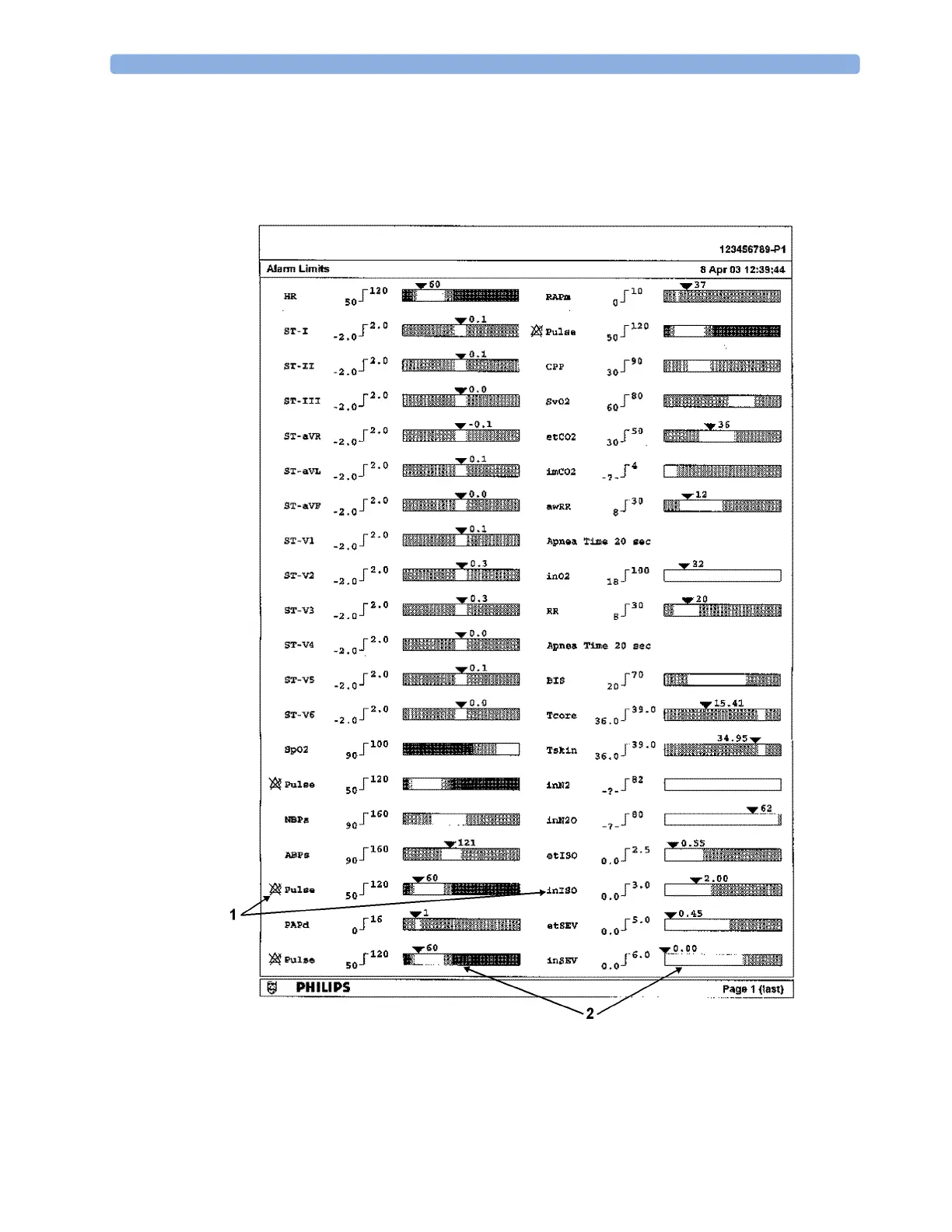
Alarm Limits Report
1 Measurement labels, with alarms off symbol where alarms are switched off
2 Graphic view of current alarm limits in relation to currently monitored measurement value



 To Next Page