37 Care and Cleaning
414
4
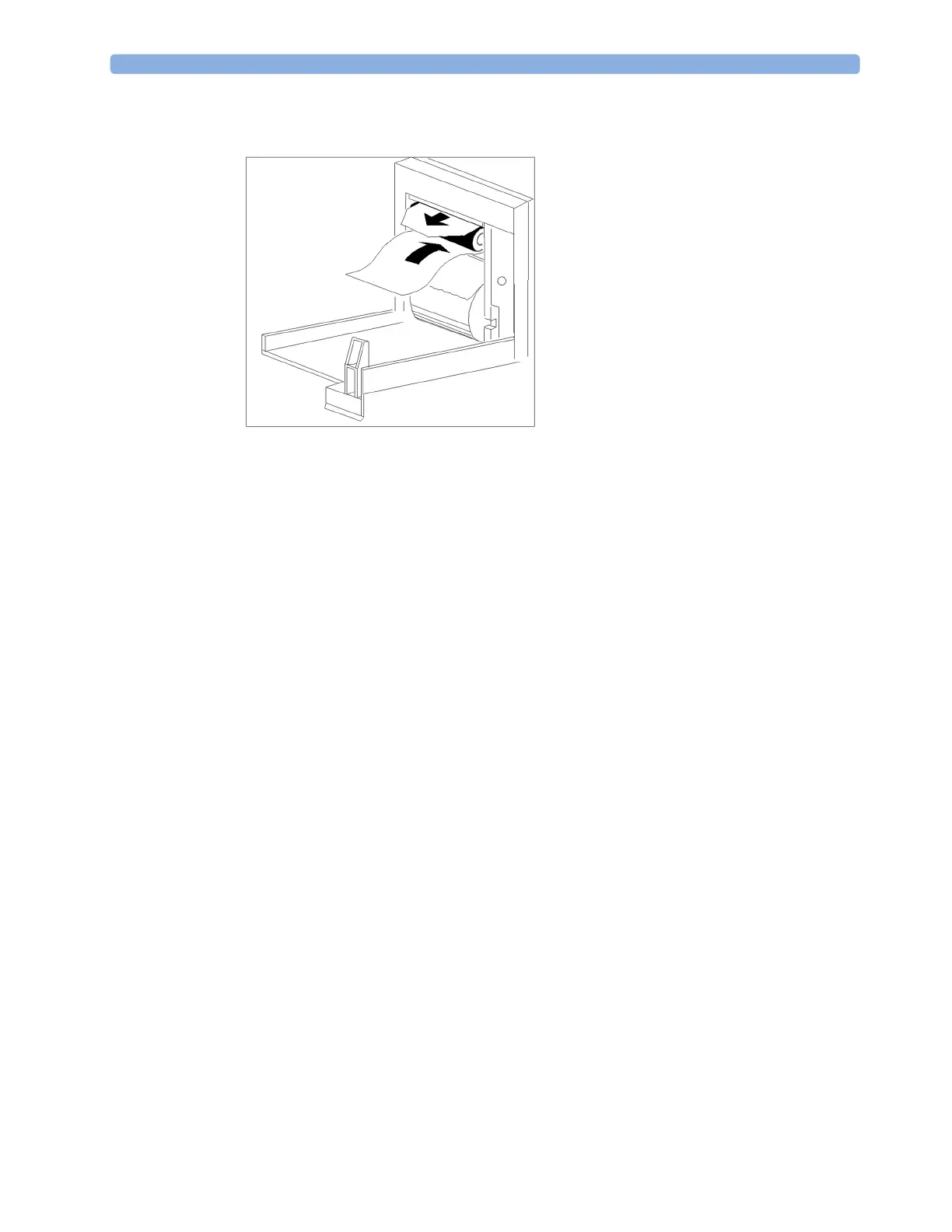
Thread the cloth cleaning strip instead of paper around the rubber roller until approximately two
inches of the strip come out from the top of the roller.
5 Close the recorder door, aligning both ends of the strip over the top of the door.
6 Holding the top end of the cleaning strip between your thumb and forefinger, pull the strip
through and out of the recorder.
7 Open the door and ensure that the paper cavity is dust-free. Re-thread the paper and replace the
recorder.
Cleaning Batteries and the Battery Compartment
MX400/450/
500/550
Wipe with a lint-free cloth, moistened with warm water (40°C/104°F maximum) and soap. Do not use
strong solvents. Do not soak the battery.



 To Next Page