28 Recording
361
All ECG Waves Recordings
An All ECG Waves recording shows a 4 second recording of each lead with a calibration bar preceding
each ECG lead. All available leads are recorded sequentially in the standardized lead order. The
recording is realtime, that is, the information recorded is not simultaneous.
Creating and Changing Recordings Templates
To save you defining recording settings each time you start a recording, you can create templates for
commonly-used types of recordings in the
Setup Recording menu. You can create templates for one
delayed recording, one alarm recording, three realtime recordings (two for MP20/30), and one high
resolution recording.
All ECG Waves recordings do not need to be configured, they always use the
same format.
Changing recordings templates changes the settings that will be used each time a recording of this
name is triggered.
1 Select the Main Setup permanent key to call up the Main Setup menu.
2 Select Recordings to enter the Setup Recording menu.
3 Select the name of the template you want to create or change. Each recording name is linked to a
recording type, delayed, alarm, realtime, and hi-res trends. Recording names can be changed in the
monitor's Configuration Mode.
4 Design the template by selecting each menu item and entering the information for the template.
•
Recorder: choose which recorder the recording will print to (Local, Central 2-Ch, or Central 4-
Ch
recorder, or Printer (for realtime reports in alarm recording only)).
•
Channel 1, Channel 2, etc.: choose which waveform to record in each channel. If the wave
assigned to a recording channel in a particular template is not available when a recording is
triggered, the channel is left blank on the recording strip. The pop-up list of available (currently
monitored) waves differs according to the recording type:
– Realtime, delayed and alarm recordings: the list shows all the currently available waves.
– High-resolution recordings: the list shows all the available high-resolution waves.
In addition to the currently available waves, you can choose from several other settings which
make an automatic allocation when the recording starts:
–
Alarm Par will always record the measurement in alarm in the chosen recorder channel
–
Primary Lead will always record the current primary lead in the chosen recorder channel
–
SecondryLead will always record the current secondary lead in the chosen recorder channel
–
Any Agent will always record the currently selected anesthetic agent.
For high-resolution recordings only the
Any Agent setting is available.
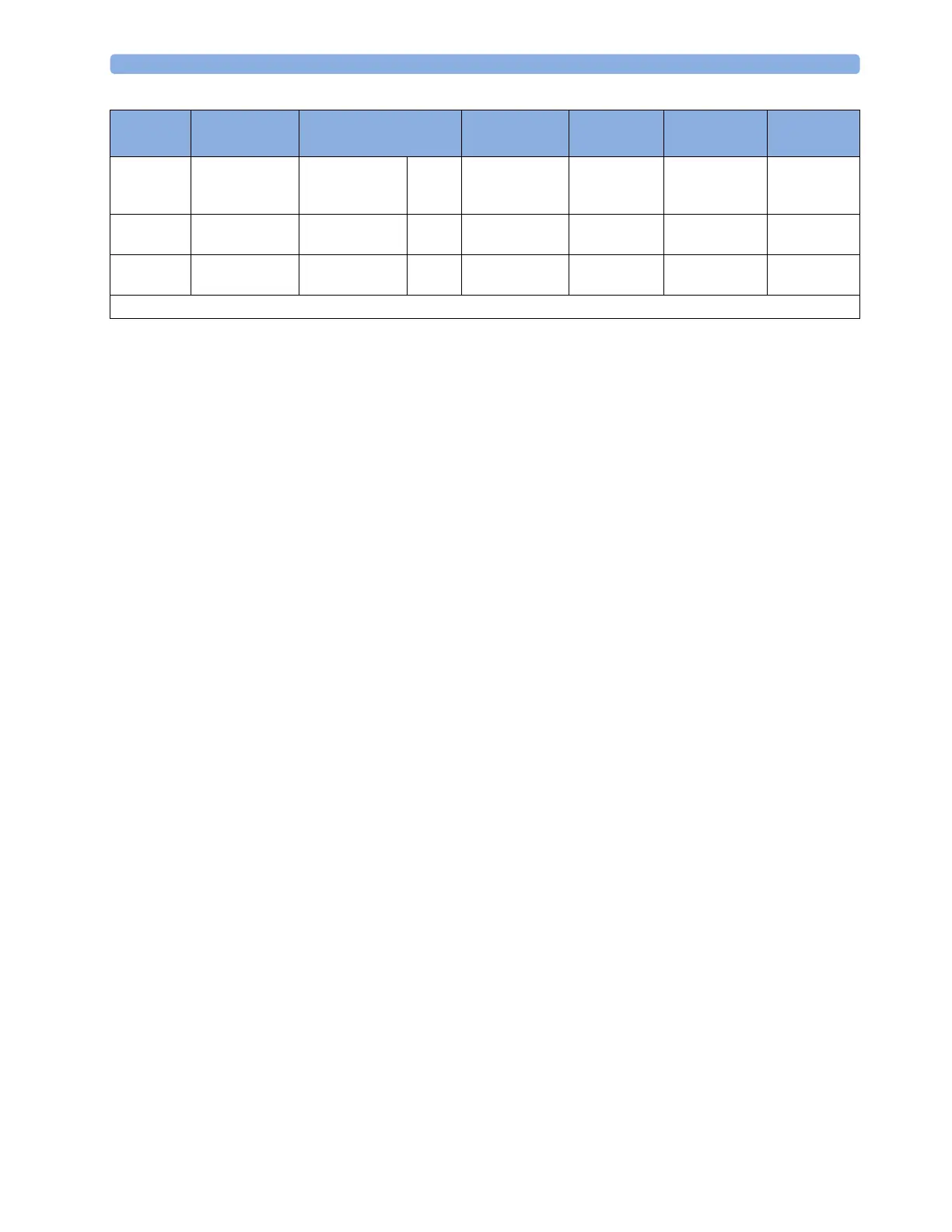
Stops automatically automatically n/a automatically if
limited, manually
if continuous
automatically automatically if
limited, manually
if continuous
defined by the
context
Delay Time 10, 15 seconds 10, 15 seconds n/a none none 6, 5, 4, 3, 2, 1
minutes
defined by the
context
Overlap up to 3 waves up to 3 waves n/a up to 3 waves none up to 3 waves defined by the
context
n/a = not applicable
Delayed Alarm Realtime (RT)
All ECG
Waves
HiRes Trend
Procedure or
Context



 To Next Page