10 Monitoring NBP
208
CAUTION
Use clinical judgment to decide whether to perform repeated series of STAT measurements because of
the risk of purpura, ischemia and neuropathy in the limb with the cuff.
Enabling Automatic Mode and Setting Repetition
Time
1 In the Setup NBP menu, select Mode and select Auto from the pop-up menu.
2 For an automatic measurement, select Repeat Time and set the time interval between two
measurements.
Enabling Sequence Mode and Setting Up The
Sequence
1 In the Setup NBP menu, select Mode and select Sequence from the pop-up menu.
2 Select Setup Sequence to open the Setup Sequence window.
Up to four measurement cycles can be setup which will run consecutively. For each cycle you can
set the number of measurements and the interval between them. If you want to run less than four
cycles in a sequence, you can set the number of measurements for one or more cycles to
Off.
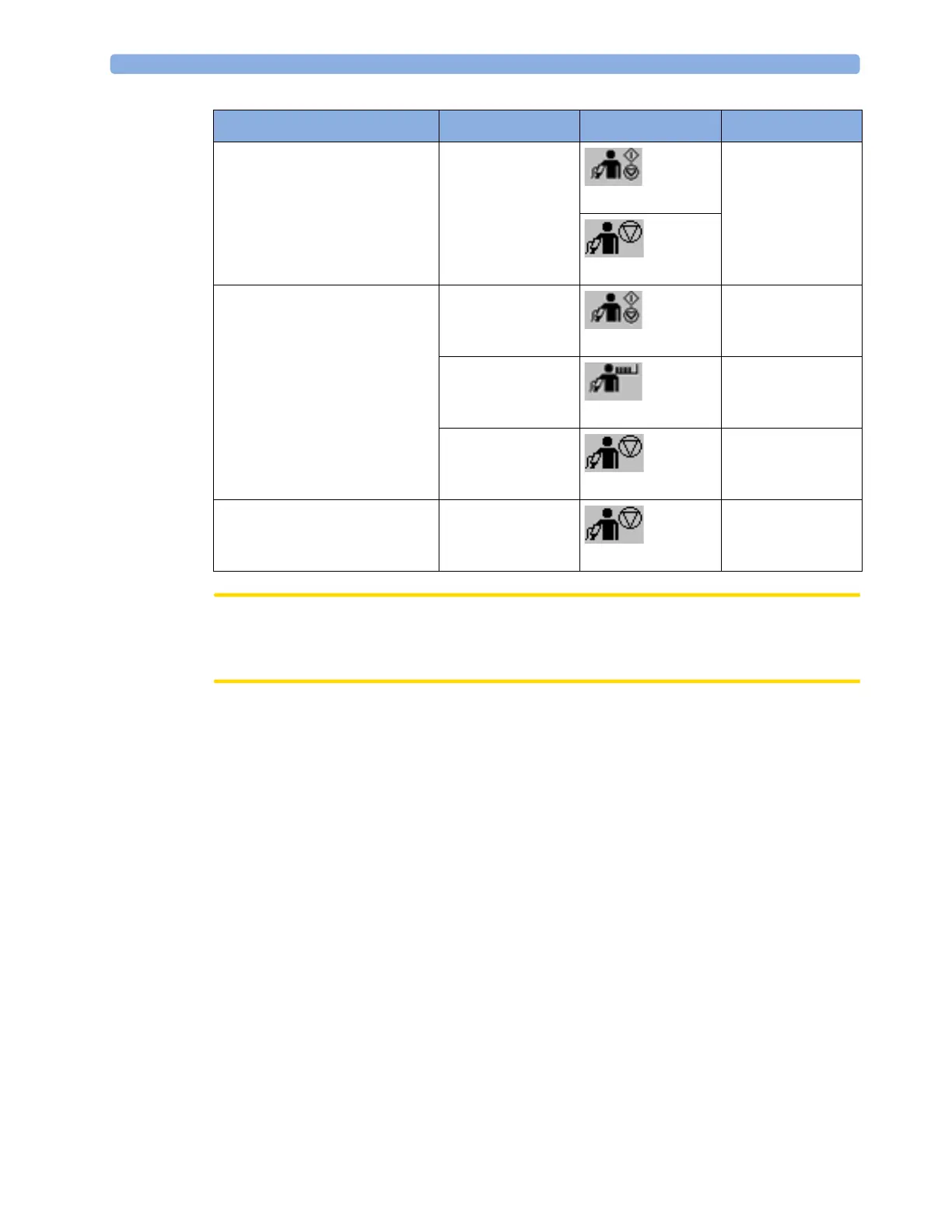
Stop current Auto
measurement
Start/Stop
Start/ Stop
Start/Stop
Stop NBP
Stop current STAT
measurement and end series
Start/Stop
Start/ Stop
Start/Stop
NBP STAT
NBP STAT
STAT (for MMS
without Pressure/
Temp measurement)
Stop NBP
Stop Auto, Manual or STAT
measurement AND series
Stop All
Stop All
Action to be performed NBP Setup menu SmartKeys MMS hardkey



 To Next Page