26 Event Surveillance
340
Viewing Events
• To see a summary of all the events in every group in the event database, use the Event Summary
window.
• To review all the events in a particular event group, use the
Event Review window.
• To review individual event episodes in detail, use the
Event Episode window.
To start viewing events, either:
•in the
Main Setup menu, select Event Surveill. and then select the event view you require from the
list, or
• select the
Event Surveill SmartKey
and then select the event view you require from the list.
Event Summary and Event Counter
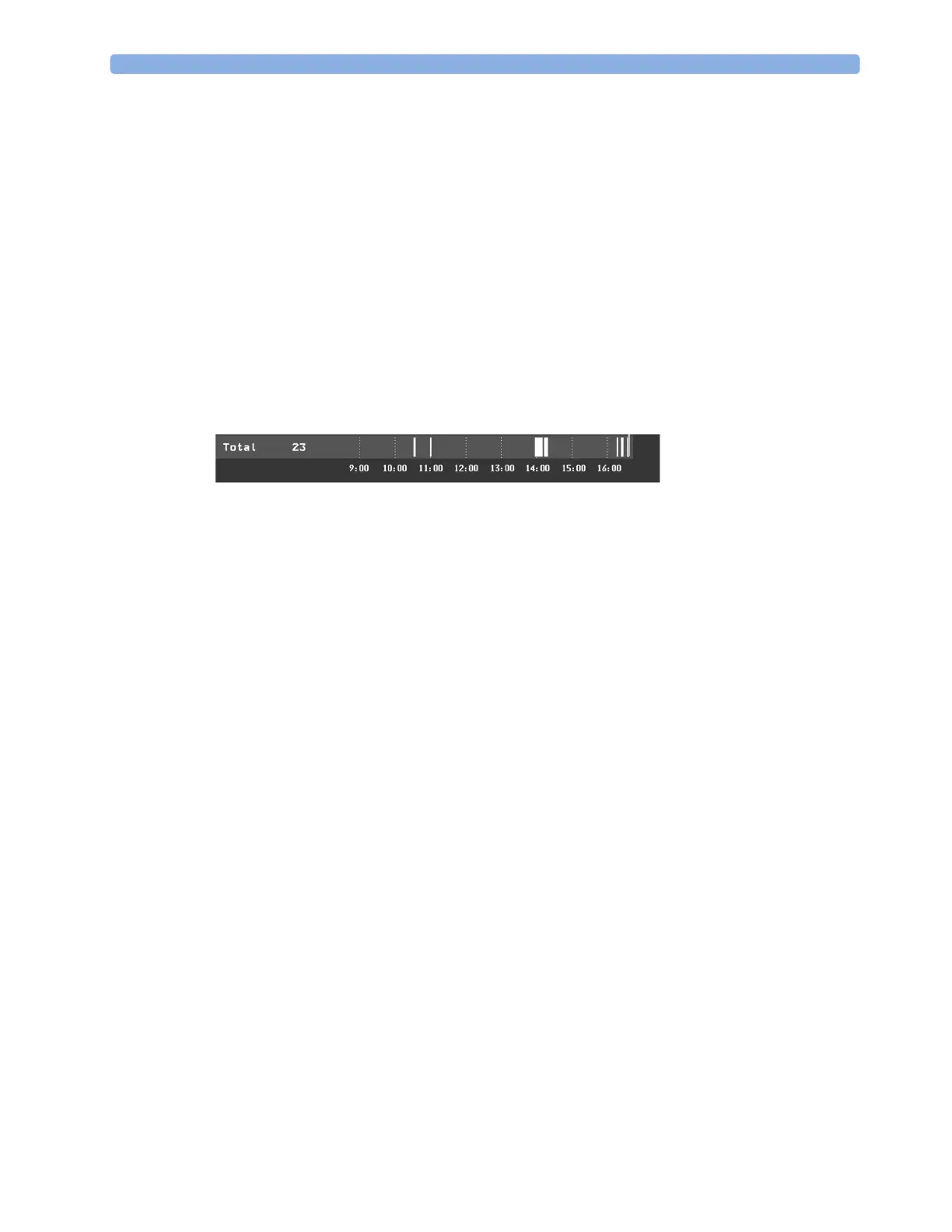
Vertical bars mark events in the Event Summary window. The timeline shows the position of the
stored events in the event database. Selecting this view activates a cursor that lets you navigate across
the timeline. Use the
Show Episode pop-up key to select individual events for review in the Event
Episode
window. It also calls up the events pop-up keys.
The event counter counts the total number of events in the database. If more than one event group
was set to trigger events within the event history, the event counter also counts the event group totals.
Counting Combi-Events
If one or more events occur during the same Episode Time, the monitor combines them and displays
them as distinct events in one event episode, called a combi-event. The first event is the trigger event,
and the others are follow-up events. For example, if an apnea event is followed 40 seconds later by a
brady event, the brady event is not counted as a single event but as part of the apnea event.
Counting Neonatal Event Review (NER) Events
For neonatal events (NER, formerly "OxyCRG"), apnea events (A), bradycardia events (B), and
combinations of these events are counted and classified by the event counter in the
Event Summary. If
they are associated with a Desaturation (D), this is also marked. Manual events (M) are counted
separately. For example, A(D):2(1) indicates that two apnea events occurred and one of them was
associated with a desaturation.
Event Summary Window
(Advanced Event Surveillance only). The Event Summary window shows the number of stored events
in each event group and the total number of events in the database. Vertical bars mark events on a
timeline showing the position of the stored events in the event database. The symbol next to the group
name indicates the activation and notification status:



 To Next Page